
Essential guide to Nintendo Switch 2 free game upgrades with HDR enhancements and multiplayer optimization tips
Introduction to Switch 2 Free Upgrade Program
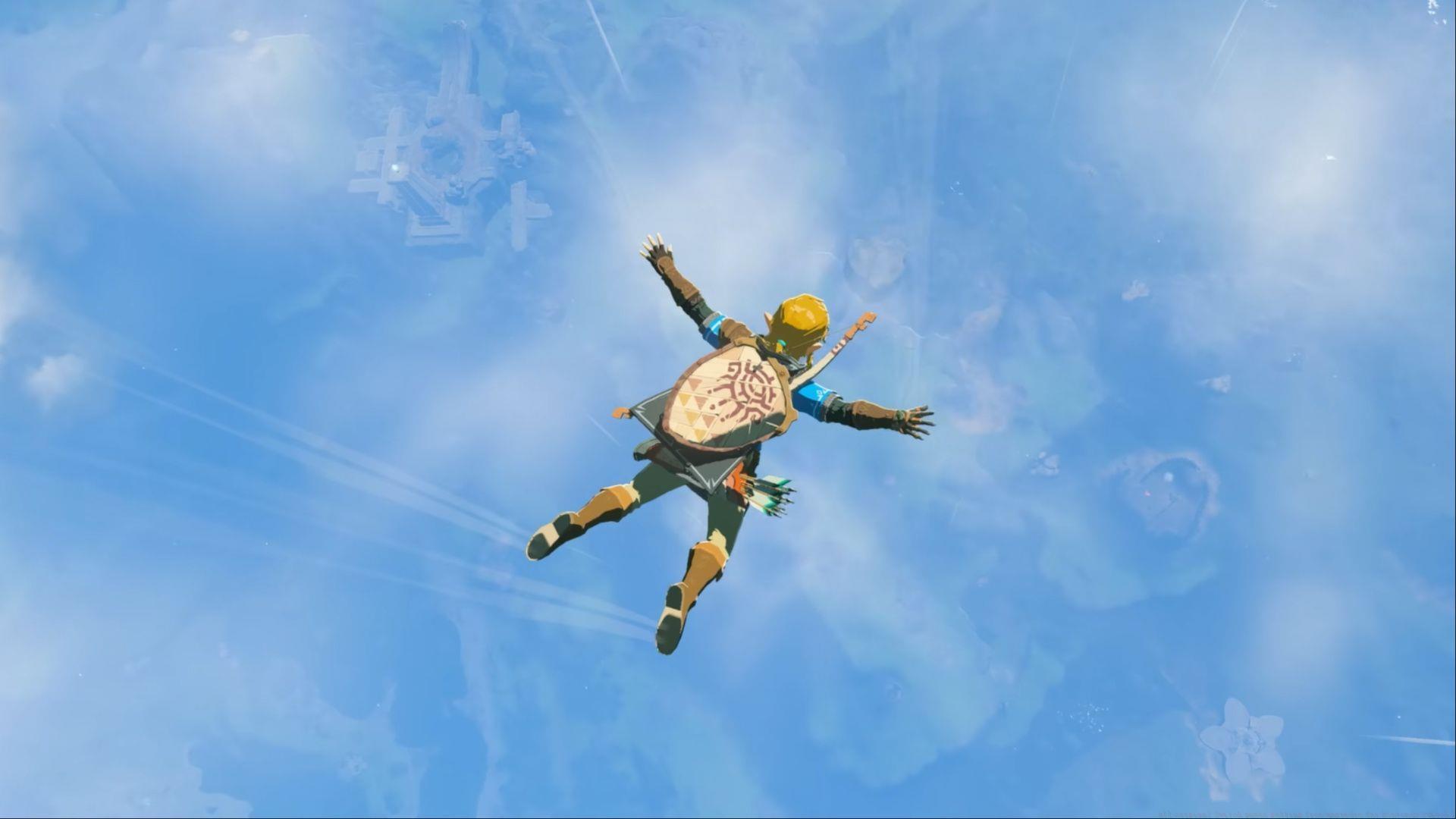
The upcoming Nintendo Switch 2 represents a significant leap forward for Nintendo’s hybrid gaming platform, bringing substantial visual and performance improvements to beloved first-party titles. What makes this transition particularly noteworthy is Nintendo’s commitment to providing free upgrades for existing game owners, eliminating the financial barrier that often accompanies console generation shifts. This approach ensures players can continue enjoying their current library while benefiting from enhanced technical capabilities.
From flagship titles like Super Mario Odyssey and Pokémon Scarlet & Violet to creative gems such as Game Builder Garage, the upgrade program covers a diverse range of gaming experiences. The enhancements focus on three key areas: visual quality improvements through HDR support, performance optimizations for smoother gameplay, and expanded multiplayer functionality via GameShare technology. This comprehensive approach ensures both single-player and multiplayer experiences receive meaningful upgrades.
Game-Specific Upgrade Details
Multiplayer-Focused Enhancements
51 Worldwide Classics
- GameShare Expansion: Up to four participants can simultaneously enjoy 34 curated games together through local wireless or online GameChat connectivity, creating versatile party gaming scenarios
- Visual Upgrade: Enhanced graphical rendering in both handheld and television modes with high dynamic range support for richer colors and contrast
- Performance Boost: Noticeably improved frame rate stability even during intensive four-player split-screen sessions, reducing input lag and visual stuttering
Big Brain Academy: Brain vs. Brain
- Social Gaming: Party Mode supports up to four competitors in local or online matches via GameChat, perfect for family gaming sessions and friendly competitions
Captain Toad: Treasure Tracker
- Visual Enhancement: Comprehensive graphical improvements across both play modes with added HDR implementation for more vibrant puzzle environments
- Cooperative Play: Two-player functionality for all course content through local connection or online GameChat integration
Visual and Performance Highlights
New Super Mario Bros. U Deluxe
- Graphics Upgrade: Enhanced visual presentation in portable and docked configurations with HDR color grading for more dynamic platforming environments
Pokémon Scarlet & Pokémon Violet
- Visual Improvement: Upgraded graphical rendering across both play modes with HDR implementation enhancing the Paldea region’s diverse landscapes
- Performance Optimization: Smoother frame rates throughout exploration and battles, addressing performance concerns from the original release
Super Mario Odyssey
- Visual Enhancement: Comprehensive graphical upgrades featuring HDR support for more vibrant kingdom exploration across both play styles
- Cooperative Gameplay: Two-player support with one participant controlling Mario and another directing Cappy, available locally or through online GameChat sessions
- Control Refinement: Joy-Con 2 compatibility provides more precise motion controls and improved responsiveness for advanced movement techniques
The Legend of Zelda: Echoes of Wisdom
- Graphics Enhancement: Improved visual presentation in both portable and television modes with HDR implementation enriching the game’s distinctive art style
The Legend of Zelda: Link’s Awakening
- Visual Upgrade: Enhanced graphical rendering across both play configurations with HDR support amplifying the game’s charming diorama-style aesthetics
Technical Requirements and Setup
Also Read: Does Nintendo Switch 2 support VRR in Docked Mode?
To fully utilize the visual enhancements offered by the Switch 2 upgrade program, players must connect their console to an HDR-compatible television or monitor when playing in docked mode. This requirement is essential for experiencing the expanded color gamut, improved contrast ratios, and brighter highlights that HDR technology provides. For handheld mode, the console’s integrated display automatically supports the enhanced visual features without additional hardware requirements.
The GameChat service, which enables voice communication during online multiplayer sessions, will transition to a paid subscription model but remains completely free for all users until March 31, 2026. This extended grace period allows players to experience enhanced online multiplayer across upgraded titles without immediate financial commitment. The service provides robust voice chat functionality, friend management features, and online session organization tools.
Optimization Strategies
Maximizing Visual Quality
To ensure optimal HDR performance, calibrate your television using the built-in HDR calibration tools available in the Switch 2 system settings. Avoid common mistakes like enabling excessive motion smoothing or noise reduction on your display, as these can introduce input lag and degrade image quality. For the best handheld experience, adjust the console’s brightness settings according to your environment—higher brightness for outdoor play and reduced levels for dimly lit rooms to prevent eye strain.
Enhancing Multiplayer Sessions
When organizing GameShare sessions, ensure all participants have stable internet connections with at least 5 Mbps upload and download speeds for optimal performance. Position players strategically in split-screen games to maintain visibility—in 51 Worldwide Classics, assign simpler games to less experienced players while reserving complex titles for veterans. For cooperative games like Captain Toad: Treasure Tracker, establish clear communication protocols to efficiently solve puzzles without confusion.
Performance Optimization Techniques
Regularly update your games to access the latest performance patches and bug fixes. Close background applications before launching graphically intensive titles like Pokémon Scarlet & Violet to allocate maximum system resources. For the smoothest experience in performance-sensitive games, consider playing in docked mode with adequate ventilation to prevent thermal throttling that can impact frame rates during extended sessions.
No reproduction without permission:Tsp Game Club » All original Switch games getting free upgrades for Nintendo Switch 2 Essential guide to Nintendo Switch 2 free game upgrades with HDR enhancements and multiplayer optimization tips