
Comprehensive troubleshooting guide for ARC Raiders ARSQ0003 connection errors with advanced network fixes
Understanding the ARC Raiders Connection Crisis
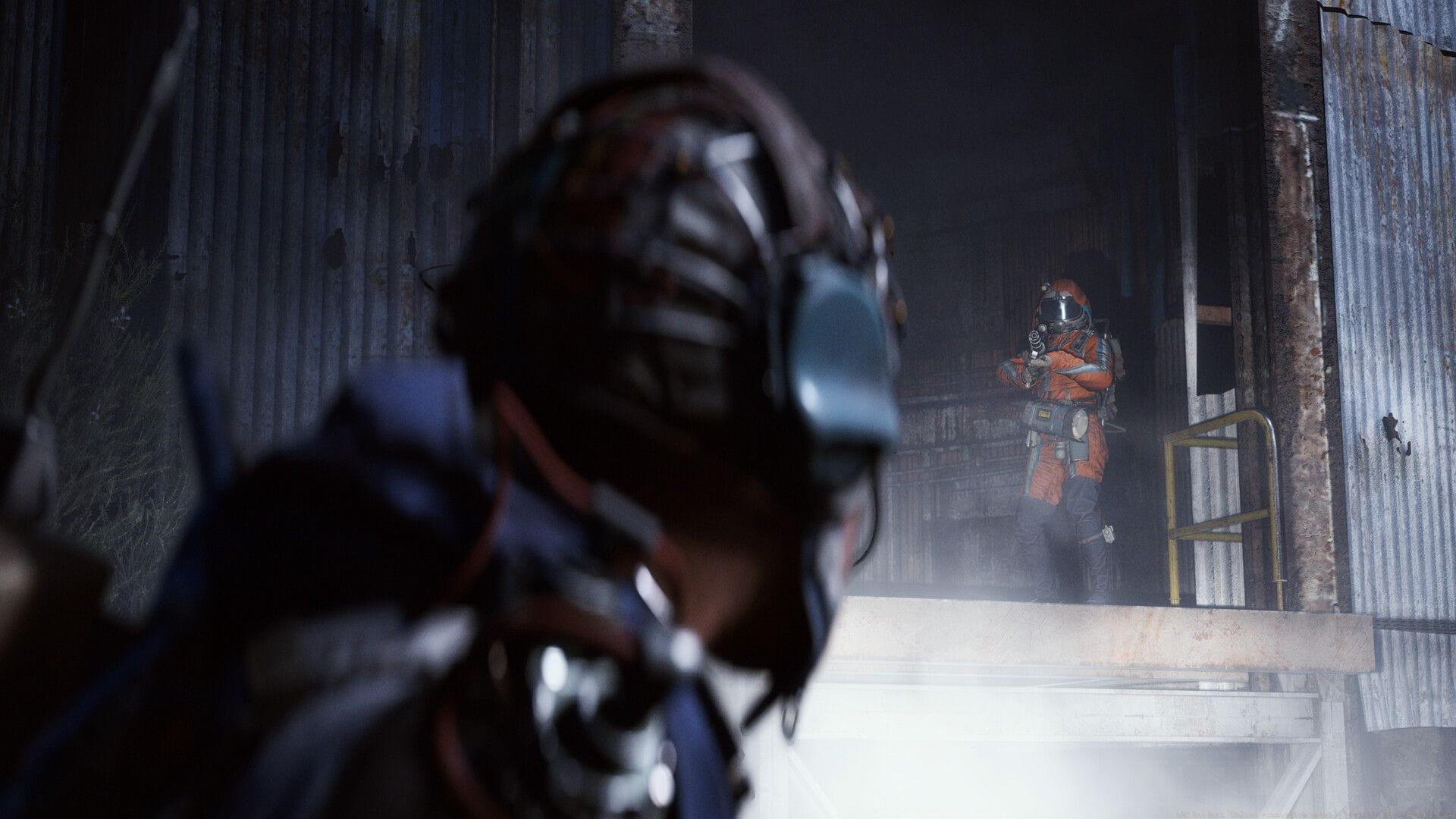
Gamers worldwide are encountering frustrating ARC Raiders online connection failures during the highly anticipated launch period. October 30, 2025, represents the official release date for Embark Studios’ extraction shooter, yet persistent authentication problems prevent access to the Speranza game world. Despite comprehensive Server Slam testing phases designed to identify and resolve infrastructure limitations, players continue experiencing significant connectivity barriers that impact their gaming experience.
Beyond server-side complications, the ARC Raiders connectivity error designated ARSQ0003 frequently originates from local network configuration problems. If your internet service experiences interruptions or bandwidth limitations, accessing ARC Raiders becomes impossible, triggering the specific error code ARSQ0003 as a diagnostic indicator.
Related coverage – ARC Raiders system crashes on PC: Root causes and comprehensive solutions
Comprehensive Network Diagnostics
When confronting the ARC Raiders connectivity failure with designation ARSQ0003, your initial focus should involve thorough network connection verification and performance metric assessment. Utilize established speed testing platforms like Speedtest by Ookla to measure both upload/download speeds and critical latency measurements. Open multiple web browsers and access diverse online services to confirm your Domain Name System resolution operates correctly across different applications.
Many players overlook fundamental network diagnostics that can quickly identify the root cause. Perform these essential checks before attempting advanced troubleshooting:
- Test connection stability by pinging major DNS servers (8.8.8.8 or 1.1.1.1) with continuous ping commands
- Verify network adapter status through Windows Network Diagnostics tools
- Check for background applications consuming excessive bandwidth during gaming sessions
- Confirm router firmware is updated and not blocking gaming traffic ports
Advanced users should examine packet loss statistics using tools like PingPlotter, which provides visual representation of network path performance and identifies exactly where connectivity breaks down between your system and game servers.
Advanced DNS Troubleshooting Techniques
Domain Name System address records occasionally become corrupted or outdated, generating various online connectivity disruptions. This represents a probable origin for encountering error code ARSQ0003 when initiating ARC Raiders. To properly refresh your DNS configuration, implement these systematic procedures:
For persistent DNS-related complications, consider these advanced resolution strategies:
- Switch to reliable public DNS services like Google DNS (8.8.8.8) or Cloudflare (1.1.1.1) for improved resolution stability
- Execute comprehensive network stack reset commands: netsh winsock reset and netsh int ip reset
- Clear browser DNS caches separately since they maintain independent resolution databases
- Disable IPv6 connectivity temporarily to isolate protocol-specific issues
Attempt system restart after implementing these solutions and verify whether the ARC Raiders connectivity failure has been resolved. Many connection problems originate from layered network component conflicts that require comprehensive reset procedures.
Additional relevant content – FPS configuration options available in ARC Raiders
Server Status Monitoring Strategies
Embark Studios, mirroring standard industry practices among development studios, publishes service status updates across their social media platforms and dedicated news portals to inform players about active technical difficulties.
Therefore, if you’re experiencing ARC Raiders connectivity failures, consult the official communications channels and monitor their X platform account to confirm operational game services. During scheduled server maintenance periods or unexpected downtime events, these information sources receive prompt updates regarding service restoration timelines.
Implement these proactive monitoring techniques to stay informed about service status:
- Bookmark the official ARC Raiders status page for immediate service health verification
- Follow community Discord servers where players rapidly report connectivity changes
- Utilize third-party server status websites that monitor game service availability independently
- Configure notifications for Embark Studios social media announcements regarding maintenance
Understanding the difference between widespread server outages and individual connection problems helps prioritize troubleshooting efforts effectively. Server-side issues typically affect all players simultaneously, while client-side problems manifest individually.
Proactive Prevention and Escalation
This completes our extensive examination of ARC Raiders connectivity failure: code ARSQ0003. Should the previously outlined solutions prove ineffective, players should initiate contact with ARC Raiders Support, where they can submit detailed trouble tickets describing their specific connectivity circumstances.
Before contacting support, ensure you’ve gathered these critical troubleshooting details:
- Complete error message text and any accompanying error codes
- Network configuration specifics including ISP, connection type, and router model
- Exact timing patterns of when connectivity failures occur
- Results from all attempted troubleshooting steps and their outcomes
For continued gaming coverage and technical guidance, follow these Sportskeeda resources:
Implementing preventive measures like wired Ethernet connections, quality of service (QoS) router configurations, and regular network maintenance can significantly reduce future connectivity incidents and enhance overall gaming stability.
No reproduction without permission:Tsp Game Club » ARC Raiders “Online connection error”: Possible fixes and reasons Comprehensive troubleshooting guide for ARC Raiders ARSQ0003 connection errors with advanced network fixes