
TL;DR
- CS2 features updated crosshair mechanics requiring new codes and settings
- Professional players use specific crosshair types optimized for their roles and playstyles
- Streamers often prioritize visibility and aesthetic appeal in their configurations
- Importing crosshair codes requires specific steps in CS2’s settings menu
- Crosshair customization significantly impacts aiming precision and target acquisition
The transition from CS:GO to Counter-Strike 2 introduced substantial modifications to the aiming interface, particularly affecting crosshair functionality. Many players discovered their previously reliable configurations no longer performed optimally due to engine upgrades and visual system overhauls. The revamped settings menu presents both opportunities for enhanced customization and challenges for those accustomed to legacy options.
Crosshair design serves as a critical aiming tool in precision first-person shooters, directly influencing target acquisition speed and shot accuracy. Professional competitors like s1mple, NiKo, and rain have spent countless hours refining their crosshair parameters to achieve optimal performance. Understanding these mechanics provides the foundation for improving your own aiming capabilities.

Common mistakes include selecting crosshairs that are too large for precise headshots or using colors that blend into common map environments. Advanced players should experiment with dynamic crosshair elements that provide feedback during movement and firing while maintaining a clear central aiming point.
Elite CS2 competitors utilize meticulously calibrated crosshair configurations tailored to their specific in-game roles and personal preferences. AWPers often prefer smaller, more precise crosshairs for long-range engagements, while entry fraggers might opt for slightly larger designs for close-quarters combat visibility.
Code: CSGO-yVYbF-szZxZ-2QuNz-4YHEE-jeK5O

Code: CSGO-hzrMn-jXu8b-R7VH4-hQ9aa-OnMHA
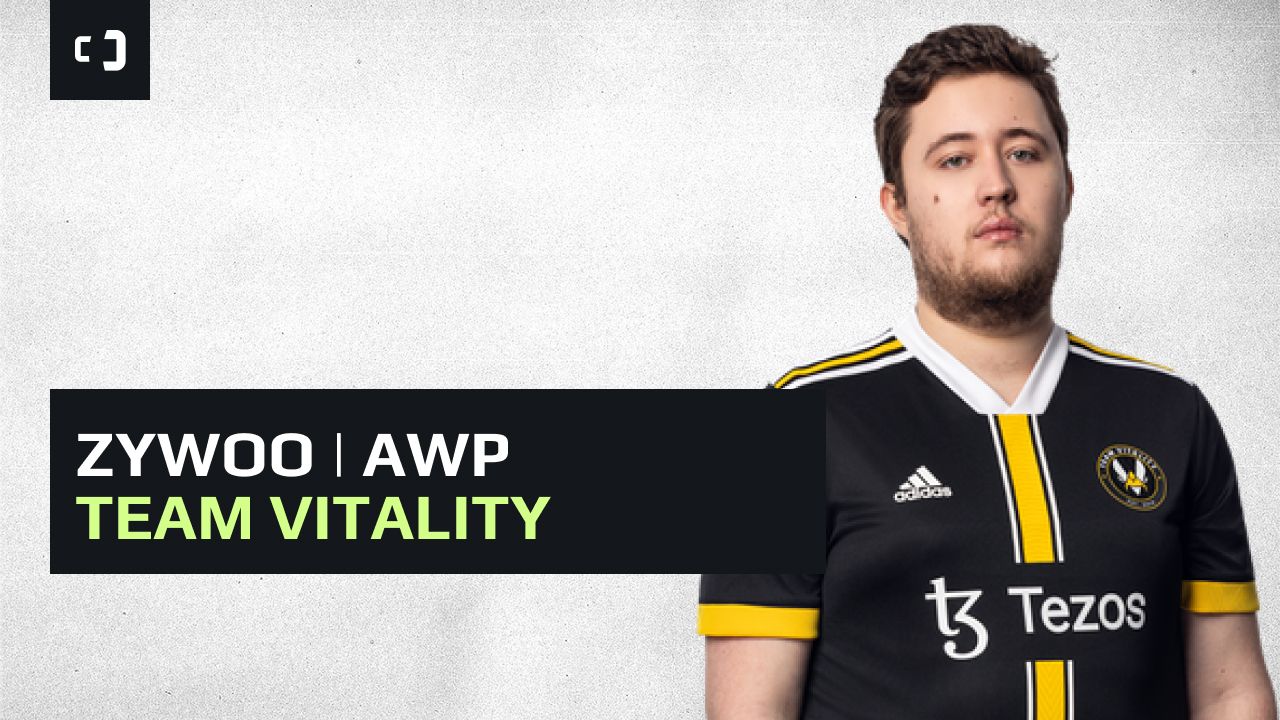
Code: CSGO-Qzpx5-BRLw8-xFPCS-hTns4-GHDhP

Code: CSGO-Kt7BO-irudC-fuRod-y5fjA-fuzQN
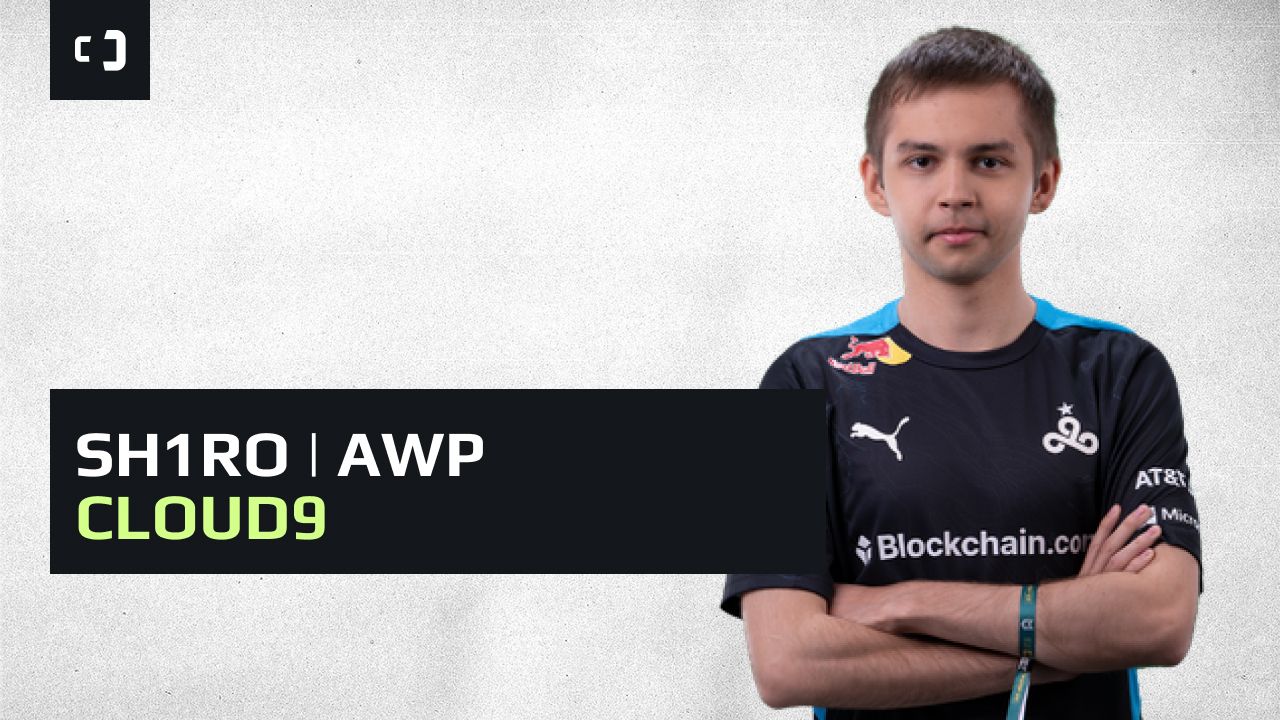
Code: CSGO-oit62-q2AsV-L2SHE-3hoEJ-cMwLA
Beyond these highlighted configurations, we’ve compiled an extensive collection of crosshair codes from prominent CS2 professional competitors across major organizations. You’ll find settings from players representing FaZe Clan, Complexity Gaming, Monte Esports, Cloud9, and numerous other elite teams.
Optimization tip: Professional players typically adjust their crosshair settings based on monitor resolution, aspect ratio, and personal visual acuity. What works perfectly for one player might require slight modifications for another setup. Always test new crosshairs in deathmatch before using them in competitive matches.
Content creators and popular streamers often develop crosshair configurations that balance competitive functionality with viewer visibility and aesthetic appeal. These settings typically prioritize clear visibility on stream while maintaining reasonable competitive performance.


Streamer crosshairs frequently incorporate brighter colors and slightly larger dimensions to ensure clear visibility for audience members watching on various devices and screen sizes. This approach differs from purely competitive configurations that might sacrifice visibility for minimal distraction.
Common mistake: Directly copying streamer crosshairs without considering the difference between entertainment-focused and competition-optimized settings. While these configurations work well for content creation, they might not provide the same competitive edge as professional player settings.
Implementing new crosshair configurations in CS2 requires navigating the updated settings interface with specific attention to the import functionality. The process involves several precise steps to ensure successful implementation of your desired aiming reticle.


Begin by accessing the settings menu and navigating to the crosshair customization section. Locate the import button, which allows you to paste the complete crosshair code string. The system will automatically configure all parameters including size, color, gap, thickness, and outline settings based on the imported code.
Troubleshooting tip: If your imported crosshair doesn’t appear correctly, verify that you’ve copied the entire code without any missing characters. CS2 crosshair codes are case-sensitive and must be entered exactly as provided. Some legacy CS:GO codes may require manual adjustment or recreation in the new system.
Advanced customization involves fine-tuning imported settings to match your specific display configuration and personal preferences. Consider adjusting brightness based on your monitor’s calibration and the maps you frequently play. For more comprehensive gameplay optimization, explore our Complete Guide to weapon mechanics and tactical positioning.
For players looking to expand their strategic options, our Weapons Unlock guide provides detailed information about armament selection, similar to how crosshair choice affects aiming performance. The right configuration can significantly improve your target acquisition speed and overall shooting accuracy.
Action Checklist
- Select 2-3 professional player codes that match your preferred playstyle (AWPer, rifler, etc.)
- Import codes via Settings > Crosshair > Import Function
- Test each crosshair in deathmatch for 10-15 minutes
- Fine-tune brightness and size based on your monitor and map preferences
- Experiment with color options for optimal visibility across different environments
No reproduction without permission:Tsp Game Club » Best CS2 Crosshair Codes Used by Pros and Streamers Master CS2 crosshair setup with pro player codes and expert optimization techniques for improved aiming