
Essential streamer protection guide for Dying Light: The Beast – avoid DMCA strikes and platform bans
Understanding Streamer Mode: Your Broadcasting Shield
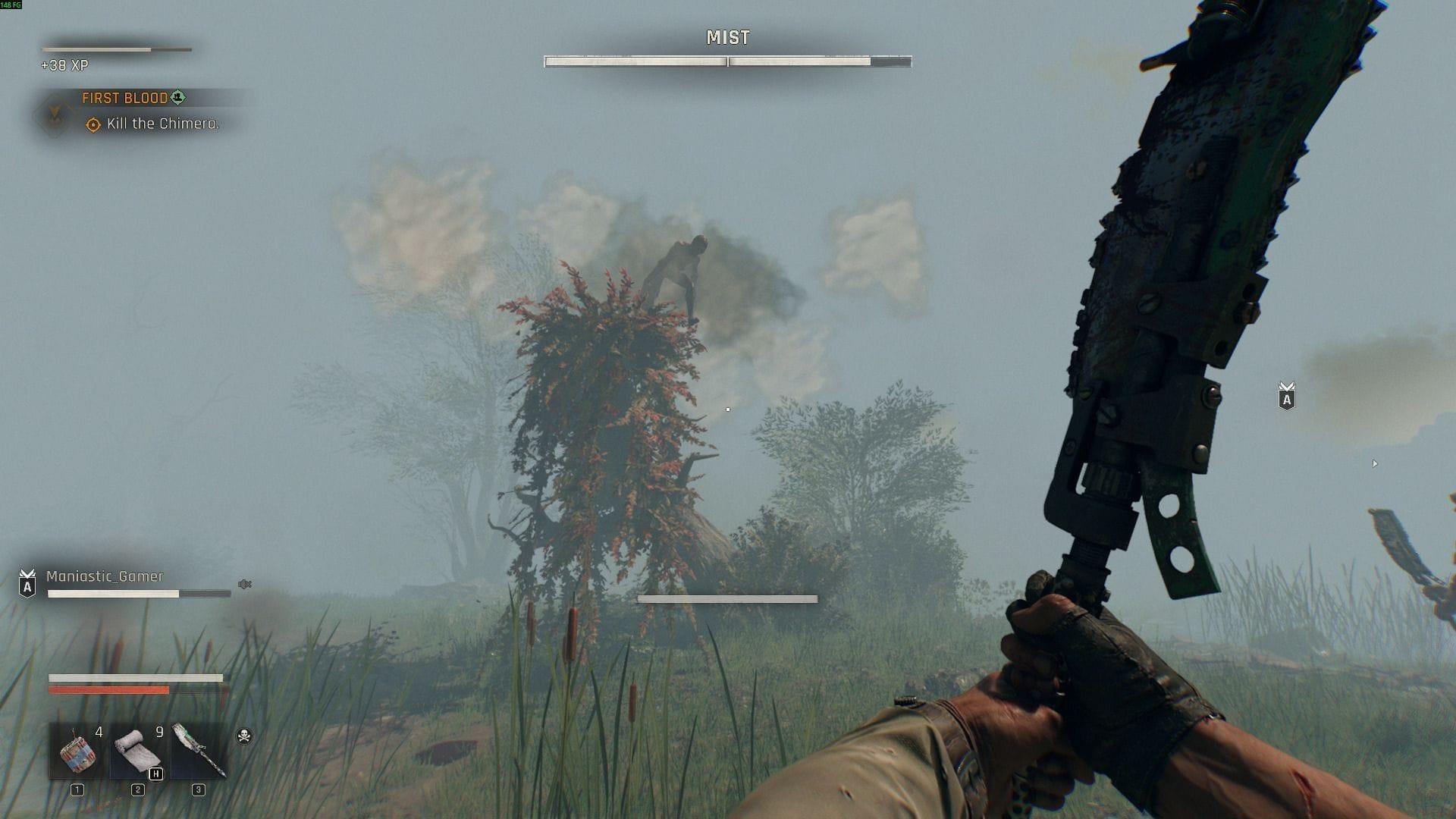
Streamer Mode in Dying Light: The Beast represents a crucial accessibility feature designed specifically for gaming content producers. This setting directly addresses the legal and platform compliance challenges that modern streamers face, particularly when navigating the controversial environments of the Castor Woods expansion. Unlike traditional game modes, this feature proactively eliminates elements that could trigger copyright claims or violate streaming service terms of service.
The implementation serves as a preventative measure against Digital Millennium Copyright Act (DMCA) takedowns, which have become increasingly common for streamers encountering licensed audio content during gameplay. By automatically filtering problematic content, the mode creates a safer broadcasting environment without compromising the atmospheric tension that defines the Dying Light experience.
Content creators should recognize that Streamer Mode functions as an insurance policy for their channels. The feature specifically targets two high-risk content categories: commercially licensed music tracks that automatically trigger copyright detection systems, and visual nudity elements that violate platform community guidelines. This dual protection system ensures streams remain compliant across major platforms like Twitch, YouTube, and Facebook Gaming.
Step-by-Step Activation Process
Activating this essential streaming protection requires navigating through a straightforward menu system. Here’s the detailed activation sequence:
Once properly activated, the system automatically modifies your gameplay experience to maximize streaming safety. The changes occur seamlessly in the background, requiring no additional configuration or manual adjustments during your broadcast sessions.
Professional Tip: Always verify Streamer Mode activation before starting any recording or live broadcast session. Consider creating a pre-stream checklist that includes this critical step to prevent accidental omissions.
Advanced Streamer Strategies and Best Practices
Beyond basic activation, experienced content creators should implement complementary strategies to maximize streaming safety. The two primary modifications implemented by Streamer Mode include:
These integrated safety measures work collaboratively to establish a worry-free broadcasting atmosphere. The protection extends throughout the entire gameplay experience while preserving the core mechanical systems and environmental horror elements that define the Dying Light franchise identity.
For streaming professionals, maintaining broadcast momentum proves critical to audience retention and channel growth. Nothing disrupts viewer engagement faster than unexpected VOD muting or sudden platform suspensions resulting from unflagged content violations. Streamer Mode serves as your first line of defense against these disruptive incidents, providing essential protection without diluting the atmospheric intensity of the game’s most challenging environments.
The Castor Woods expansion introduces particularly risky content elements that make this protective feature indispensable. By implementing Streamer Mode, content creators ensure audience attention remains focused on gameplay mastery and entertainment value rather than potential platform compliance issues.
Common Streaming Pitfalls and How to Avoid Them
Many content creators encounter preventable issues when streaming horror games with mature content. Understanding these common mistakes helps maximize your broadcasting success:
Music Detection Oversights: Some streamers mistakenly believe background music won’t trigger copyright systems. Modern detection algorithms scan all audio, making comprehensive muting essential. Always test Streamer Mode activation before going live.
Platform Guideline Variations: Different streaming services maintain unique content policies. What’s acceptable on one platform may violate another’s terms. Streamer Mode provides universal protection across all major services.
Backup Protection Gaps:
Even with Streamer Mode active, implement secondary safeguards. Use separate audio tracks for game sound and voice commentary, enabling selective muting if needed. Maintain local recordings as backups against platform issues.
This comprehensive guide covers the essential Streamer Mode functionality. For additional gameplay assistance and technical updates, continue exploring our Dying Light: The Beast resource library.
No reproduction without permission:Tsp Game Club » How to enable Streamer Mode in Dying Light: The Beast Essential streamer protection guide for Dying Light: The Beast - avoid DMCA strikes and platform bans