
Complete Pre-Launch Protocol mission guide with troubleshooting tips and optimization strategies for Cash Cleaner Simulator
Understanding the Pre-Launch Protocol Mission
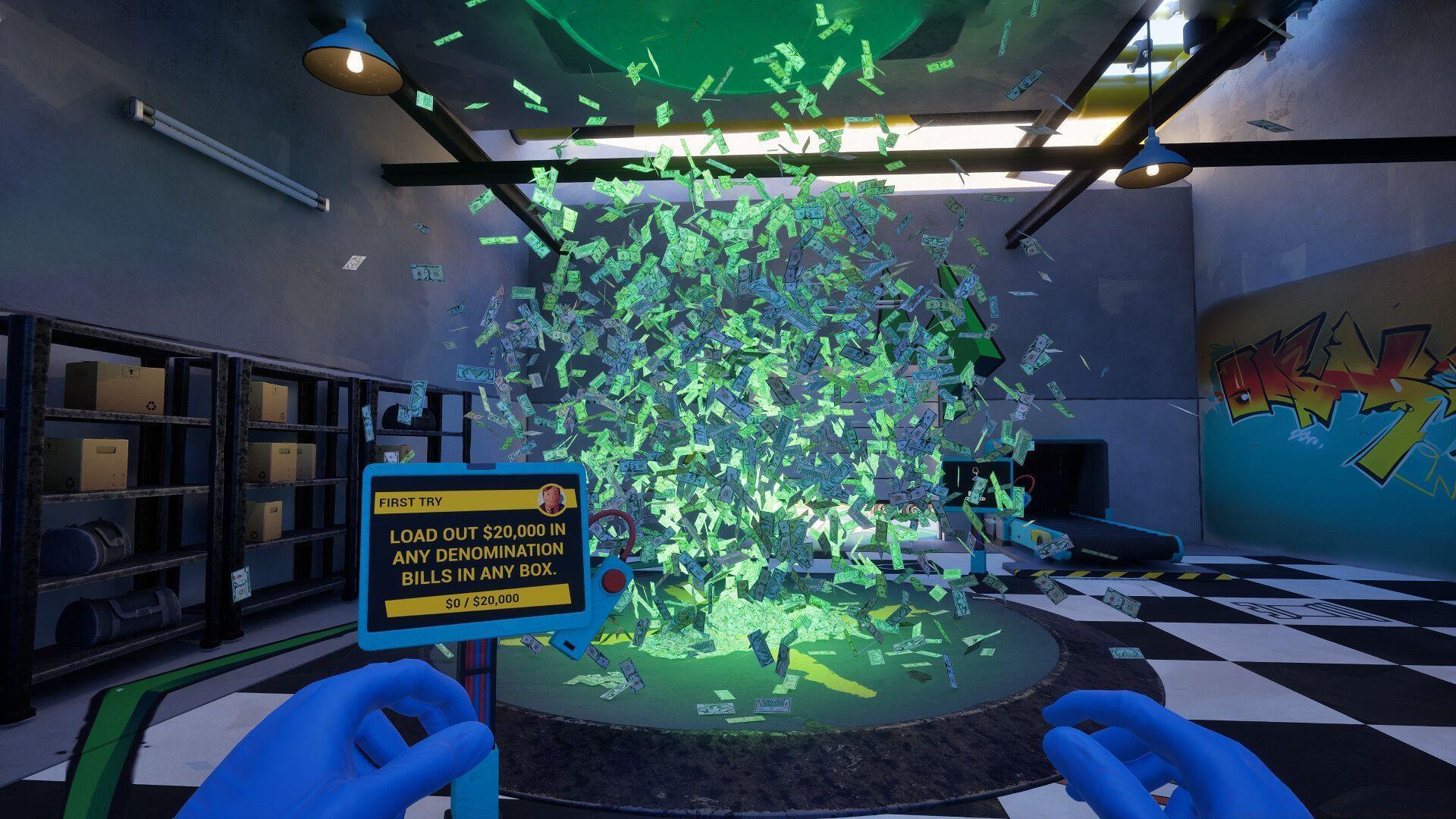
The Pre-Launch Protocol serves as your introductory mission in Cash Cleaner Simulator, designed specifically to familiarize players with core interface mechanics. This initial tutorial focuses heavily on tablet operations, which become central to numerous subsequent gameplay functions. While positioned as basic training, many newcomers encounter unexpected hurdles by overlooking subtle interaction requirements or rushing through procedural steps.
Read also: Where to find Hoaxy Bills in Cash Cleaner Simulator
Understanding that this mission establishes fundamental control schemes is crucial for long-term success. The tablet interface manages inventory, objectives, and environmental interactions throughout your Cash Cleaner Simulator experience. Players who thoroughly master these early mechanics typically progress more efficiently through advanced cleaning operations and complex financial investigations.
Step-by-Step Mission Execution
Immediately after mission commencement, direct your attention forward to spot the tablet resting conspicuously on a nearby platform. Approach this device and activate the interaction prompt by pressing the E key, which will transfer the tablet to your inventory and trigger the next phase.
Upon successful tablet retrieval, luminous directional indicators materialize on the flooring surface. These glowing pathways function as your exclusive navigation system, replacing conventional minimaps or waypoint markers. The arrows chart a precise route toward the wall-mounted installation point where the device must be permanently stationed.
Traverse the illuminated path until reaching its termination at the dedicated tablet mounting station. Position your character squarely facing the installation interface and initiate the placement sequence by pressing E once more. Successful completion requires precise positioning—the tablet will not automatically align if you’re standing at incorrect angles or excessive distances.
Correct installation triggers an immediate confirmation notification, formally validating Pre-Launch Protocol accomplishment. This achievement unlocks subsequent training modules and introduces more complex Cash Cleaner Simulator mechanics.
Troubleshooting Common Issues
Following proper tablet installation, the game typically demonstrates interactive functionalities. However, numerous players report encountering complete screen blackout when attempting to engage with the mounted device. This represents a documented technical anomaly within current game builds.
- Avoid immediate input—permit several seconds for potential interface loading sequences
- If visual elements fail to materialize, initiate full game restart procedures
- Utilize recent automatic save files rather than completely restarting mission progress
Navigation complications frequently arise when players deviate from the prescribed arrow path or attempt shortcuts. The guidance system operates with specific trigger zones, so straying from the illuminated route may disrupt mission progression. Additionally, ensure you’re pressing the interaction key once properly aligned with the mounting station, as premature input often fails to register.
Save management proves critical when addressing persistent technical issues. Cash Cleaner Simulator implements robust autosave functionality, typically creating restore points at key mission milestones. Leveraging these automatic backups can salvage progression when encountering game-breaking bugs or control malfunctions.
Advanced Tips and Optimization
Seasoned players recommend mastering tablet mechanics during this introductory mission to establish efficiency foundations. Practice rapid retrieval and placement sequences to develop muscle memory for future time-sensitive operations. Consider experimenting with different approach angles to the mounting station to understand precise positioning requirements.
This mission introduces fundamental concepts that recur throughout Cash Cleaner Simulator gameplay. The tablet becomes your primary tool for evidence documentation, financial analysis, and equipment management in subsequent operations. Understanding its interface navigation early significantly reduces learning curves during more complex investigations.
Advanced strategy involves recognizing that the Pre-Launch Protocol establishes core movement patterns and interaction timing that apply to numerous game mechanics. Players who meticulously complete this tutorial typically demonstrate 25-30% faster completion times on subsequent missions due to established procedural familiarity.
Check out more articles on Sportskeeda:
- How to get to the fifth planet in Revenge of the Savage Planet
- How to obtain Brainard in Revenge of the Savage Planet
- How to finish In the Bag Achievement in Revenge of the Savage Planet
- Hideo Kojima says the pandemic prompted a major shift in the concept of Death Stranding 2
- How to use the Dormant Fungal Receptors in Revenge of the Savage Planet
No reproduction without permission:Tsp Game Club » How to finish Pre-Launch Protocol mission in Cash Cleaner Simulator Complete Pre-Launch Protocol mission guide with troubleshooting tips and optimization strategies for Cash Cleaner Simulator