
Master Delta Force multiplayer: Cross-platform invites, UID searches, and pro tips for seamless squad play
Understanding Delta Force’s Multiplatform Launch
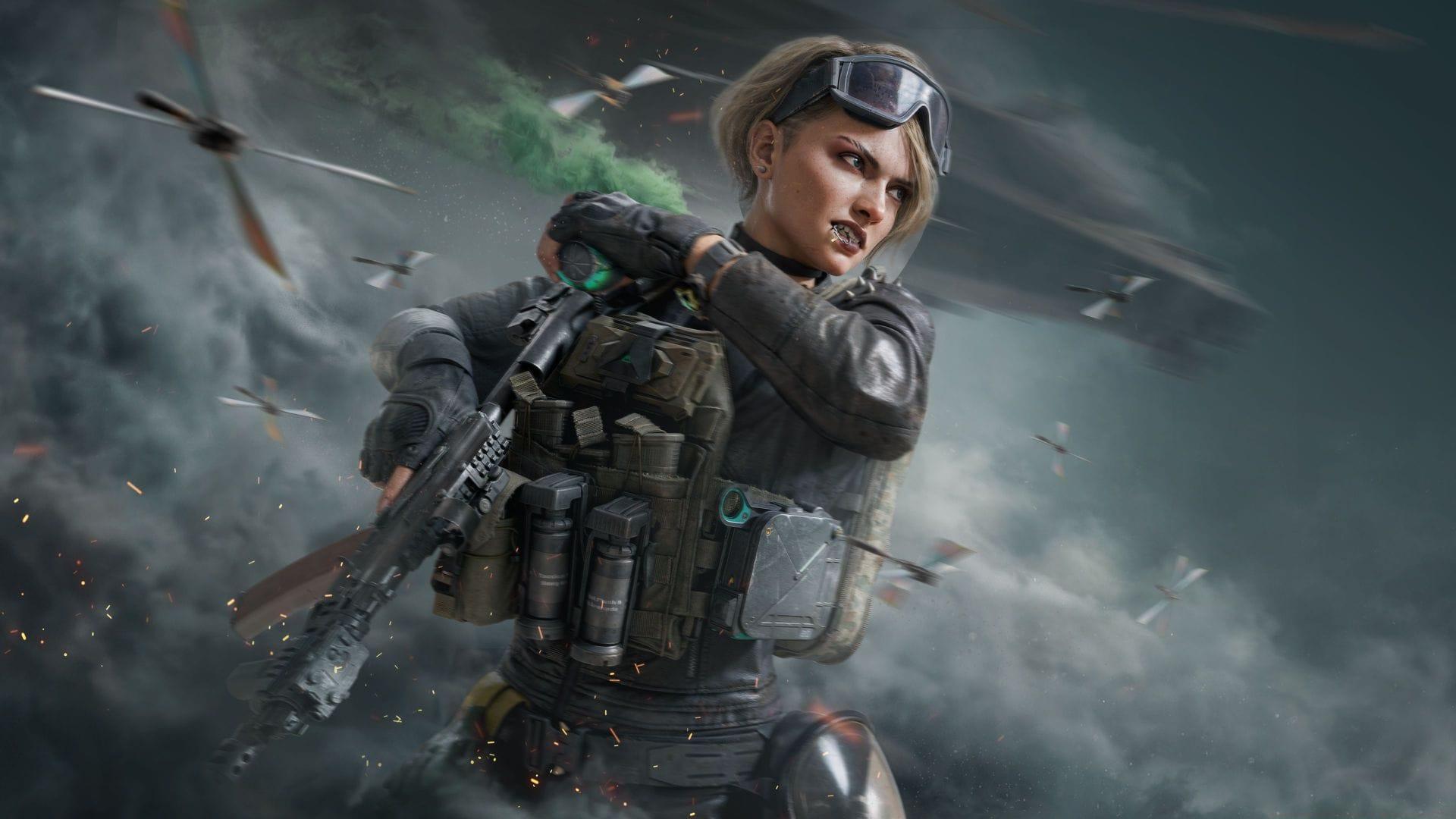
With the August 19, 2025 console release now live, Delta Force has officially become a truly cross-platform experience. Xbox and PlayStation gamers can join the existing PC community in TiMi Studio Group’s free-to-play tactical shooter. The game delivers three distinct gameplay experiences: intense extraction missions, large-scale warfare battles, and story-driven campaign operations. New players diving into this expansive tactical environment frequently seek efficient methods to connect with friends and form squads for coordinated gameplay across these diverse modes.
The Smart Way to Find and Invite Friends
Searching for friends using display names often creates complications, particularly when those names include unconventional characters, numbers, or special symbols. A much more reliable approach involves copying their unique User ID directly from their profile information and utilizing this identifier for precise searching. Every Delta Force account receives a distinctive UID that remains constant across all platforms, making friend discovery and addition significantly more straightforward regardless of whether they’re playing on console or PC.
When standard searches fail to locate your intended teammates, activating the Advanced search function dramatically improves your results. This enhanced search mode specifically enables cross-platform friend discovery, allowing you to identify and invite players from different gaming ecosystems into your session. Many interface elements require sustained button presses rather than quick taps—pay close attention to control prompts featuring circular indicators around them, as these signify hold-to-activate functions essential for proper menu navigation.
Controller Navigation and Menu Mastery
Delta Force’s console interface employs context-sensitive controls that may confuse players accustomed to traditional menu systems. The hold-to-activate mechanic appears frequently throughout the friend management screens, requiring deliberate button presses rather than rapid inputs. Visual indicators featuring circular progress animations around buttons provide clear feedback when these extended presses are necessary. Mastering these interface nuances significantly improves your efficiency when sending invitations or managing your friends list during intense gaming sessions.
Crossplay functionality introduces additional complexity to lobby management, as players from different platforms may have varying connection stability or voice chat compatibility. When building mixed-platform squads, consider establishing external communication through Discord or console party systems before attempting in-game coordination. This pre-planning prevents frustrating scenarios where team members cannot communicate effectively despite being in the same gameplay session.
Pro Strategies for Smooth Multiplayer Sessions
Many players encounter avoidable frustrations by making common mistakes during the friend invitation process. Attempting to search using display names rather than UIDs remains the most frequent error, often resulting in failed searches or incorrect player matches. Another typical pitfall involves not enabling crossplay permissions in the settings menu before attempting to invite friends from different platforms. Always verify that both you and your friends have crossplay functionality activated to ensure seamless connectivity.
Advanced players optimize their friend management by creating dedicated squads for different game modes, labeling groups for extraction specialists, warfare experts, and campaign companions. This organizational strategy prevents last-minute scrambling when specific expertise is required for particular missions. Additionally, regularly synchronizing with friends outside the game regarding play schedules and session plans dramatically reduces the time spent on in-game coordination and maximizes actual gameplay time.
For continuing your Delta Force mastery journey, explore these Sportskeeda guides:
- DF x Arknights collaboration: Everything you need to know
- DF Season 5 Break file size on PC
- DF console version confirmed with playtests starting soon
- DF Break Season Pass: All rewards, and is it worth buying?
No reproduction without permission:Tsp Game Club » How to invite friends in Delta Force (2025) Master Delta Force multiplayer: Cross-platform invites, UID searches, and pro tips for seamless squad play