
Expert solutions for fixing Oblivion Remastered loading screen bugs with advanced troubleshooting methods
Understanding the Loading Screen Bug
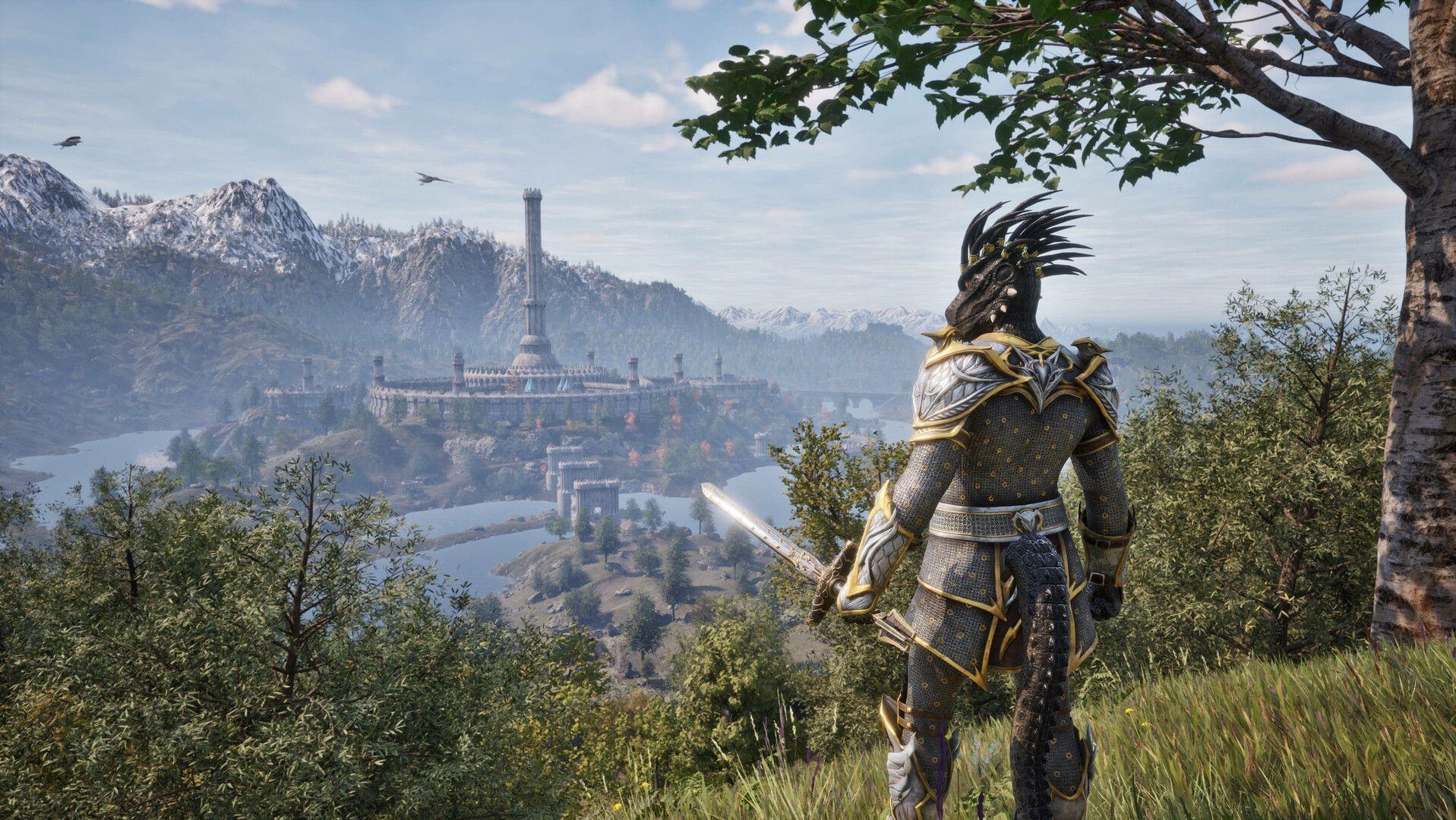
The loading screen bug in Oblivion Remastered represents one of the most frequent technical challenges players encounter during game initialization. This issue typically manifests as indefinite loading screens, game freezing during startup sequences, or complete failure to progress beyond the initial loading phase. While multiple factors can contribute to this problem, ranging from system compatibility conflicts to corrupted game files, the majority of cases can be resolved through systematic troubleshooting approaches. Additionally, Bethesda has acknowledged these launch issues and is actively developing patches to address them in upcoming updates.
Common Symptoms Include:
Administrator and Compatibility Solutions
Executing applications with administrative privileges ensures the software receives adequate system resources and permission levels required for optimal functionality. This approach frequently resolves the loading screen obstruction by granting the game necessary access to system directories and configuration files. Implement the following procedure:
Verification and Testing: After implementing these adjustments, launch the game to verify whether the loading screen issue persists. If problems continue, proceed to additional troubleshooting methods outlined in subsequent sections. Many users report immediate resolution through this combination of administrative privileges and compatibility settings.
GPU and Driver Troubleshooting
When experiencing game crashes, your graphics processing unit drivers may encounter simultaneous failure. While a straightforward system restart often resolves temporary driver issues, alternative methods exist for more targeted troubleshooting. The keyboard combination Ctrl+Win+Shift+B triggers a direct reset of your graphics driver subsystem without requiring full system reboot.
Driver Reset Procedure:
Advanced Reset Considerations: This keyboard shortcut specifically targets the graphics driver stack rather than performing a full system restart, making it significantly faster than rebooting your entire computer. However, if this method proves ineffective, consider manually updating your GPU drivers to the latest available version from your graphics card manufacturer’s website, as outdated drivers frequently contribute to game launch issues.
Plugin and Software Management
Third-party plugins, particularly the Nvidia integration component, occasionally create conflicts during game initialization processes. These conflicts can manifest as loading screen freezes, performance degradation, or complete failure to launch. Resolving these issues involves identifying and removing problematic plugin components.
Nvidia Plugin Removal Steps:
Related Reading: Oblivion Remastered EULA Error: Possible reasons and how to fix, explored
System library components like DirectX and Visual C++ Redistributables represent critical dependencies for proper game operation. Corrupted or outdated versions of these components frequently cause loading screen malfunctions. Reinstall these essential packages using the following official sources:
Following reinstallation, restart your computer to ensure all system changes take effect before attempting to launch Oblivion Remastered again.
Advanced Prevention Strategies
Explore our additional Oblivion Remastered optimization guides:
Beyond immediate troubleshooting, implementing preventive measures significantly reduces the likelihood of encountering loading screen issues in Oblivion Remastered. Regular maintenance of your system ensures optimal gaming performance and stability.
Proactive Maintenance Strategies:
Common Mistakes to Avoid: Many players exacerbate loading screen issues by repeatedly attempting to launch the game without addressing underlying system conflicts. Avoid modifying core game files manually unless following verified guides, and always create system restore points before making significant configuration changes to your gaming environment.
No reproduction without permission:Tsp Game Club » How to potentially fix Oblivion Remastered stuck on loading screen bug Expert solutions for fixing Oblivion Remastered loading screen bugs with advanced troubleshooting methods