
TL;DR
- Preload begins September 10 across all platforms with varying file sizes
- PC requires store purchase first, while consoles need sufficient storage space
- Day-one patch may increase final installation size up to 65GB
- Platform-specific steps ensure smooth download and launch readiness
- Early preparation prevents launch day delays and connectivity issues
Borderlands 4’s highly anticipated arrival means preparation is key for immediate gameplay access. The latest installment revolutionizes the looter-shooter genre with expansive open-world exploration and quality-of-life improvements that streamline boss farming mechanics. Gearbox Software has outlined ambitious post-launch content plans, ensuring long-term engagement for dedicated vault hunters.
According to verified sources including the ‘PlayStation Game Size’ tracking account, Borderlands 4 preloading initiates universally on September 10. This synchronized start allows all platforms to begin downloading game files simultaneously. If the download option doesn’t immediately appear in your storefront, allow up to 24 hours for regional rollout completion.
The relatively modest console file sizes reflect efficient compression techniques, though players should anticipate significant post-download expansion. A comprehensive day-one patch will deploy at launch, potentially increasing the final installation footprint to approximately 65 GB across all platforms. This update includes critical bug fixes, performance optimizations, and additional content not included in the preload package.
Preloading Borderlands 4 on PC platforms mandates prior purchase through official storefronts. The process varies slightly between digital distributors, though core requirements remain consistent.
For Steam users, follow this optimized sequence:
Epic Games Store requires similar steps with minor interface differences. Ensure your Epic Games client is updated to the latest version to avoid compatibility issues with the preload system.
Common PC Preloading Pitfalls:
Advanced users can optimize download speeds by limiting bandwidth for other applications during the preload process. Consider scheduling downloads during off-peak hours for improved transfer rates.
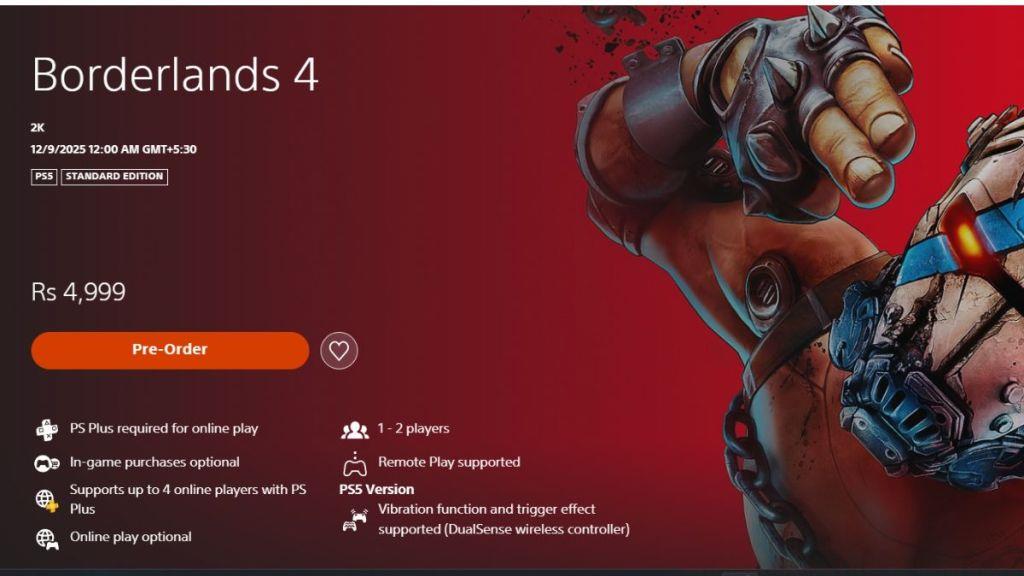
PS5 owners can secure early access through Sony’s streamlined preload system. The process integrates seamlessly with the console’s user interface, though preparation ensures optimal results.
Ensure your PS5 maintains at least 80GB of available storage to accommodate both the initial download and subsequent patches. Consider external storage solutions if internal capacity is limited.
Pro Tip: Enable “Auto-Download” in your PS5 settings to automatically initiate the preload once available. This feature requires your console to be in rest mode with internet connectivity maintained.
If the preload option doesn’t appear, check your purchase confirmation email and transaction history. Sometimes restoring licenses through Settings > Users and Accounts resolves visibility issues.
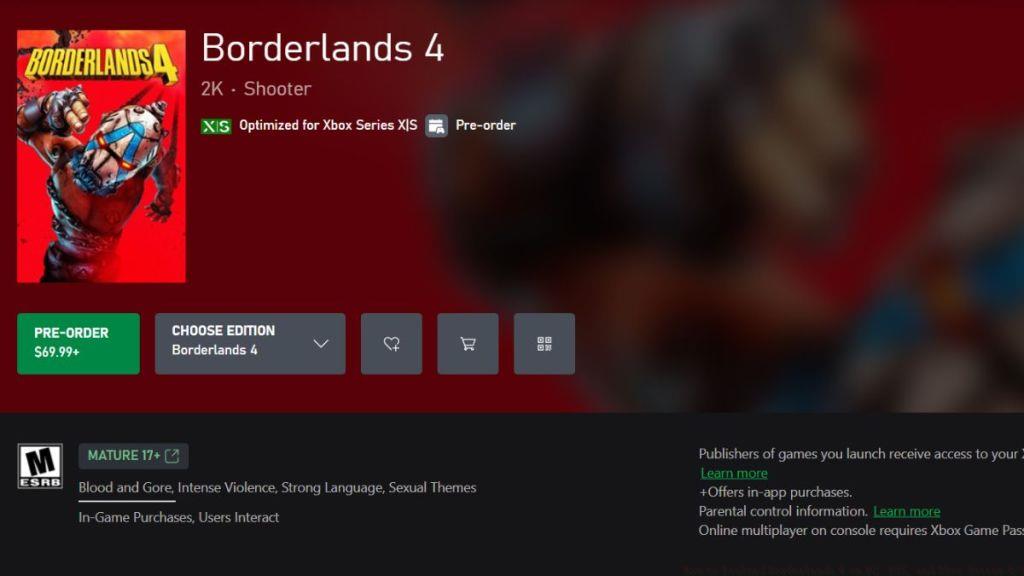
Microsoft’s Xbox ecosystem provides a consistent preloading experience across Series X and S consoles. The process mirrors other platforms while leveraging Xbox-specific features.
Xbox players benefit from Smart Delivery, ensuring optimal version installation regardless of console model. The system automatically detects your hardware and delivers the appropriate assets.
Xbox-Specific Optimization:
For players encountering issues, the Xbox support page provides specific troubleshooting for preload scenarios. Common resolutions include hard resetting the console, checking subscription status for Xbox Live Gold requirements, and verifying payment method validity.
Similar to mastering complex game mechanics in our Class Guide, understanding your platform’s download system ensures seamless launch day access.
Action Checklist
- Verify platform-specific storage requirements (minimum 70GB free space)
- Complete digital purchase through official storefront before September 10
- Check console/PC settings for automatic download features
- Initiate preload on September 10 and monitor download progress
- Validate file integrity post-download using platform-specific tools
- Prepare for day-one patch download at launch time
No reproduction without permission:Tsp Game Club » How to Preload Borderlands 4 on PC, PS5, and Xbox Series X/S Complete Borderlands 4 preloading guide with platform-specific instructions, storage tips, and troubleshooting advice