
Complete guide to playing Marvel Rivals on Mac using CrossOver with performance optimization and risk mitigation
Understanding the Mac Compatibility Challenge
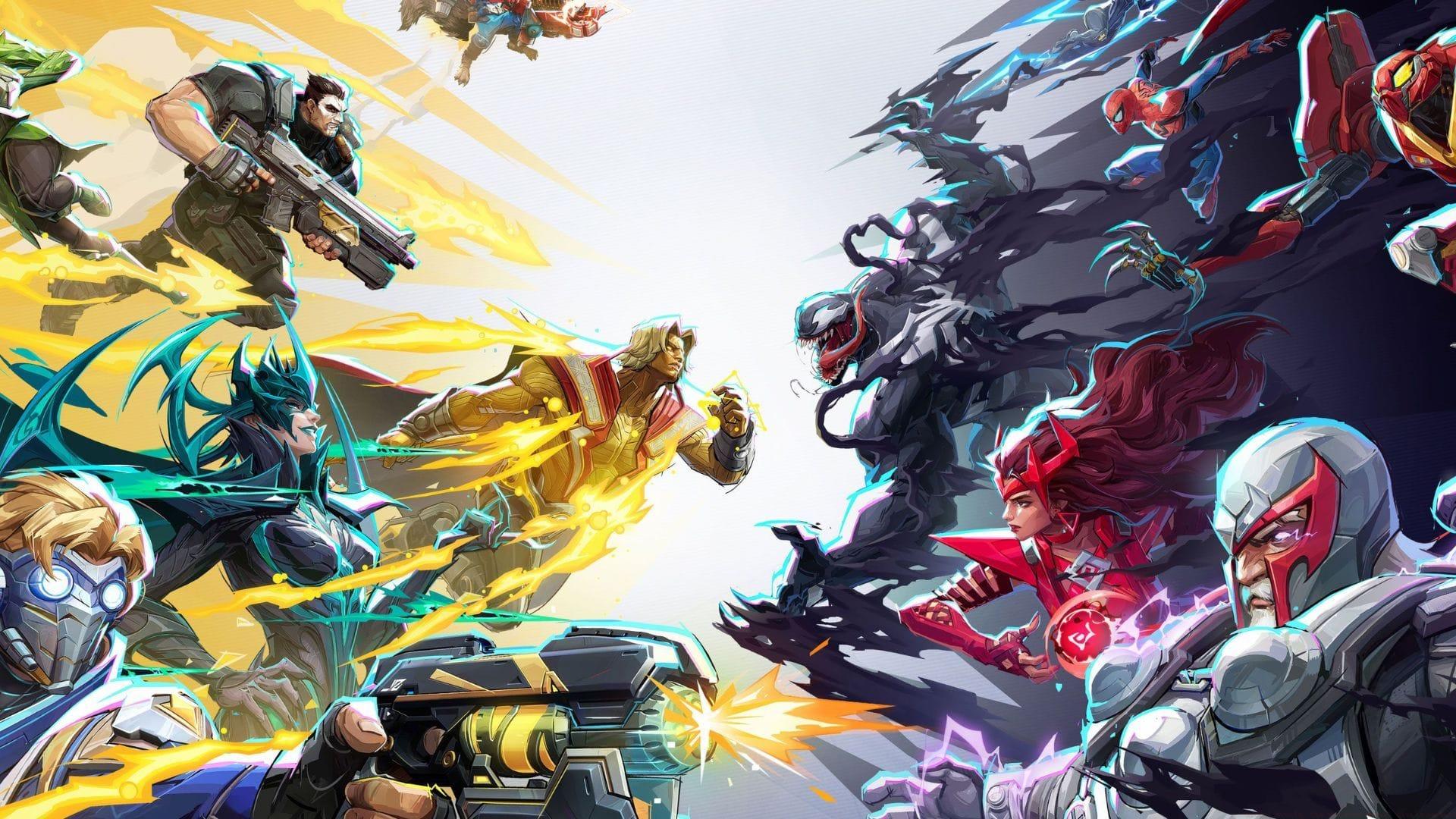
Marvel Rivals lacks official macOS support, creating a significant barrier for Apple device owners wanting to experience this superhero team shooter. While the 6v6 combat has captured the gaming community’s attention, Mac users face technical limitations that prevent direct installation. However, dedicated players have developed effective workarounds using specialized compatibility layers.
For crossword enthusiasts seeking alternatives during downtime, consider exploring NYT Mini Crossword Answers, LA Times Crossword solutions, or Atlantic Crossword puzzles for mental stimulation.
The primary solution involves CrossOver, a sophisticated compatibility tool that creates a Windows-like environment on macOS. This software translation layer enables many Windows applications to function on Apple systems without requiring a full Windows installation through Boot Camp.
Related reading: Understanding Bussing mechanics in Marvel Rivals combat system
CrossOver Installation and Setup Process
To establish the foundation for Marvel Rivals on your Mac system, begin with CrossOver acquisition and configuration. This compatibility software offers both trial and licensed versions, with the premium option costing approximately $24 for full access. Many gaming enthusiasts have successfully navigated this process despite its technical nature.
Follow this systematic approach for initial setup:
- Access the official CodeWeavers portal to obtain CrossOver 25
- Select between the preview edition or complete licensed version
- Extract the downloaded archive and transfer CrossOver to your Applications directory
- Initialize the application and complete the installation wizard
After completing these preliminary steps, your system will be prepared for game installation procedures.
Technical reference: Troubleshooting Marvel Rivals error code 220 scenarios
Important notice: Third-party compatibility tools like CrossOver carry inherent risks that users must evaluate independently.
Game Installation and Performance Optimization
With CrossOver operational, proceed with the game implementation phase using this comprehensive methodology:
- Activate CrossOver and locate Steam within the application library
- Complete Steam installation, then restart the compatibility environment
- Right-click the Steam interface element and select “Run with configuration options”
- Input this critical command in Environment Variables: SteamDeck=1 %command%
- Execute the command and launch the Steam platform
- Search for Marvel Rivals and begin installation
- When graphics driver prompts appear, choose the negative response
- Select “Play” and complete authentication procedures
At the credential entry interface, hover your pointer above the input area—when the cursor transforms to a hand symbol, click to advance (this resolves a documented visual anomaly).
Access configuration settings and adjust these critical parameters:
- Anti-Aliasing: Implement AMD FSR technology
- Super Resolution: Set to Performance priority
- Graphics Quality: Configure to Low preset
- Texture Detail: Reduce to Medium for stability
- Shadow Quality: Disable or set to Minimum
Performance guidance: Resolving Marvel Rivals DX12 compatibility issues
Risk Management and Account Safety
While this compatibility method enables Marvel Rivals gameplay on Apple hardware, it introduces significant security considerations. Since the game lacks official macOS endorsement, NetEase Games has historically imposed restrictions on players using unauthorized platforms. Historical precedents include accounts receiving century-long suspensions for utilizing unsupported system environments.
For protection measures, refrain from employing your primary Steam or Marvel Rivals credentials with this method. Establish a separate testing account specifically for compatibility evaluation. This strategy ensures that if complications arise, your primary progression and inventory remain secure.
Advanced risk mitigation strategies:
- Create dedicated Steam account with minimal game library
- Use temporary email service for account registration
- Monitor official communications for policy changes
- Maintain backup of game settings configurations
- Test during non-peak hours to minimize visibility
Connectivity solutions: Addressing Marvel Rivals server connection problems on consoles
Future Mac Support and Community Outlook
Currently, NetEase has not announced official development timelines for Marvel Rivals on Apple platforms. However, development teams appear cognizant of community demand. With escalating player requests for native compatibility, probability suggests eventual dedicated macOS version development, particularly considering NetEase’s history of responding to audience feedback.
Until native support materializes, the compatibility layer approach remains the solitary option—though requires careful implementation and risk awareness.
Community impact factors:
- Growing Mac gaming market share influencing developer decisions
- Apple Silicon transition improving game compatibility potential
- Cross-platform play reducing platform exclusivity barriers
- Industry trends toward universal game releases across systems
While Marvel Rivals on Apple systems currently depends on compatibility tools, the player community has demonstrated remarkable ingenuity with CrossOver implementations. Given restriction risks and absence of official endorsement, the situation involves both patience and precaution. The development studio may eventually authorize native macOS availability to accommodate this underserved audience segment.
Progression tips: Accelerating level advancement in Marvel Rivals gameplay
Continue following Sportskeeda for ongoing game developments:
- Anticipated character additions in Marvel Rivals Season 3
- Completion strategies for Venom’s Bubble Pop limited-time event
- Comprehensive ranked competition system explanation
- Performance evaluation and benchmarking procedures
No reproduction without permission:Tsp Game Club » Marvel Rivals: Can you play Marvel Rivals on Mac? Complete guide to playing Marvel Rivals on Mac using CrossOver with performance optimization and risk mitigation