
A comprehensive troubleshooting guide to fix Marvel Rivals error code 270 with practical solutions and expert network optimization tips
Understanding Error Code 270
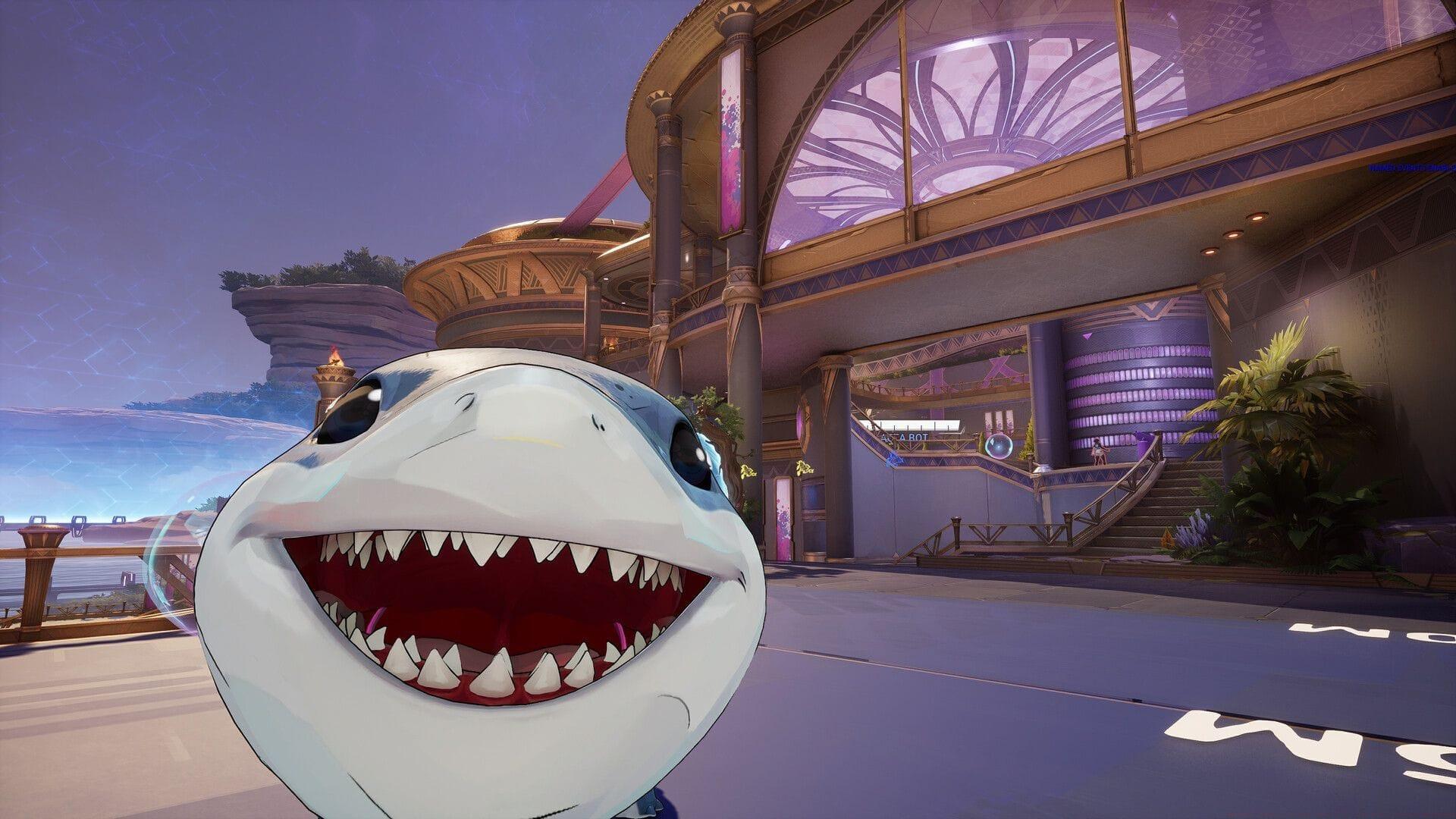
Marvel Rivals error code 270 represents a specific category of connection failures that prevent players from accessing game servers. This error typically manifests when the game client cannot establish or maintain a stable connection with Marvel Rivals’ matchmaking infrastructure. Unlike generic network errors, code 270 specifically indicates authentication or handshake failures during the initial connection phase.
Players encounter this error across both PC and console platforms, though the underlying causes may differ slightly based on system architecture. On PC, the error often relates to firewall configurations or security software interference, while console versions frequently experience issues related to platform-specific network services. Understanding these platform nuances is crucial for effective troubleshooting.
The confusion surrounding error code 270 stems from its ambiguous nature—it doesn’t provide specific diagnostic information about what exactly failed. This lack of clarity forces players to systematically eliminate potential causes through a process of elimination. Common triggers include outdated DNS records, corrupted game files, network infrastructure problems, or server-side authentication failures.
Server Status & Official Resources
Before investigating local issues, always verify Marvel Rivals server status through official monitoring channels. The game’s official X social media page provides real-time updates about maintenance windows, content deployments, and server outages. This should be your first checkpoint when encountering persistent connection problems.
When X social media access is unavailable or limited, utilize third-party monitoring services like Down Detector. These platforms aggregate user reports to identify widespread issues affecting multiple players simultaneously. Look for patterns in reporting—if numerous users across different regions report similar problems simultaneously, the issue is likely server-side rather than local.
The official Marvel Rivals Discord server offers another valuable resource for status verification. Community managers and technical staff frequently post announcements about planned maintenance, unexpected outages, and restoration timelines. Discord also provides a platform for players to share temporary workarounds while official fixes are deployed.
Pro tip: Bookmark these resources in your browser for quick access during gaming sessions. Consider setting up notifications for official social media accounts to receive immediate alerts about server issues. This proactive approach saves significant troubleshooting time by immediately identifying whether problems are widespread or isolated to your specific setup.
Network Connection Diagnostics
When Marvel Rivals error code 270 persists despite confirmed server availability, begin systematic network diagnostics. Start with basic connection testing using online speed test tools to verify your internet meets minimum requirements for online gaming. Marvel Rivals typically requires stable connections with at least 5 Mbps download speed and low latency (<50ms) for optimal performance.
If your wired or wireless connection shows instability, perform router troubleshooting in this specific sequence: power cycle your modem and router (wait 30 seconds between restarts), test connection on another device, then verify port configurations. Many gaming routers have specific gaming modes that prioritize Marvel Rivals traffic—enable these features if available.
When basic troubleshooting fails, contact your internet service provider with specific diagnostic information. Provide them with traceroute results to Marvel Rivals servers, packet loss statistics, and latency measurements during peak gaming hours. This data helps them identify infrastructure issues affecting gaming traffic specifically.
Also read: How to unlock Jeff the Land Shark Sunshine Land Shark skin in Marvel Rivals
Advanced network optimization involves configuring Quality of Service (QoS) settings on your router to prioritize gaming traffic. Allocate bandwidth specifically for Marvel Rivals, and consider using Ethernet connections instead of Wi-Fi for more stable performance. For wireless setups, ensure you’re using 5GHz bands with minimal interference from other household devices.
Advanced Technical Solutions
DNS-related issues frequently trigger error code 270, as corrupted address records prevent proper server resolution. Flushing DNS clears cached records that might point to outdated or incorrect server addresses. This process is particularly effective after game updates or server migrations when IP addresses may have changed.
PC users should execute DNS flushing through elevated Command Prompt with these enhanced steps:
This sequence not only clears corrupted DNS entries but also refreshes your entire network configuration. After flushing, restart your computer to ensure all network services initialize with clean settings.
Graphics driver updates, while seemingly unrelated to network errors, can sometimes resolve underlying compatibility issues that manifest as connection problems. Ensure you’re using the latest stable drivers from your GPU manufacturer, as outdated drivers may cause conflicts with game networking components.
Also read: 5 most important changes that players want in Marvel Rivals
Game file verification through Steam addresses corruption issues that might affect networking components. Follow this optimized verification process:
For persistent issues, consider a clean reinstall: uninstall Marvel Rivals, manually delete any remaining game folders, then reinstall fresh. This eliminates deep-seated corruption that verification might miss.
Pro Tips & Prevention Strategies
Some players report success with persistent retry attempts after encountering error code 270. While this brute-force approach isn’t technically elegant, it can work when issues stem from temporary server congestion or authentication queue bottlenecks. Limit retries to 5-10 attempts with 30-second intervals to avoid account lockouts or rate limiting.
For more news on Marvel Rivals, follow Sportskeeda:
Common mistakes to avoid include skipping diagnostic steps, modifying system files without backups, and using unofficial patches or mods that might interfere with networking. Always document changes made during troubleshooting so you can revert if problems worsen.
For advanced network configurations, consider these optimizations: set up static DNS servers (like Google’s 8.8.8.8 or Cloudflare’s 1.1.1.1), configure port forwarding for Marvel Rivals specific ports (check official documentation), and optimize Windows network settings by disabling unnecessary background services that consume bandwidth.
Preventative maintenance reduces future error occurrences. Schedule regular DNS flushes (monthly), keep all drivers updated, monitor server status during peak hours, and maintain system restore points before major game updates. These practices create a stable gaming environment less susceptible to connection issues.
Platform-specific considerations: Console players should ensure their platform’s online services are active (PS Plus, Xbox Live), while PC users must configure firewall exceptions for Marvel Rivals. Both platforms benefit from wired Ethernet connections, but console players particularly notice stability improvements when switching from wireless.
No reproduction without permission:Tsp Game Club » Marvel Rivals error code 270: Possible fixes and more A comprehensive troubleshooting guide to fix Marvel Rivals error code 270 with practical solutions and expert network optimization tips