
Complete PC system requirements and optimization guide for Tainted Grail: The Fall of Avalon performance
Game Overview and Platform Availability
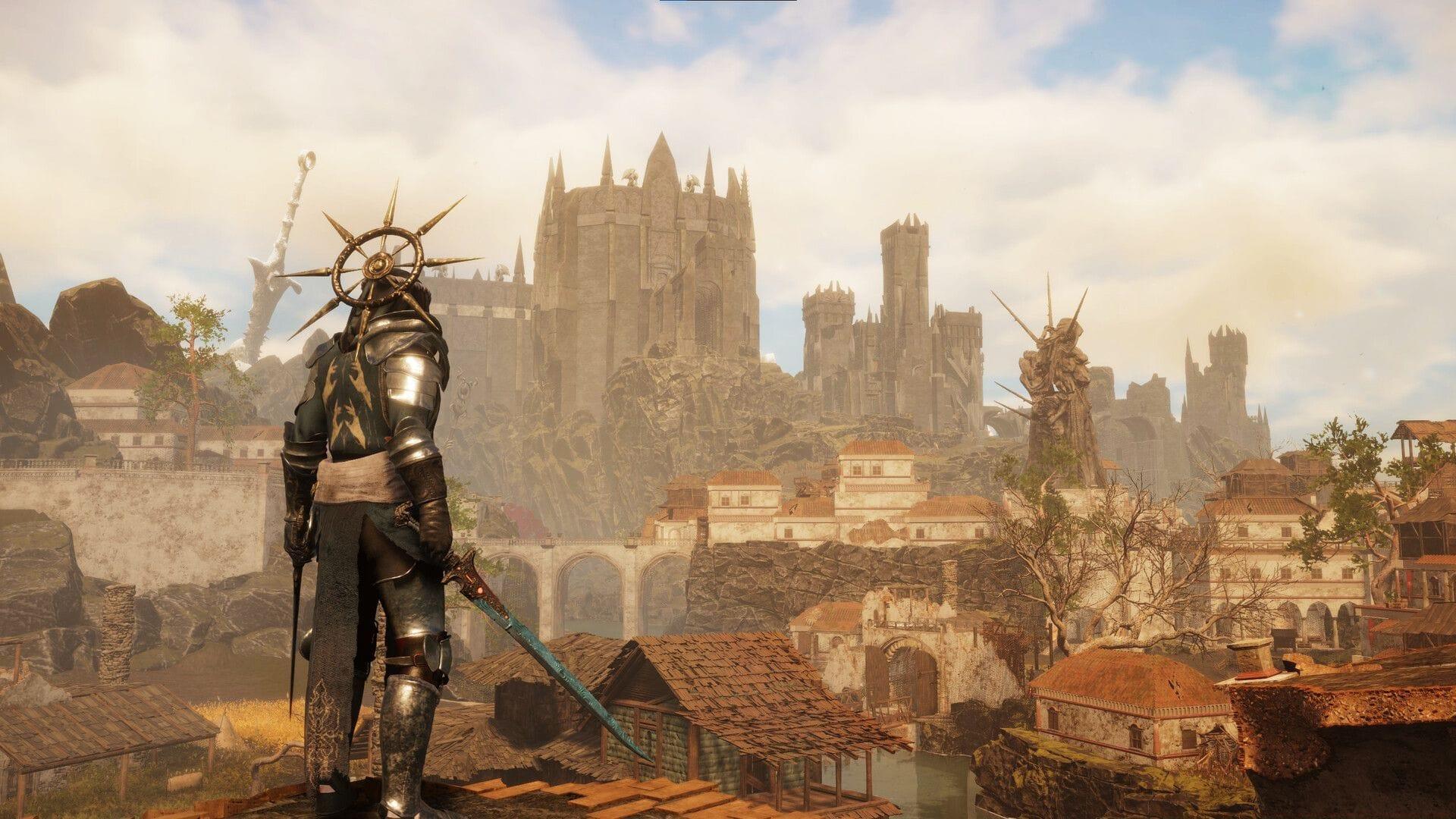
Tainted Grail: The Fall of Avalon represents an ambitious open-world RPG adventure crafted by Questline and distributed by Awaken Realms. This dark fantasy title immerses players in a reimagined Arthurian legend filled with challenging combat, deep exploration, and narrative choices that shape your journey through the decaying land of Avalon.
Many role-playing enthusiasts frequently inquire about platform compatibility for this demanding title. The game supports current-generation systems including PlayStation 5, Windows PC, and Xbox Series X/S, ensuring broad accessibility across modern gaming ecosystems.
Before diving into the mystical world of Avalon, understanding your system’s capabilities becomes crucial for an optimal adventure. The game’s expansive environments and detailed character models demand substantial hardware resources to render properly.
Minimum System Requirements Analysis
Meeting the baseline specifications ensures basic playability, though with significant visual compromises. The fundamental requirements demand a 64-bit architecture with Windows 10 64-bit as the operating foundation.
Core Hardware Specifications:
- Processor: Intel Core i5 8th generation or AMD Ryzen equivalent (Ryzen 5 2600 or better)
- Graphics: NVIDIA GTX 1060 with 6GB VRAM or AMD Radeon RX 580 8GB
- Memory: 12GB DDR4 RAM minimum
- Storage: 31GB available space with SSD strongly recommended
- Performance Target: 30 FPS at 1080p resolution with low settings
These specifications represent the absolute minimum for running the game. Players should expect occasional frame rate dips during intensive combat sequences or when exploring densely populated areas. The GTX 1060, while aging, remains capable of handling the game’s core rendering demands when paired with sufficient system memory.
Budget-conscious gamers should prioritize acquiring at least 16GB of RAM rather than sticking to the minimum 12GB, as modern games increasingly benefit from additional memory for asset streaming and background processes.
Recommended System Specifications
For players seeking the definitive Tainted Grail experience, the recommended specifications deliver smooth, high-fidelity gameplay. These requirements target consistent 60 FPS performance at maximum graphical settings.
Optimal Hardware Configuration:
- Processor: Intel Core i7 13th generation or AMD Ryzen 7 7700X
- Graphics: NVIDIA RTX 2070 Super 8GB or AMD Radeon RX 6700 XT
- Memory: 16GB DDR4/DDR5 RAM
- Storage: 31GB available space on NVMe SSD
- Performance Target: 60+ FPS at 1080p resolution with ultra settings
The RTX 2070 Super provides ample graphics horsepower for the game’s advanced lighting effects and high-resolution textures. Modern processor architecture significantly improves NPC AI calculations and world simulation speed, creating a more responsive and immersive experience.
Investing in an NVMe SSD rather than traditional storage dramatically reduces loading times and eliminates texture pop-in issues during rapid world traversal. The storage speed directly impacts how quickly the game can stream in new environmental assets as you explore Avalon’s vast landscapes.
Performance Optimization Strategies
Beyond meeting the basic specifications, several optimization techniques can significantly enhance your Tainted Grail experience. Proper system configuration often makes the difference between choppy performance and smooth gameplay.
Graphics Settings Priority: Begin by adjusting shadow quality and draw distance, as these settings typically have the largest performance impact. Reducing shadow resolution from ultra to high can net 15-20% frame rate improvements with minimal visual degradation. Anti-aliasing should be set to TAA rather than more demanding options like MSAA.
Driver Optimization: Always ensure you’re running the latest graphics drivers from NVIDIA or AMD. Both companies frequently release game-ready drivers that include specific optimizations for new titles. Using utilities like NVIDIA GeForce Experience or AMD Adrenalin can automatically apply optimal settings for your specific hardware configuration.
Background Process Management: Close unnecessary applications before launching the game, particularly web browsers with multiple tabs and streaming software. These applications consume valuable RAM and CPU cycles that could otherwise enhance game performance. Consider setting the game’s process to high priority in Windows Task Manager for additional CPU allocation.
Common Setup Mistakes to Avoid
Many players encounter preventable performance issues due to configuration errors or hardware misunderstandings. Recognizing these common pitfalls can save hours of troubleshooting and frustration.
RAM Configuration Errors: Installing RAM in single-channel mode rather than dual-channel configuration can reduce memory bandwidth by up to 40%, severely impacting game performance. Always install matching RAM modules in the correct slots as specified by your motherboard manual. Additionally, ensure XMP/DOCP profiles are enabled in BIOS to achieve advertised memory speeds.
Storage Misconceptions: Attempting to run the game from a traditional hard drive often results in extended loading screens, texture pop-in, and world streaming issues. The game’s recommendation for SSD storage isn’t optional for optimal performance—it’s essential. If using a SATA SSD, ensure it’s connected to a SATA 3 port for maximum throughput.
Thermal Management: Overheating components automatically throttle performance to prevent damage. Regularly clean dust from your system and ensure proper airflow. Monitor your CPU and GPU temperatures during gameplay using tools like HWMonitor or MSI Afterburner. Sustained temperatures above 85°C typically indicate cooling issues that require attention.
Also Read: All Tainted Grail The Fall of Avalon classes (Archetypes)
For additional gaming insights and detailed walkthroughs, continue following Sportskeeda’s comprehensive coverage.
No reproduction without permission:Tsp Game Club » Tainted Grail The Fall of Avalon: All available platforms and PC system requirements Complete PC system requirements and optimization guide for Tainted Grail: The Fall of Avalon performance