
Master Death Stranding 2’s multilingual features with comprehensive language settings guide and expert localization tips
Introduction to DS2’s Language Accessibility
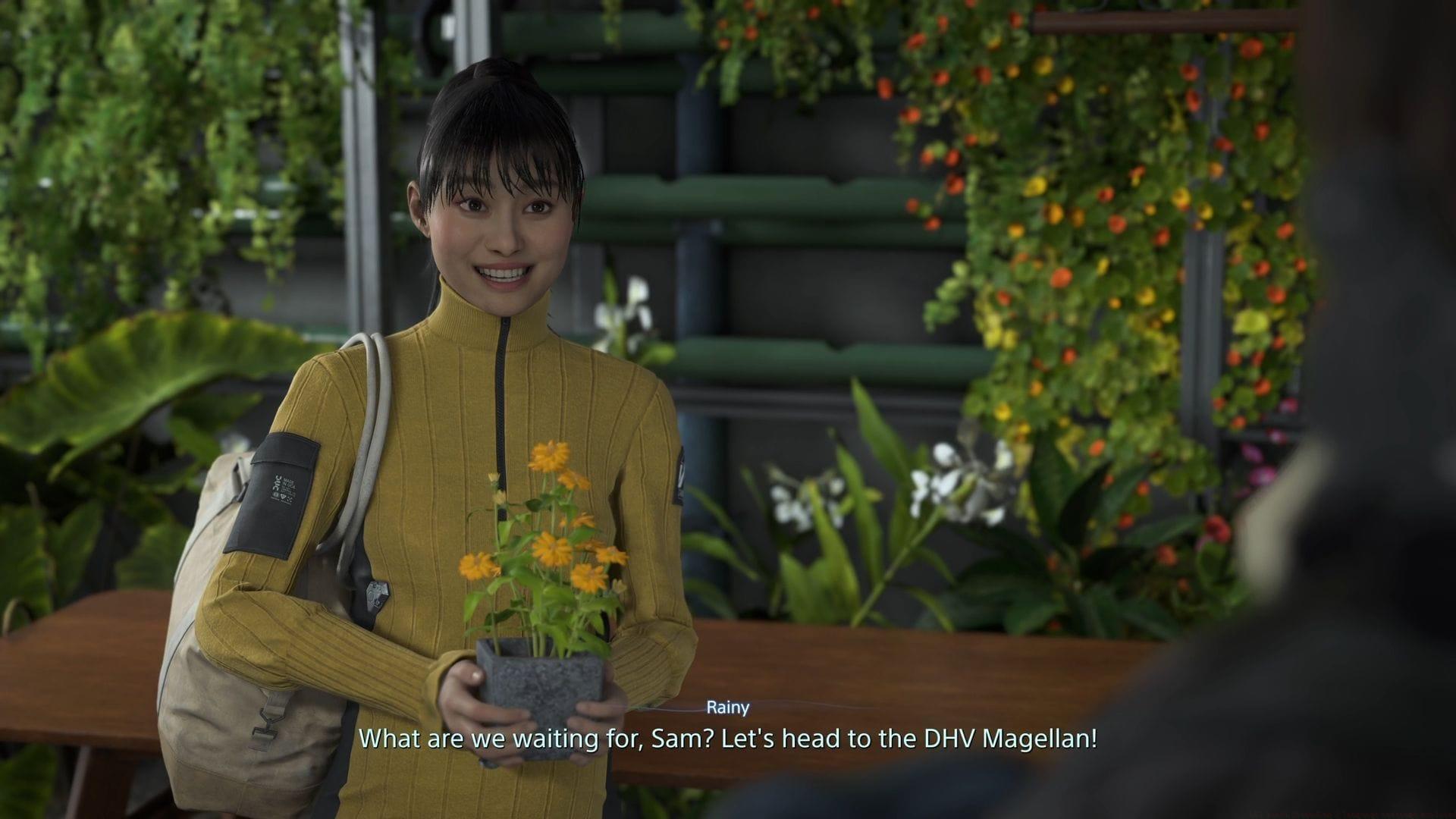
Death Stranding 2 has launched to critical acclaim, establishing itself among this year’s top-rated gaming experiences. The sequel propels Sam Porter Bridges through stunning Mexican and Australian terrain as he works to expand the Chiral Network infrastructure. Kojima Productions has implemented comprehensive language support systems, enabling players worldwide to engage with the narrative through both dubbed dialogue and translated text elements.
Localization goes beyond simple translation in Death Stranding 2, with careful attention to cultural nuances and character authenticity. The development team prioritized international accessibility, recognizing that storytelling transcends linguistic barriers in this genre-defining experience.
Step-by-Step Language Configuration
Configuring your preferred language settings requires navigating through several menu layers. Begin by accessing the system options during gameplay or from the main menu interface.
- Press Options to open the Options Menu – typically mapped to the Start button on controllers or Escape key on PC
- Navigate to the Language Settings tab using directional controls or mouse selection
- Select Voice Language to modify spoken dialogue – this affects character conversations and cinematic sequences
- Choose Text Language to adjust subtitles and user interface elements – includes menus, item descriptions, and environmental text
- Enable Subtitles and Speaker Names for enhanced narrative clarity during audio-intensive sequences
Pro Tip: Changes apply immediately, allowing you to test different language combinations without restarting the game. Consider experimenting with voice in one language and subtitles in another for language learning opportunities.
Complete Language Support Breakdown
Death Stranding 2 delivers exceptional multilingual support with 19 distinct languages available throughout the interface. Among these, 11 languages include full voice-over work with professional localization actors. The remaining languages provide comprehensive text translation for menus, subtitles, and gameplay elements.
The complete language roster includes:
- English (Full Voice & Text)
- Japanese (Full Voice & Text)
- French (Full Voice & Text)
- German (Full Voice & Text)
- Spanish – European & Latin American variants (Full Voice & Text)
- Italian (Full Voice & Text)
- Portuguese – European & Brazilian variants (Full Voice & Text)
- Russian (Text Only)
- Polish (Text Only)
- Chinese Simplified & Traditional (Text Only)
- Korean (Text Only)
- Arabic (Text Only)
Regional variations deserve special attention. European Portuguese differs significantly from Brazilian Portuguese in pronunciation and vocabulary. Similarly, European Spanish and Latin American Spanish contain distinct linguistic characteristics that affect both dialogue delivery and textual presentation.
Advanced Audio and Display Settings
Beyond basic language selection, Death Stranding 2 offers several customization options to enhance your localization experience. While subtitle toggling is straightforward, several advanced settings optimize readability and comprehension.
Subtitle configuration allows you to enable or disable text during cutscenes and gameplay dialogue. The Speaker Names feature identifies which character is talking, particularly useful during complex narrative sequences with multiple participants. Unfortunately, text size adjustment remains unavailable, which may present challenges for players with visual impairments.
Audio mixing provides separate volume controls for dialogue, music, and sound effects. This enables you to boost voice levels when playing with non-native language audio or reduce background elements during important story moments. The audio settings menu also includes surround sound configuration for compatible home theater systems.
Common Mistake: Many players overlook the Speaker Names option, leading to confusion during multi-character conversations. Always enable this feature when using subtitles in languages you’re less familiar with.
Expert Localization Tips and Strategies
Maximizing your Death Stranding 2 experience involves strategic language selection based on your preferences and goals. Each localized version underwent rigorous quality assurance, with particular attention to narrative consistency and emotional delivery.
Voice acting quality varies between languages, with Japanese and English receiving the most development resources. However, European languages like French and German feature exceptional performances that maintain character authenticity. For purists, playing with original Japanese audio and native language subtitles provides the most authentic Kojima Productions vision.
Cultural adaptation extends beyond direct translation, with localization teams adjusting references, humor, and idioms to resonate with regional audiences. The Brazilian Portuguese version, for example, includes culturally appropriate modifications that differ from the European Portuguese localization.
Optimization Tip: Experiment with different language combinations during early gameplay chapters before committing to a configuration. The prologue section provides excellent exposure to various dialogue types and UI elements for thorough testing.
Death Stranding 2’s comprehensive language support ensures players worldwide can deeply connect with the characters and storyline, regardless of linguistic background. The thoughtful implementation demonstrates Kojima Productions’ commitment to global storytelling accessibility.
No reproduction without permission:Tsp Game Club » All Death Stranding 2 language settings explored Master Death Stranding 2's multilingual features with comprehensive language settings guide and expert localization tips