
Expert solutions to fix ARC Raiders PC crashes and optimize gameplay performance
Understanding ARC Raiders Crash Issues
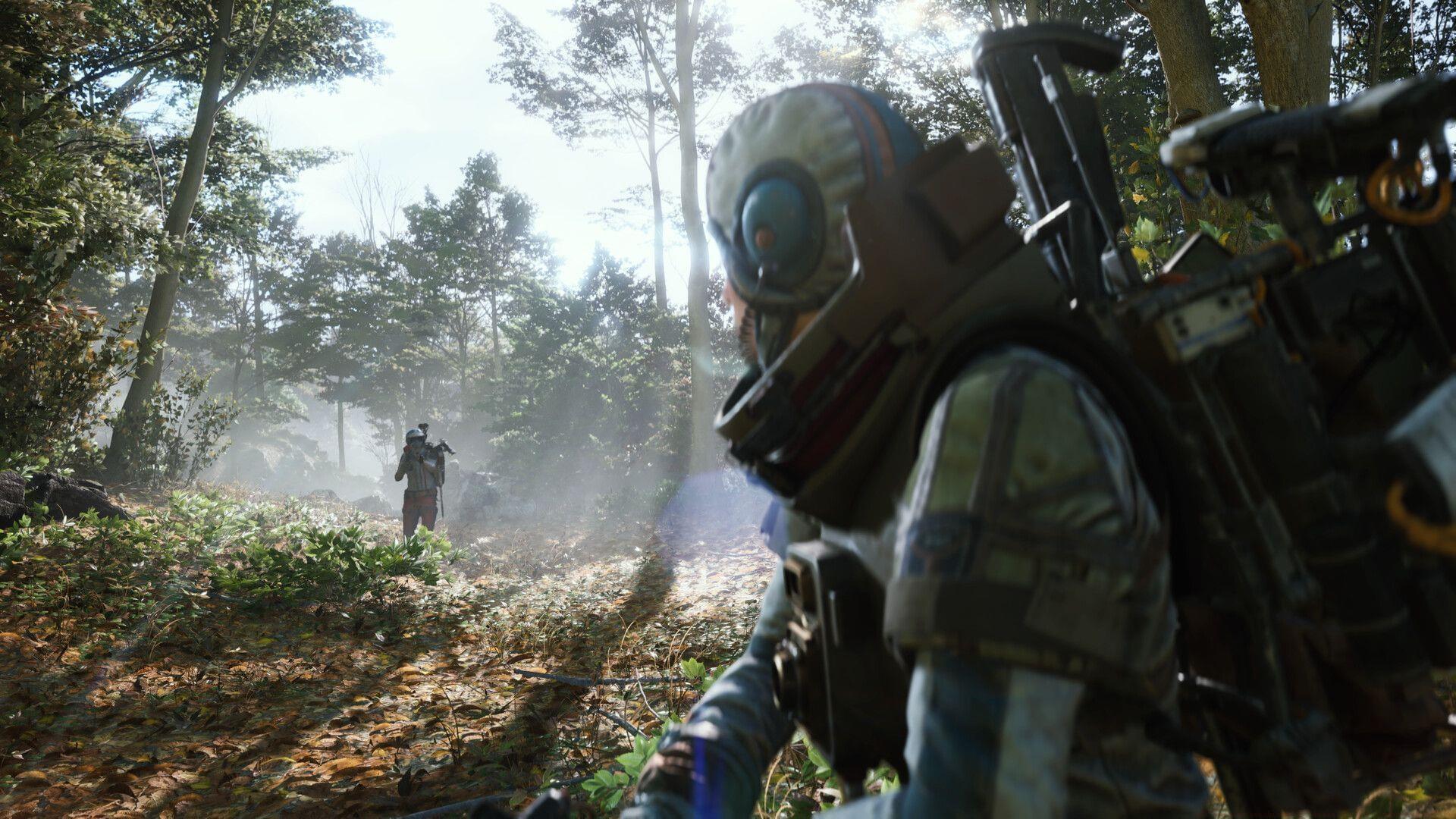
Numerous players have encountered ARC Raiders crashing on PC following the game’s global release. Embark Studios’ innovative third-person extraction shooter launched internationally on October 30, 2025, at 2:30 am PT / 9:30 am UTC / 3 pm IST. Given the tremendous popularity demonstrated during beta testing phases, massive player influxes immediately overwhelmed systems at debut.
While technical troubleshooting guides provide solutions, some players prefer puzzle distractions. For those seeking mental challenges between gaming sessions, explore our comprehensive crossword solutions section featuring NYT Mini Crossword Answers, LA Times Crossword Answers, and Atlantic Crossword Answers.
Many crash incidents originate from server infrastructure struggling under unprecedented player demand immediately post-launch. When server-side limitations cause instability, the only resolution involves waiting for development teams to deploy emergency patches addressing capacity constraints.
When crashes result from local system configuration problems, implement our systematic troubleshooting methodology to restore stable gameplay.
Essential Reading: Mechanical components in ARC Raiders: Where to find and how to use
We’ve compiled an exhaustive troubleshooting protocol addressing the ARC Raiders PC crashing phenomenon. Remember these represent potential workarounds rather than guaranteed universal solutions.
Essential System Checks and Restart Procedures
Despite seeming overly simplistic, properly restarting your computer resolves numerous gaming performance issues including memory leaks and driver conflicts. If you haven’t performed a complete shutdown and restart cycle, we strongly recommend this foundational troubleshooting step.
Following a proper restart sequence typically resolves transient software conflicts. However, if ARC Raiders continues crashing post-restart, proceed through our advanced diagnostic procedures to identify underlying causes.
Advanced Restart Protocol: Don’t just click restart – completely shut down your system, wait 30 seconds, then power back on. This ensures complete memory clearance and driver reinitialization. Many players make the mistake of using ‘fast startup’ features that don’t properly reset critical gaming components.
Resource Management: Before launching ARC Raiders, close unnecessary background applications, especially web browsers with multiple tabs, streaming software, and other resource-intensive programs. The extraction shooter genre demands significant CPU and GPU resources, leaving little overhead for other applications.
Graphics Driver Optimization
As a newly released title, GPU manufacturers have deployed updated graphics drivers specifically optimized for ARC Raiders’ rendering engine. Regardless of using AMD or Nvidia hardware, installing the latest stable driver version dramatically improves stability and performance.
To update your graphics drivers, visit the official AMD or Nvidia websites matching your GPU manufacturer. Locate the driver section and search using your specific graphics card model identification. Download and execute the installation package following the recommended setup options.
Driver Installation Best Practices: Always select ‘Custom Installation’ and choose ‘Perform Clean Installation’ to remove previous driver remnants. This prevents configuration conflicts between driver versions. Additionally, use Display Driver Uninstaller (DDU) in Safe Mode if you encounter persistent crashing after updating drivers.
Performance Optimization: After updating drivers, access your GPU control panel and create a specific profile for ARC Raiders. Adjust settings like Power Management Mode to ‘Prefer Maximum Performance’ and Texture Filtering Quality to ‘High Performance’ for optimal gameplay experience.
Related Content: How to complete ARC Raiders Off The Radar quest (Field Depot location)
Following driver optimization, the ARC Raiders crashing issue should resolve, allowing uninterrupted extraction shooter gameplay sessions.
Advanced Troubleshooting Techniques
When preliminary solutions prove ineffective, verify your game file integrity through your preferred gaming platform. During download or installation, certain ARC Raiders files may become corrupted or incomplete. Verification processes automatically identify and replace damaged components with functional versions.
After completing file verification, the ARC Raiders crashing error typically resolves, restoring expected gameplay functionality.
Comprehensive Verification Process: Don’t just verify through your launcher – also check for Windows system file corruption by running ‘sfc /scannow’ in Command Prompt as Administrator. System file issues can indirectly cause game crashes that appear unrelated.
Performance Monitoring: Use tools like MSI Afterburner with RivaTuner Statistics Server to monitor your system’s performance during gameplay. Watch for temperature spikes, VRAM limitations, or CPU bottlenecks that might indicate hardware-related crash causes.
Common Oversight: Many players forget to check their system’s Event Viewer for crash logs. Access Windows Event Viewer and check both Application and System logs around the time of crashes for specific error codes that can pinpoint exact failure points.
Preventative Measures and Best Practices
This guide covers essential knowledge regarding ARC Raiders PC crashing causes and resolution strategies.
System Optimization Checklist: Beyond immediate fixes, implement preventative measures including regular driver updates, system maintenance schedules, and temperature monitoring. Ensure your PC meets or exceeds the recommended system requirements for optimal ARC Raiders performance.
Game Settings Configuration: Adjust in-game graphics settings based on your hardware capabilities. Start with medium settings and gradually increase while monitoring stability. Disabling certain post-processing effects like motion blur and depth of field can significantly improve stability on mid-range systems.
Explore our additional ARC Raiders guides for enhanced gameplay:
No reproduction without permission:Tsp Game Club » ARC Raiders crashing on PC error: Possible reasons and fixes Expert solutions to fix ARC Raiders PC crashes and optimize gameplay performance