
Essential Battlefield 6 beta download guide with platform sizes, dates, and optimization strategies
Battlefield 6 Beta Preload Overview
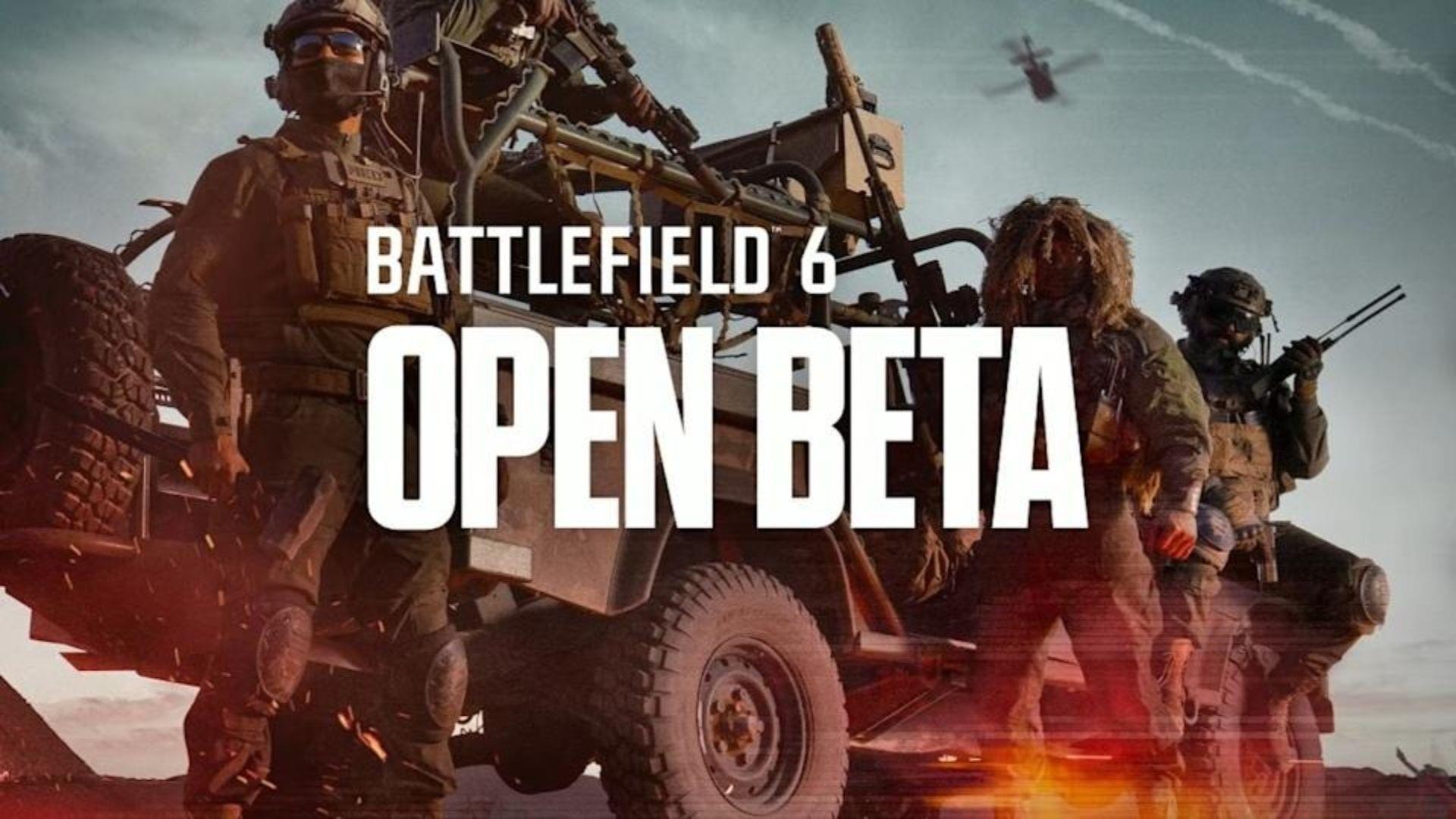
The Battlefield 6 beta preload phase commenced on August 4, 2025, marking the official start of preparation for the highly anticipated testing period. This global open beta will unfold across two distinct weekends, with the initial session launching August 9, 2025. Players can access the beta on current-generation platforms including PC, Xbox Series X/S, and PlayStation 5 systems.
Preload file sizes demonstrate significant variation between platforms, spanning from 33 GB to nearly 40 GB of required storage space. These substantial downloads emphasize the game’s next-generation graphics and expansive content that developers have incorporated into the Battlefield franchise’s latest installment.
File sizes might experience minor fluctuations based on individual system specifications and regional variations. However, the provided measurements represent baseline requirements for all participants downloading the Battlefield 6 beta preload files.
Understanding the distinction between preload availability and actual beta access is crucial. While preloading begins August 4, the functional beta testing occurs exclusively during two designated weekends. The first testing window runs from August 9 through August 10, followed by a second opportunity from August 14 to August 17, 2025. These periods represent your exclusive chances to experience the game early and provide feedback before official launch.
Platform-Specific Installation Guide
Managing storage space effectively becomes paramount when dealing with beta files of this magnitude. For PlayStation 5 users, the 33.9 GB requirement represents one of the more manageable downloads, though you should still ensure adequate free space exceeds this minimum to accommodate potential day-one patches or additional content.
Xbox Series X/S and PC gamers should prepare for potentially larger installations approaching 40 GB, particularly on systems with enhanced texture packs or additional localization files. A common mistake players make is underestimating the temporary space needed during installation, which can exceed the final installed size by 10-15% during the unpacking process.
Network connectivity quality directly impacts your download experience. For a 35 GB file, expect download times ranging from 45 minutes on gigabit connections to over 5 hours on standard broadband. Strategic downloading during off-peak hours can significantly improve speeds and reliability. Wired connections consistently outperform Wi-Fi for large game files, reducing the risk of corrupted downloads requiring restarts.
Advanced optimization tip: Schedule your downloads during nighttime hours or when household internet usage is minimal. Many gaming platforms allow queuing downloads for specific times, ensuring you wake up to a ready-to-play beta without actively monitoring the process.
Beta Access and Account Setup
As an open beta, Battlefield 6 welcomes all players with compatible hardware meeting the minimum specifications. This inclusive approach differs from closed betas that require invitations or pre-order bonuses, making the experience accessible to the broader gaming community.
Account integration represents a critical prerequisite for participation. You must link your Electronic Arts account to your gaming platform of choice before gaining beta access. This process typically involves visiting your platform’s account settings, selecting the connections tab, and following the EA linking procedure. Common pitfalls include using outdated EA accounts or mismatched email addresses between services.
Should you encounter linking issues, verify that your EA account remains in good standing and hasn’t been subject to any restrictions. Another frequent complication arises when players attempt to use platform-specific accounts that haven’t been properly migrated to the newer EA account system. Visiting EA’s official website to confirm your account status before the beta launches can prevent last-minute access problems.
Remember that beta access remains time-limited, so resolving account issues before the testing windows begin ensures you maximize your playtime. The developer typically provides beta feedback mechanisms within the game client, offering opportunities to report bugs or suggest improvements directly to the development team.
Performance Optimization Strategies
Preloading represents just the first step toward optimal Battlefield 6 beta performance. Once downloaded, conduct preliminary system checks to verify file integrity through your platform’s verification tools. Corruption during large downloads remains surprisingly common, and identifying issues before the beta launches prevents frustration during precious play sessions.
Storage medium selection dramatically influences loading times and texture streaming. Solid-state drives (SSDs) provide significantly better performance than traditional hard drives, with NVMe drives offering the fastest asset loading. If using a console, ensure you’re installing to the internal SSD or approved expansion card rather than external mechanical drives.
Advanced players should consider pre-emptively adjusting system settings before the beta launches. Create custom bandwidth allocation for gaming traffic through your router’s quality of service (QoS) settings, prioritizing your gaming device during beta weekends. Additionally, temporarily disabling background applications and Windows updates on PC ensures maximum system resources dedicate to gameplay.
Final preparation checklist: verify controller or peripheral batteries, clear existing storage caches on your platform, and ensure your gaming headset and communication apps function properly. These seemingly minor preparations collectively contribute to a seamless beta experience free from technical distractions once the servers go live.
Explore additional Battlefield 6 coverage from Sportskeeda:
No reproduction without permission:Tsp Game Club » Battlefield 6 beta preload sizes for PC, Xbox, and PS5 Essential Battlefield 6 beta download guide with platform sizes, dates, and optimization strategies