
TL;DR
- Battlefield 6 servers are currently operational with active login queues during peak hours
- Server congestion affects 500,000+ players with typical wait times under 15 minutes
- Monitor official BF6 Server Status website and Battlefield Comms on X for updates
- Seasonal updates cause planned downtime – check schedules in advance
- Optimize connection by avoiding peak hours and configuring network settings
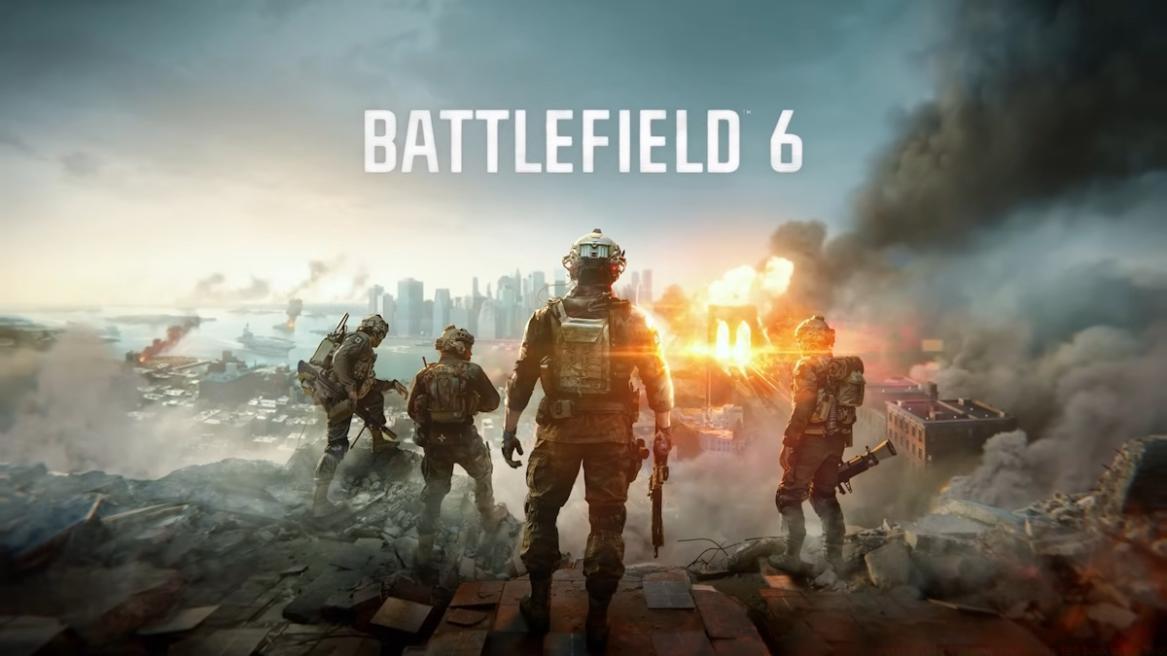
Image Credit: EA
- Battlefield 6 servers are currently online and functional.
- If you’re unable to get in, it’s likely due to server congestion issues, meaning you’ll have to wait in the queue.
- BF6 servers will typically go down at the time of major seasonal updates.
Following the challenging launch period of Battlefield 2042, the franchise has experienced a remarkable resurgence with Battlefield 6, capturing widespread attention across the gaming community. Electronic Arts’ newest first-person shooter brings back the authentic large-scale warfare experience that dedicated fans have eagerly anticipated. However, the tremendous excitement surrounding this release means many players encounter connectivity challenges when attempting to join matches. Most of these problems stem from server overload during peak activity periods, though occasionally servers may experience complete outages for maintenance.
To assist players in staying informed, we’ve compiled this comprehensive resource covering the latest Battlefield 6 server conditions and availability.
Battlefield 6 servers are currently fully operational and accessible. If you find yourself unable to enter the game environment, you’ve probably been directed to a server queue system designed to manage the overwhelming number of concurrent connection attempts. This situation mirrors what occurred during the BF6 Open Beta phase, when more than half a million participants encountered waiting periods as Electronic Arts implemented controlled admission to maintain server stability.
Regarding the current capacity constraints, Electronic Arts has provided this official statement: “With the game now live, many of you are jumping in at the same time. To help keep things smooth and stable for everyone, login queues are active during this peak launch moment. We’re letting as many of you in as we can, so queues should be relatively short.“
Should you experience this temporary access restriction, your options include remaining in the virtual waiting line until space becomes available or attempting reconnection during less congested timeframes.
The most straightforward approach to checking Battlefield 6 server availability involves regularly consulting this dedicated resource page. We maintain continuous updates to alert the community about scheduled maintenance windows and unexpected service interruptions, making this article worth bookmarking for quick reference. Additionally, we suggest monitoring the official BF6 Server Status portal and following the ‘Battlefield Comms’ social media account on platform X for immediate announcements and updates.
For players seeking more comprehensive battlefield strategies beyond server monitoring, our Complete Guide offers extensive coverage of game mechanics and tactical approaches.
Advanced monitoring techniques include setting up browser notifications for status page updates and joining dedicated Battlefield community Discord servers where real-time outage reports are frequently shared among members.
When encountering persistent connection difficulties, several advanced troubleshooting methods can significantly improve your Battlefield 6 experience. Begin by verifying your local network configuration – ensure NAT settings are open and port forwarding is properly configured for optimal connectivity. Players should also consider timezone variations when planning gaming sessions, as server load typically decreases during early morning hours in each region.
For those interested in maximizing their combat effectiveness once connected, our Weapons Unlock Guide provides detailed strategies for acquiring and mastering all available armaments.
Network optimization represents another critical factor for seamless gameplay. Consider using wired Ethernet connections instead of Wi-Fi when possible, and ensure your router’s quality of service (QoS) settings prioritize gaming traffic. These configurations can reduce latency by 15-30% compared to standard setups.
Understanding the Class Guide becomes essential for players looking to specialize their battlefield roles and contribute effectively to team objectives.
Seasonal content updates represent planned downtime periods where Battlefield 6 servers undergo maintenance for approximately 2-4 hours. These scheduled interruptions typically occur Tuesday mornings in each major region and are announced at least 48 hours in advance through official channels.
Action Checklist
- Check official BF6 Server Status website before attempting connection
- Monitor Battlefield Comms on X for real-time outage announcements
- Configure network settings with open NAT and appropriate port forwarding
- Schedule gaming sessions during off-peak hours (early mornings)
- Bookmark this article and enable browser notifications for updates
No reproduction without permission:Tsp Game Club » Battlefield 6 Server Status: Is BF6 Down Right Now? Complete guide to Battlefield 6 server status, troubleshooting tips, and real-time monitoring methods