
Master your game audio with College Football 26’s music customization system and playlist management
Introduction to College Football 26’s Music Revolution
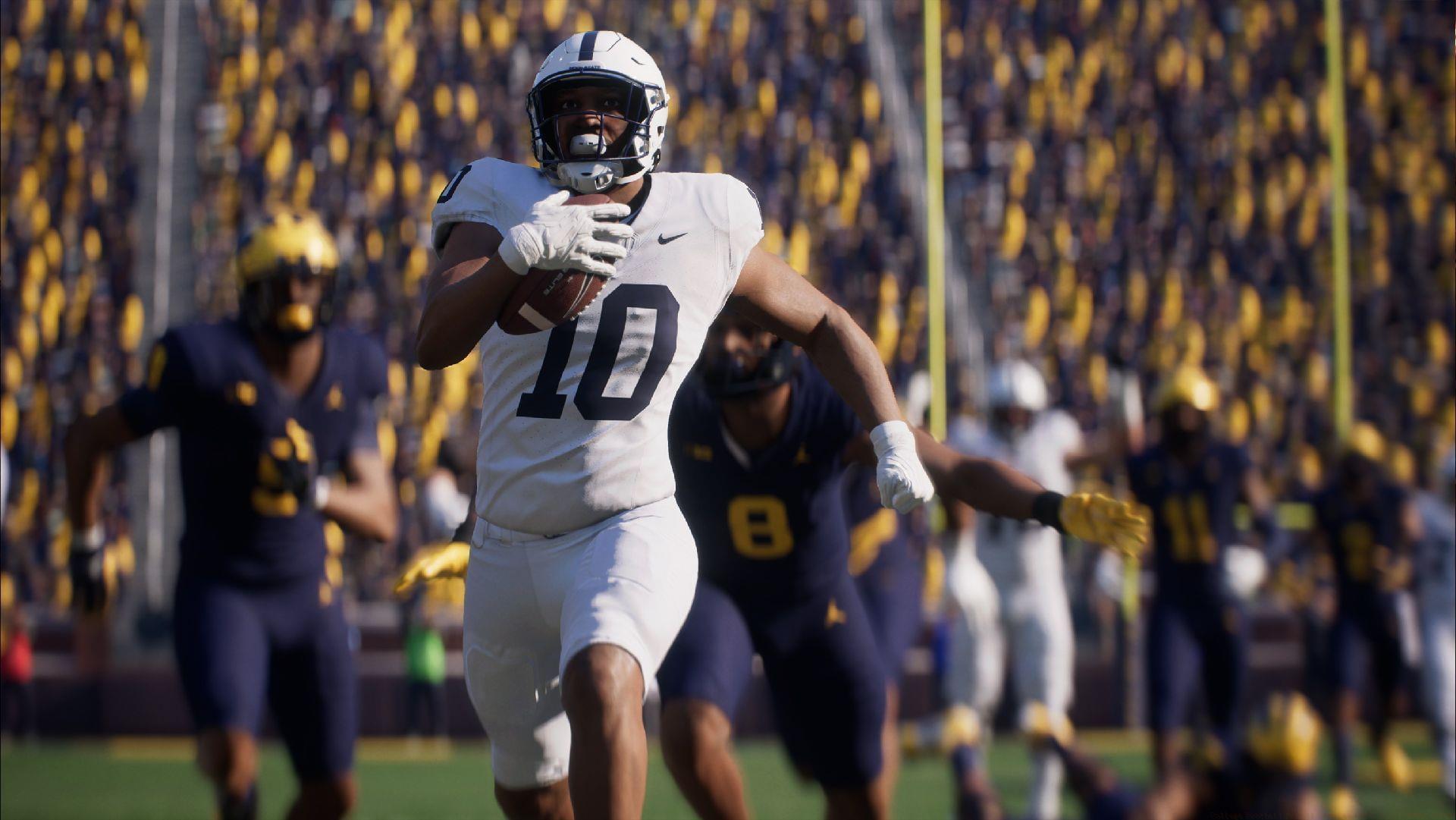
EA Sports has fundamentally transformed the audio landscape in College Football 26 by replacing the repetitive drumline rhythms with an extensive, dynamic music system. This significant upgrade introduces players to a curated collection exceeding 50 diverse tracks, carefully categorized to enhance every aspect of the gaming experience. The audio overhaul includes authentic marching band compositions, contemporary covers of classic college anthems, and officially licensed fight songs from prominent university programs.
The new audio architecture represents a major departure from previous iterations, offering unprecedented control over your in-game soundscape. Players can now tailor their auditory experience to match specific gameplay moods, from intense rivalry matches to casual exhibition games. This flexibility ensures that the music complements rather than distracts from the on-field action.
Complete Music Library Breakdown
Main Soundtrack Selection
- A Bar Song (Tipsy) – Shaboozey
- Better Now – Post Malone
- Blinding Lights – The Weeknd
- Flex (Ooh, Ooh, Ooh) – Rich Homie Quan
- Flowers – Miley Cyrus
- Focus – Ariana Grande
- hot girl bummer – Blackbear
- I Had Some Help – Post Malone
- Industry Baby – Lil Nas X
- Never Scared – Bone Crusher
- Runaway Baby – Bruno Mars
- Swag Surfin – Fast Life Yungstaz
Also read: Is it worth buying the Deluxe Edition of the game?
College Fight Songs Collection
- On, Brave Old Army Team – Army Black Knights tradition
- Tulane University Fight Song – Green Wave spirit anthem
- O’ Here’s to Wake Forest – Demon Deacons rally cry
EA Sports College Football Drumline Exclusives
- Quad Walk to the Natty – Championship progression theme
- Snare Force One Part 1 – Precision drum cadence series
- Snare Force One Part 2 – Advanced rhythm continuation
Also read: New features of the latest version of College Football
Stadium-Exclusive Audio Experiences
These specialized tracks cannot be manually selected through the standard music menu. They activate automatically during specific stadium events and crucial game moments, creating authentic college football atmosphere.
- I’m Shipping Up to Boston – Dropkick Murphys – Boston College territory trigger
- Tsunami – DVBBS & Borgeous – West Coast stadium exclusive
- Mr. Brightside – The Killers – General crowd engagement anthem
- FE!N – Travis Scott ft. Playboi Carti – Modern stadium energy track
- Seven Nation Army – The White Stripes – Global sports chant adaptation
- Kernkraft 400 (Stadium Chant Mix) – Zombie Nation – European football crossover
- Enter Sandman – Metallica – Virginia Tech entrance tradition
Step-by-Step Music Customization Process
Customizing your audio experience in College Football 26 follows an intuitive three-step process designed for seamless navigation. The system prioritizes accessibility while providing deep customization options for players who want granular control over their soundscape.
Navigation and Interface Controls
- Step 1: Initialize the game and access the main menu interface. Ensure your audio settings are configured correctly before proceeding with playlist adjustments.
- Step 2: Engage the music management interface by firmly pressing and holding the L3 button (left analog stick click). Maintain pressure until the interactive playlist overlay appears on your screen.
- Step 3: Navigate the music selection interface using your controller’s joystick. Highlight individual tracks to preview them, then use the action buttons to add or remove songs from your active rotation. The system provides visual feedback for each modification.
Advanced players should note that holding L3 for approximately two seconds typically triggers the music interface, though loading times may vary based on your console’s performance. The playlist management screen displays track duration, artist information, and current activation status for easy reference.
Advanced Audio Strategy and Pro Tips
The revitalized music system in College Football 26 delivers high-energy tracks while enabling players to craft personalized auditory environments that enhance their football experience. The playlist customization functionality allows strategic audio curation that can influence gameplay atmosphere and player engagement.
Creating Scenario-Based Playlists
Develop multiple playlist configurations for different gaming situations. Consider creating separate lists for intense rivalry games (featuring aggressive tracks and fight songs), casual play sessions (leaning toward popular hits), and recruitment modes (highlighting traditional college anthems). This approach ensures the music always matches your current gaming context.
Avoiding Common Configuration Errors
Many players mistakenly attempt to access stadium-exclusive tracks through the standard music menu. Remember these songs activate automatically during appropriate stadium moments and cannot be manually selected. Another frequent error involves overlooking playlist saves – always confirm your changes before exiting the music interface to prevent losing custom configurations.
Performance Optimization Techniques
Balance your playlist length to avoid repetition without causing excessive loading. A selection of 15-25 tracks typically provides optimal variety while maintaining smooth performance. Consider the emotional arc of your playlist, sequencing songs to build energy during crucial game moments. Monitor how different tracks affect your gameplay rhythm and adjust accordingly for competitive advantage.
The strategic implementation of College Football 26’s music customization can significantly enhance immersion and create a more engaging overall experience. By mastering these audio controls, you transform the game’s soundscape from background noise into an integral component of your football journey.
No reproduction without permission:Tsp Game Club » College Football 26: All songs and how to change music Master your game audio with College Football 26's music customization system and playlist management