
TL;DR
- Complete main mission ‘Destroy the Communications Disruptor’ in Australia to unlock the portable music player
- Locate and deliver the mysterious recording to musician Gen Hoshino after destroying the Chiral Jammer
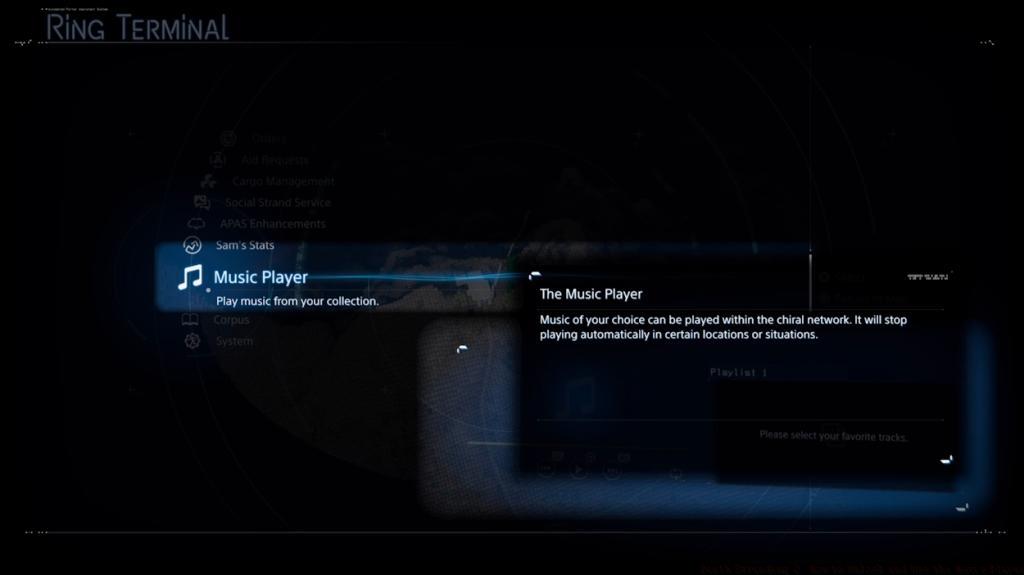
- Access your music collection through the equipment menu and create custom playlists for different journey types
- Optimize your listening experience by matching music genres to terrain challenges and weather conditions
- Use the music player strategically to maintain stamina and morale during difficult delivery missions
The musical landscape in Death Stranding has undergone significant evolution from the first installment to the sequel. While the original game restricted music listening primarily to private room sessions with occasional scripted outdoor tracks, Death Stranding 2 introduces a fully portable audio experience that transforms how players engage with the game’s atmospheric world. This enhancement directly addresses community feedback requesting greater control over in-game music during exploration and delivery sequences.
One of the most requested features from the original Death Stranding was the ability to curate personal soundtracks during lengthy traversal segments. Kojima Productions has responded by implementing a sophisticated music management system in Death Stranding: On the Beach that allows players to carry their favorite tracks throughout the entire journey. However, this functionality requires completion of specific story progression milestones before becoming available.
The implementation represents a thoughtful balance between narrative immersion and player customization. Unlike many open-world games that provide music access from the beginning, Death Stranding 2 integrates the music player unlock as a meaningful reward for advancing the main storyline, ensuring the feature enhances rather than disrupts the carefully crafted audio-visual experience.
Accessing the portable music player requires strategic progression through Death Stranding 2’s main narrative arc. During the initial Mexico segment, players must complete deliveries without musical accompaniment, as the feature remains deliberately locked to maintain narrative pacing. The unlock sequence begins when Sam reaches the Australian continent, typically occurring around 8-12 hours into gameplay depending on side content completion.
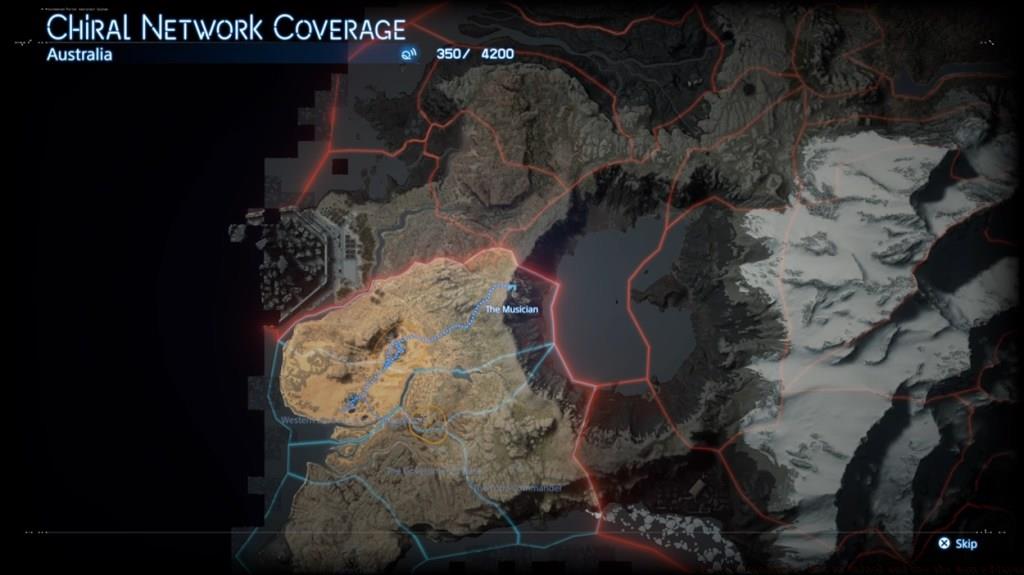
The critical mission for music player acquisition is Main Order #11: “Destroy the Communications Disruptor and Deliver the Mysterious Recording to the Musician.” This multi-stage objective requires careful planning and execution:
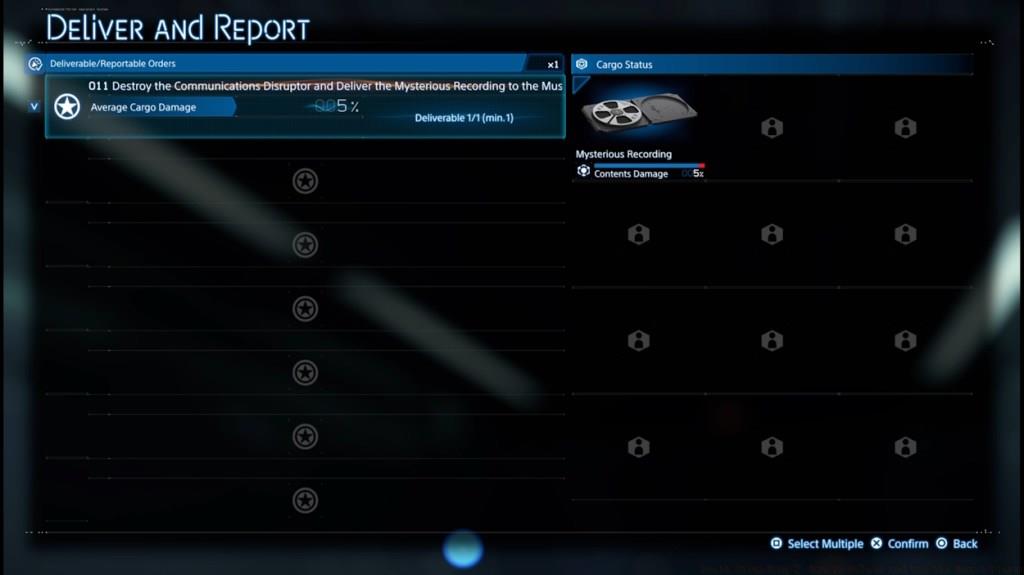
Phase One: Chiral Jammer Neutralization – Locate and destroy the Brigands’ Chiral Jammer device, which typically requires navigating through hostile territory while managing cargo integrity. Pro tip: Approach during clear weather conditions to avoid additional environmental hazards complicating the mission.
Phase Two: Recording Delivery – Transport the mysterious recording to the musician’s outpost, marked clearly on your map after jammer destruction. The delivery route often includes challenging terrain, so prepare appropriate gear and consider establishing zip-lines for efficient return trips.
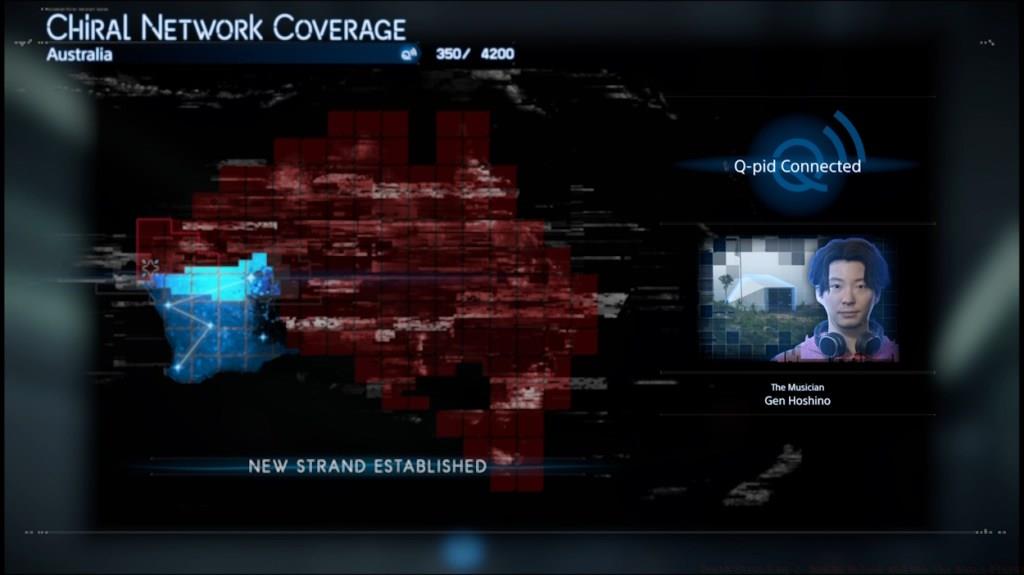
Upon successful delivery completion, Sam automatically utilizes his Q-Pid device to integrate the musician into the expanding Chiral Network. This connection establishes the infrastructure necessary for portable music streaming throughout the connected regions.
The musician character represents another celebrity crossover, following the pattern established with Daichi Miura in the first game. This time, players encounter Gen Hoshino, the renowned Japanese artist famous for tracks like “Pop Virus” that many players will recognize from previous gaming experiences.
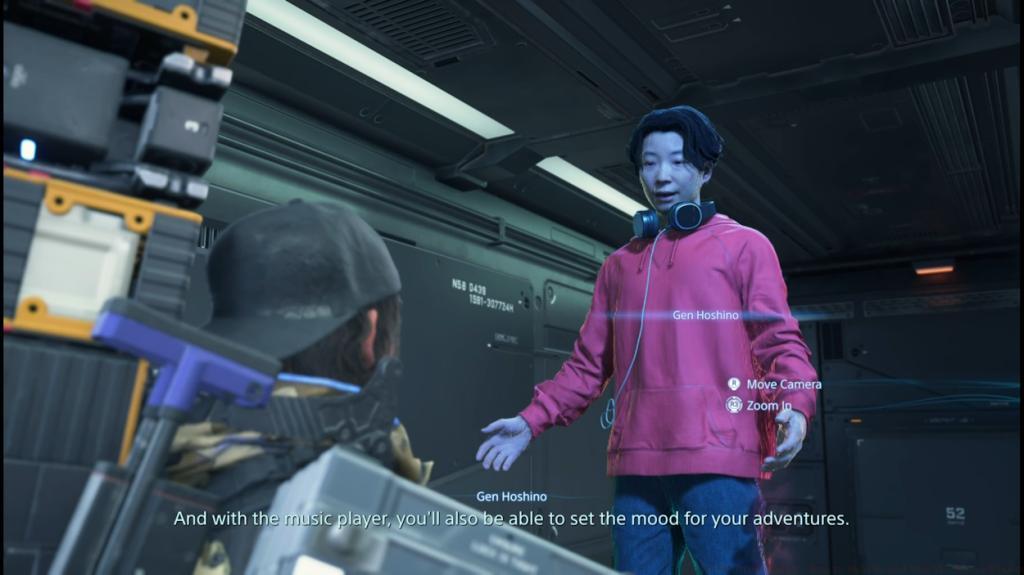
As gratitude for reconnecting him to the network, Gen Hoshino (credited as The Musician) grants access to the portable music player functionality. This unlock persists for the remainder of your playthrough, transforming how you experience Death Stranding 2’s vast landscapes.
Once the music player becomes available through the musician’s gift, accessing your audio collection requires navigating to the equipment menu where the new music player option appears alongside other traversal tools. The interface organizes tracks by acquisition method, with story-unlocked songs, pre-order bonuses, and discoverable hidden tracks each occupying distinct categories for easy navigation.
Creating Themed Playlists – The playlist creation system allows for up to six custom playlists containing between 5-15 tracks each. Strategic players should consider creating terrain-specific collections: upbeat electronic music for flat sprinting sections, atmospheric ambient tracks for mountain climbs, and intense industrial beats for BT territory navigation.
Advanced Audio Strategy – Music selection can impact gameplay beyond atmosphere. Upbeat tracks with consistent rhythms can help maintain sprinting cadence, while calmer music may reduce the frequency of stamina depletion during sustained climbs. Experiment with different genres to discover which musical styles best complement your playstyle and current mission objectives.
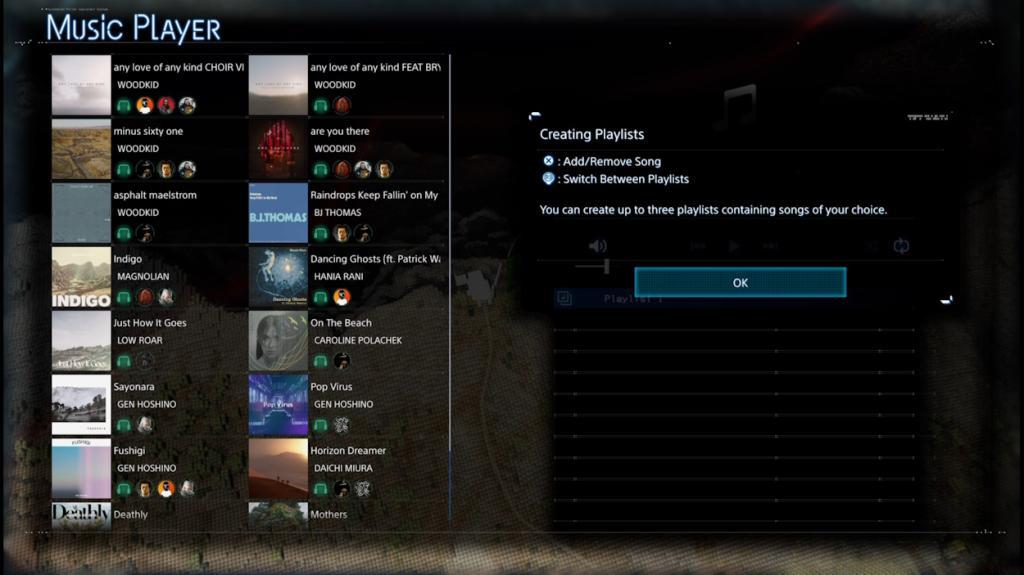
Common Playlist Mistakes to Avoid – Many players make the error of creating excessively long playlists that rarely cycle through all tracks. Instead, craft shorter, focused playlists that match typical mission durations. Also avoid mixing dramatically different tempo tracks within the same playlist, as abrupt musical transitions can disrupt immersion and rhythm-based gameplay benefits.
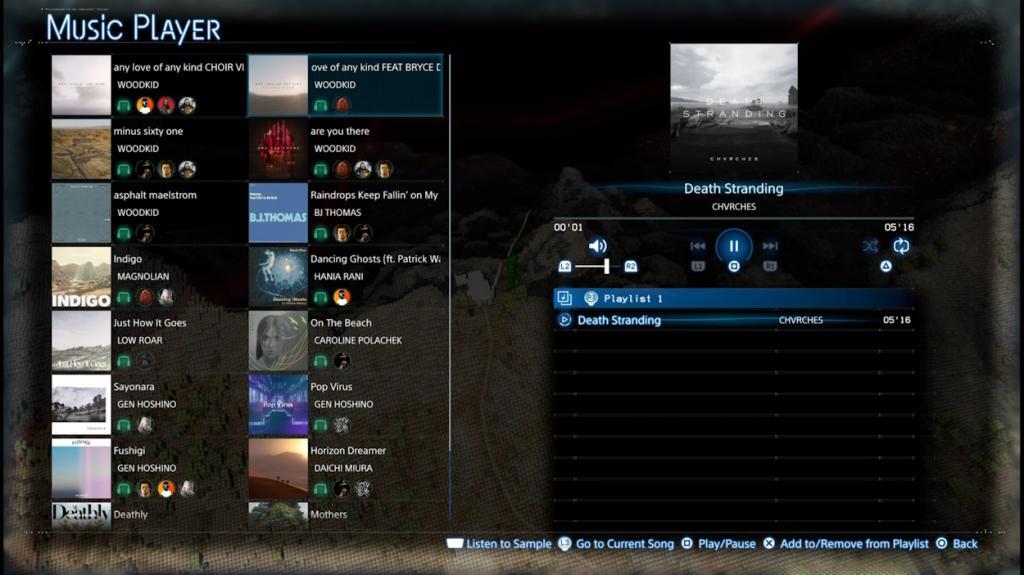
The music collection grows organically throughout your journey, with new tracks unlocking as rewards for specific story milestones, side mission completions, and hidden collectible discoveries. Regular check-ins with the musician character may reveal additional audio content as your connection strength increases.
Several common issues may prevent players from accessing or properly utilizing the music player functionality. If the music player option doesn’t appear in your equipment menu after completing the musician’s mission, verify that you’ve actually received the “Music Player Unlocked” notification. Sometimes mission completion doesn’t properly trigger the unlock if completed during specific weather conditions or if the game is saved mid-mission.
Music Player Not Appearing – If the music player remains unavailable despite mission completion, return to the musician’s location and ensure the Chiral Network connection shows as fully established. Occasionally, players need to complete an additional short dialogue interaction to finalize the unlock process.
Playlist Saving Problems – The game automatically saves playlist configurations when exiting the music menu, but some players report lost playlists after major story events. As precaution, screenshot your playlist configurations or maintain written records of your favorite track combinations until you’ve progressed beyond major narrative turning points.
Audio Quality and Performance Optimization – For the best listening experience, adjust the game’s audio settings to balance music volume against environmental sounds. Many players find a 70/30 music-to-environment ratio optimal for maintaining awareness while enjoying their custom soundtracks. Additionally, consider your platform’s audio output settings – the game’s soundtrack benefits significantly from high-quality headphones that capture the nuanced audio design.
Strategic Music Deployment – Advanced players should consider when to activate their music player for maximum benefit. During stealth sequences or precise platforming sections, consider pausing music to maintain full audio awareness of environmental cues and enemy movements.
Action Checklist
- Progress through main story until reaching Australian continent (approx. 8-12 hours)
- Accept and complete Main Order #11: Destroy Communications Disruptor
- Locate and destroy Brigands’ Chiral Jammer during clear weather conditions
- Deliver mysterious recording to musician Gen Hoshino
- Access equipment menu to find newly unlocked music player option
- Create 3-4 themed playlists for different terrain types and mission durations
- Test different music genres’ impact on stamina management and movement efficiency
No reproduction without permission:Tsp Game Club » Death Stranding 2: How to Unlock and Use the Music Player Master Death Stranding 2's music system with complete unlock guide and playlist creation strategies