
Complete troubleshooting guide for Xbox Delta Force issues with advanced optimization techniques
Understanding Delta Force Xbox Issues
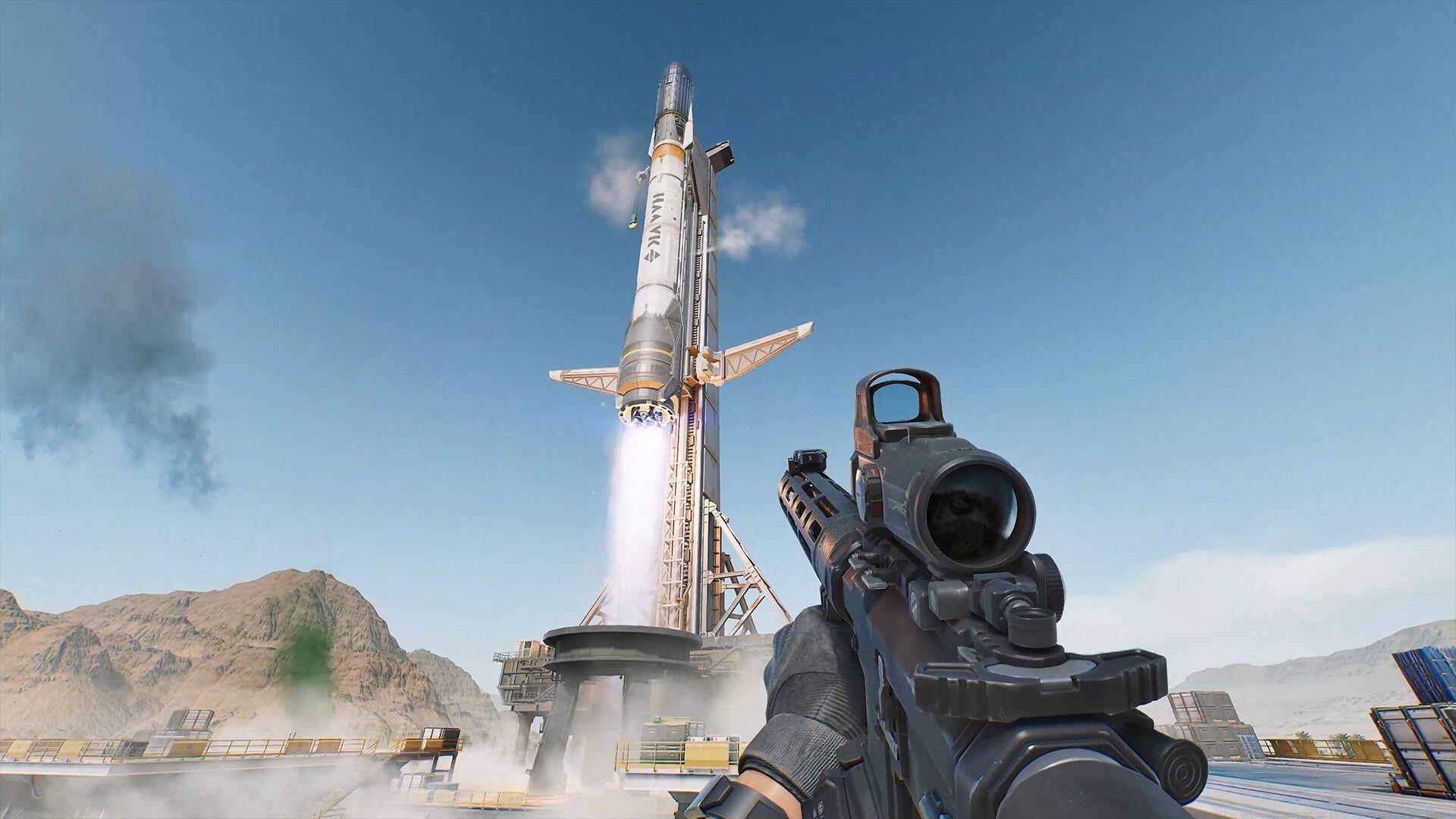
When Delta Force not working on Xbox occurs, players typically experience several distinct symptoms that disrupt gameplay. These include sudden application crashes during critical missions, installation failures that prevent initial access, and perpetual loading screens that never transition to actual gameplay. Understanding these patterns helps identify the underlying causes more effectively.
The technical foundation of these problems often stems from multiple potential sources. Outdated game versions frequently introduce compatibility conflicts with Xbox system software. Corrupted cache data accumulates over time and can destabilize game performance. Network connectivity issues, particularly with Xbox Live services, create barriers to online features and content verification.
Essential Troubleshooting Steps
Game updates represent your first line of defense against technical issues. Navigate to My Games & Apps → See All → Manage → Updates section to scan for available patches. Enable automatic updates in system settings to ensure you never miss critical fixes. Developers frequently release patches addressing stability improvements and bug resolutions.
Cache management requires systematic approach for optimal results. Temporary data accumulation can corrupt game files over extended play sessions. Perform complete cache clearance by powering down your console completely, disconnecting the power cable for at least five minutes to ensure full discharge, then reconnecting and restarting. This process flushes temporary files that may cause conflicts.
Network stability proves crucial for Delta Force’s online components. Test your connection speed through Xbox network settings, ensuring minimum 10Mbps download speeds for stable gameplay. Check Xbox Live status via official support channels for service outages. Consider wired Ethernet connections over Wi-Fi for reduced latency during competitive matches.
Also read: Delta Force announces several rewards for PlayStation Plus and Xbox Game Pass Ultimate users
Advanced Technical Solutions
File integrity verification becomes necessary when basic troubleshooting fails. Access Manage Game options for Delta Force and select the file verification tool. This scans for corrupted installation files and automatically replaces damaged components. For persistent issues, consider complete reinstallation after backing up save data to cloud storage.
Hardware diagnostics help identify underlying console problems. Monitor your Xbox’s temperature during extended gaming sessions, ensuring adequate ventilation space around the unit. Overheating triggers automatic performance throttling that can crash demanding games. Clean dust accumulation from vents regularly using compressed air.
Performance optimization settings can significantly enhance stability. Adjust display settings to prioritize performance over visual quality if experiencing frequent crashes. Disable background applications and suspend other game captures to allocate maximum resources to Delta Force. Consider external SSD storage for faster loading times and reduced data corruption risks.
Also read: How to get the PTR 32 Old Habits skin in Delta Force
Prevention and Maintenance Strategies
Proactive maintenance routines prevent most Delta Force technical issues before they occur. Schedule monthly cache clearance sessions and regularly check for game updates. Maintain at least 20% free storage space on your Xbox to ensure smooth operation and prevent file corruption during updates.
Develop consistent gaming habits that support system health. Allow proper console cooling between extended sessions and avoid abrupt power disconnections during gameplay. Regularly backup save data to cloud storage to prevent progress loss during technical troubleshooting procedures.
While Delta Force not working on Xbox presents frustrating obstacles, systematic application of these solutions typically resolves most issues. The combination of immediate troubleshooting and long-term preventive measures ensures optimal gaming experience.
Also read: “Much more new content planned for the future”: Delta Force Console launch interview with Ricky Liao and Jesseca Zhang (Exclusive)
Follow Sportskeeda for more updates:
No reproduction without permission:Tsp Game Club » Delta Force: Delta Force not working on Xbox: Possible fixes, reasons Complete troubleshooting guide for Xbox Delta Force issues with advanced optimization techniques