
Master crossplay and cross-progression features in Game of Thrones Kingsroad with essential tips and strategies
Understanding Game of Thrones Kingsroad
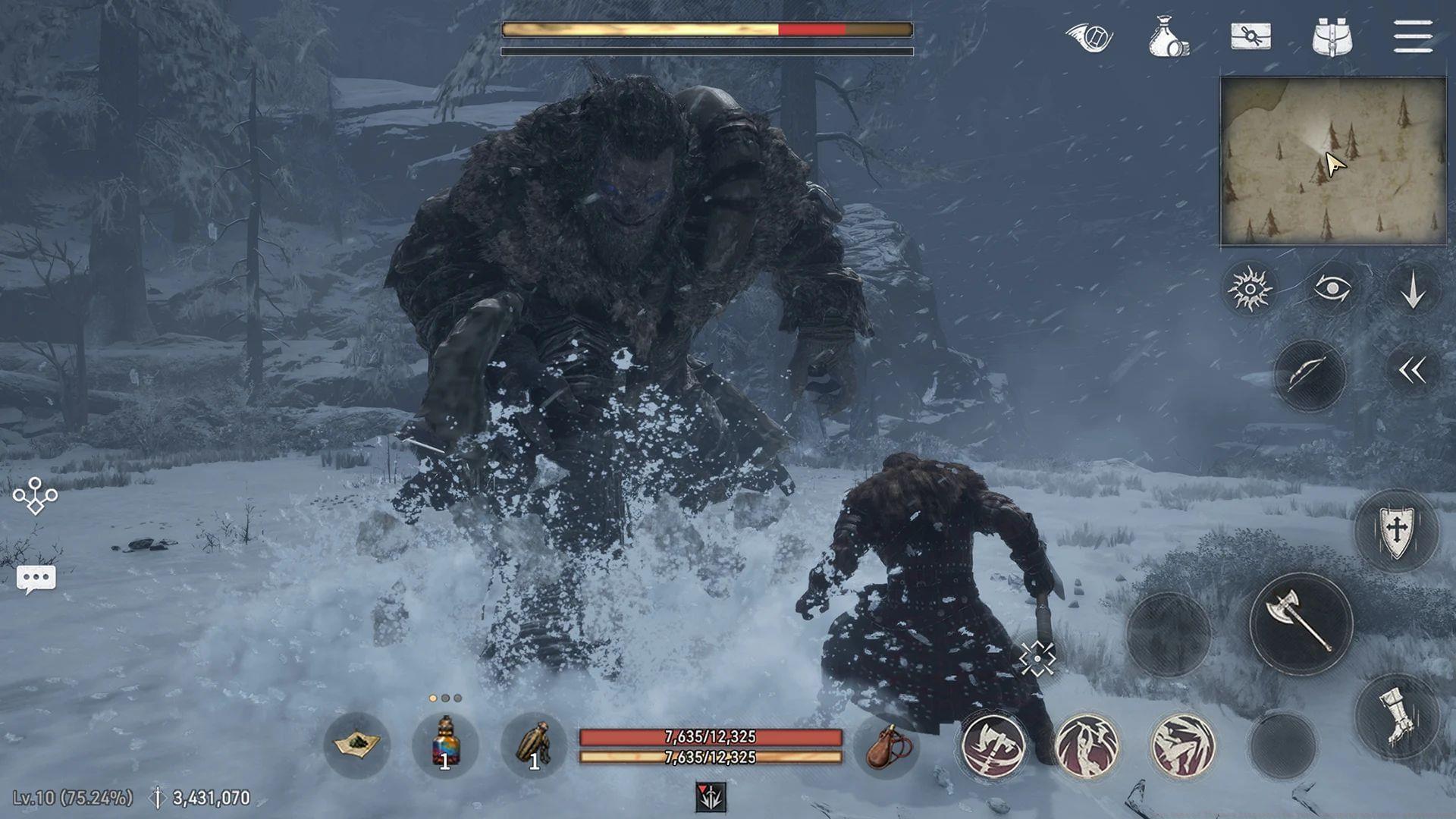
Game of Thrones Kingsroad represents an ambitious open-world RPG adventure set within HBO’s acclaimed television universe. Netmarble’s development team has crafted an experience where players assume the role of a noble heir from a minor Northern house seeking to reclaim their family’s prestige across war-ravaged Westeros. Players select from three distinct character classes, each offering unique combat styles and narrative pathways.
The game significantly enriches the established lore through introducing previously unexplored territories, supplemental questlines, and legendary creatures from Westerosi mythology. Combat mechanics emphasize tactical engagement through precise timing, evasive maneuvers, and parrying techniques. Cooperative gameplay stands as a cornerstone feature, with dedicated multiplayer dungeons and team-oriented missions designed to foster social interaction and strategic collaboration.
Crossplay: Uniting PC and Mobile Players
Crossplay functionality represents a groundbreaking feature that eliminates platform barriers between PC and mobile users. This technology enables players from both ecosystems to coexist on identical servers, form cooperative alliances, and adventure through Westeros simultaneously. The seamless integration ensures that platform choice no longer dictates your social gaming experience.
Mobile gamers can now effortlessly join dungeon raids alongside their PC-based companions, creating unprecedented flexibility in team composition. This cross-platform accessibility proves particularly valuable for community-centric content, where maintaining an extensive and diverse player population ensures sustained engagement and dynamic gameplay encounters. Strategic advantages emerge when combining mobile convenience with PC precision controls during cooperative missions.
Crossplay Strategy Tips: Mobile players should focus on support roles during intense combat sequences, while PC users typically excel at precision targeting. Establish clear communication protocols between platform users to coordinate complex maneuvers. Utilize mobile devices for quick inventory management and crafting while reserving PC sessions for challenging dungeon content requiring precise controls.
Cross-Progression: Seamless Gaming Across Devices
Cross-progression stands as another revolutionary feature that synchronizes your entire gaming journey across multiple platforms. Your character development, equipment collections, completed objectives, and achievement milestones automatically link to a unified account profile, regardless of which device you access. This means initiating your adventure as a Knight class character on mobile during your commute, then transitioning to PC gaming at home without sacrificing any progression.
Every aspect of your character build, inventory arsenal, and mission accomplishments transfers instantaneously between platforms. This seamless transition not only enhances gaming flexibility but also accommodates players with demanding schedules who need to optimize their limited playtime. The system automatically handles synchronization in the background, ensuring your most current game state remains accessible across all authorized devices.
Progression Optimization: Schedule resource-intensive activities like crafting and inventory organization for mobile sessions, while reserving story progression and challenging combat for PC play. Regularly verify synchronization status before switching devices to prevent potential data conflicts. Maintain stable internet connectivity during platform transitions to ensure complete data transfer.
Advanced Tips and Common Pitfalls
Performance Optimization: PC players should adjust graphical settings to maintain stable framerates during crossplay sessions to prevent disadvantaging mobile teammates. Mobile users benefit from closing background applications to ensure optimal performance during cooperative content. Both platforms should maintain strong internet connections to prevent synchronization issues or disconnected gameplay experiences.
Avoiding Common Mistakes: Never attempt to access the same account simultaneously across multiple devices, as this can create synchronization conflicts and potential data loss. Regularly back up your account information and enable two-factor authentication for security. Avoid making critical character decisions during unstable network conditions that might interrupt the synchronization process.
Community Engagement Strategies: Join cross-platform guilds to maximize your access to diverse player expertise. Participate in community events that specifically encourage crossplay cooperation. Share platform-specific insights with your gaming partners to develop more effective cooperative strategies that leverage the unique strengths of each platform.
Also Read: Game of Thrones Kingsroad: All available platforms and PC system requirements
Here are some other gaming articles from Sportskeeda for you to check out:
No reproduction without permission:Tsp Game Club » Does Game of Thrones Kingsroad feature crossplay and cross progression? Master crossplay and cross-progression features in Game of Thrones Kingsroad with essential tips and strategies