
Complete guide to crossplay and cross-progression features in Fantasy Life i with practical multiplayer tips
Understanding Crossplay and Cross-Progression
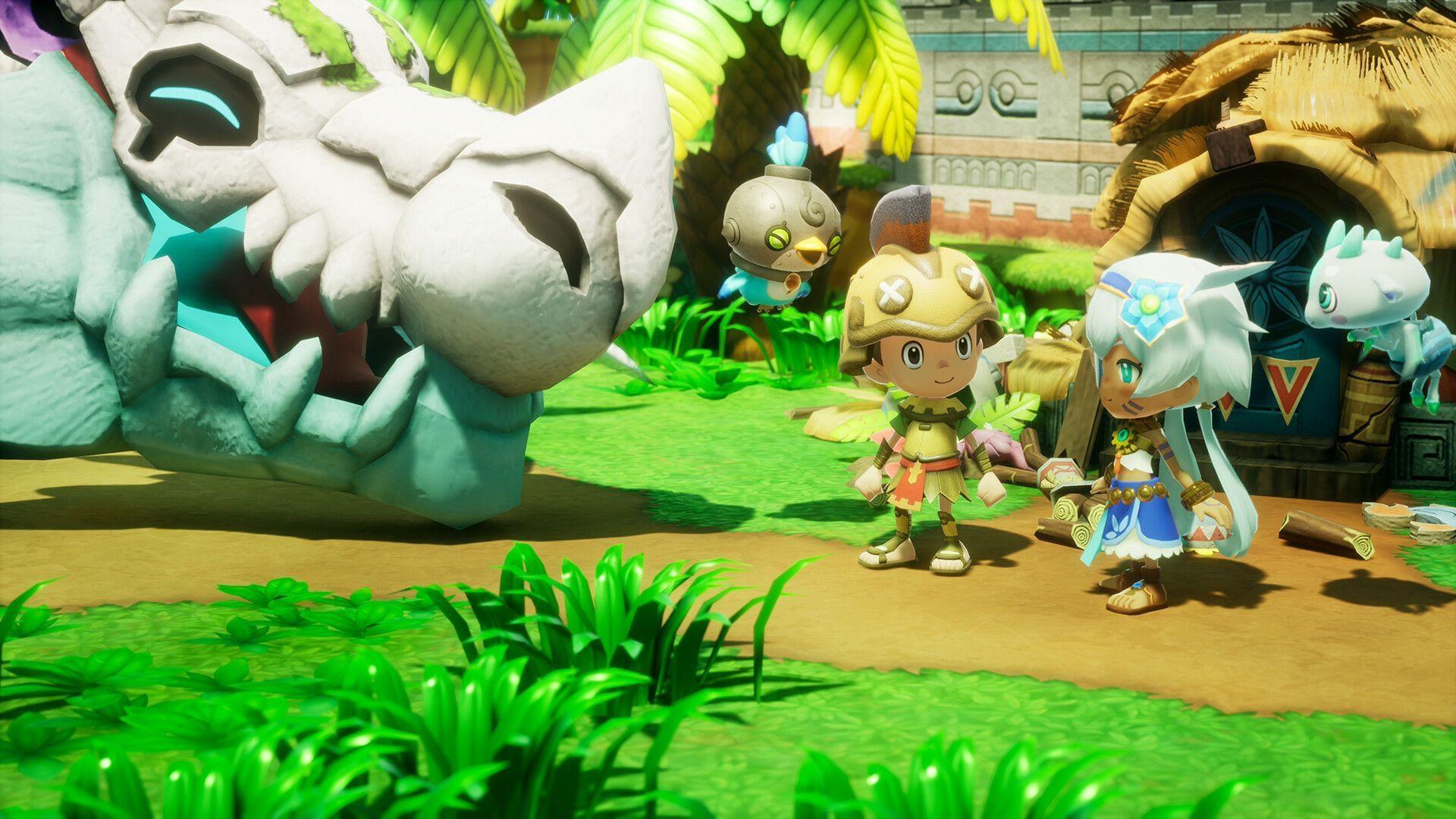
Yes, crossplay is supported in Fantasy Life i: The Girl Who Steals Time. The game implements comprehensive cross-platform functionality that enables seamless multiplayer experiences across Nintendo Switch, PlayStation, Xbox, and PC systems. This integration means you can form adventuring parties with friends regardless of their preferred gaming device.
Cross-progression stands as a particularly valuable feature for modern gaming. Your saved game data, character progression, item collections, and island development synchronize automatically across all linked platforms. This allows you to continue your journey from exactly where you left off, whether playing on your home console or mobile device during travel.
The technical implementation requires creating a LEVEL5 account that links your various platform profiles. Once connected, the system manages data synchronization in the background, ensuring your progression remains consistent. This eliminates the frustration of restarting content when switching between devices.
Gameplay Features and Life System
The game transports players to an expansive fantasy realm where you select from 14 specialized “Lives” – each representing a distinct career path with unique mechanics and progression systems. These professions range from combat-focused roles like Paladin and Mercenary to crafting specialties including Blacksmith, Cook, and Carpenter.
Island customization provides a creative outlet that complements the Life system. As you advance through the narrative, you’ll transform a deserted island into your personal sanctuary. This involves constructing buildings, arranging decorations, and designing landscapes that reflect your aesthetic preferences and functional needs.
Combat mechanics integrate smoothly with the Life system, allowing you to switch between professions to adapt to different challenges. The relaxed pacing distinguishes Fantasy Life i from intensity-driven shooters, offering a therapeutic alternative for players seeking meaningful social interactions without competitive pressure.
Resource gathering and crafting form the economic backbone of the experience. Each Life provides access to exclusive recipes and creation methods that can benefit your entire multiplayer group. Specialized characters can produce equipment and consumables that enhance collective progression.
Advanced Multiplayer Strategies
Forming balanced cross-platform parties significantly enhances cooperative efficiency. Consider combining complementary Lives – a Miner to gather resources, Blacksmith to craft weapons, and Paladin for protection creates a self-sufficient team. Communication remains crucial despite platform barriers; utilize in-game emotes and predefined messages for coordination.
Progression optimization involves strategic Life switching to maximize resource utilization. For instance, leveling Fishing alongside Cooking ensures fresh ingredients for meal preparation, while Woodcutting pairs naturally with Carpentry. This synergistic approach accelerates character development and item acquisition.
Common multiplayer pitfalls include uneven progression among party members and platform-specific connectivity issues. Establish regular play sessions to maintain balanced advancement, and test cross-platform connections before extended gameplay periods. Save synchronization typically occurs upon session conclusion, so avoid abrupt disconnections during critical moments.
Advanced players should master Life specialization while maintaining secondary professions. Focus on maximizing one Life’s mastery while developing supporting skills that benefit your regular multiplayer group. This creates specialized roles that encourage cooperative interdependence.
Practical Implementation Guide
Check out: How to change appearance in FL i: The Girl Who Steals Time
Implementing crossplay begins with creating your LEVEL5 account through the game’s main menu. Navigate to the network settings section and follow the platform linking procedure, which typically involves entering verification codes on connected devices. Ensure stable internet connectivity during this process to prevent synchronization errors.
Session management requires inviting friends through the multiplayer menu, where you’ll see online contacts across all platforms. The interface clearly indicates each player’s current Life specialization and progression level, helping you assemble balanced teams. Session hosts control progression saving, so designate consistent leadership.
This comprehensive overview demonstrates how Fantasy Life i: The Girl Who Steals Time delivers accessible cross-platform gaming. If you seek relaxing social experiences with meaningful progression systems and creative expression, this title provides the perfect blend of casual enjoyment and engaging mechanics.
Expand your knowledge with these related guides:
- FL i The Girl Who Steals Time: Cheat Engine table
- How long does it take to beat FL i The Girl Who Steals Time?
- How to find Faraway Iron Ore in FL i: The Girl Who Steals Time
- How to earn quick money in FL i The Girl Who Steals Time
- List of all main quests and side stories in FL i The Girl Who Steals Time
- Is there a multiplayer mode in FL i: The Girl Who Steals Time?
- How to obtain Topaz in FL i: The Girl Who Steals Time
No reproduction without permission:Tsp Game Club » Is there crossplay in Fantasy Life i: The Girl Who Steals Time? Complete guide to crossplay and cross-progression features in Fantasy Life i with practical multiplayer tips