
Complete guide to Supervive controller support on PC with workarounds and optimization tips
Understanding Supervive’s Current Controller Support
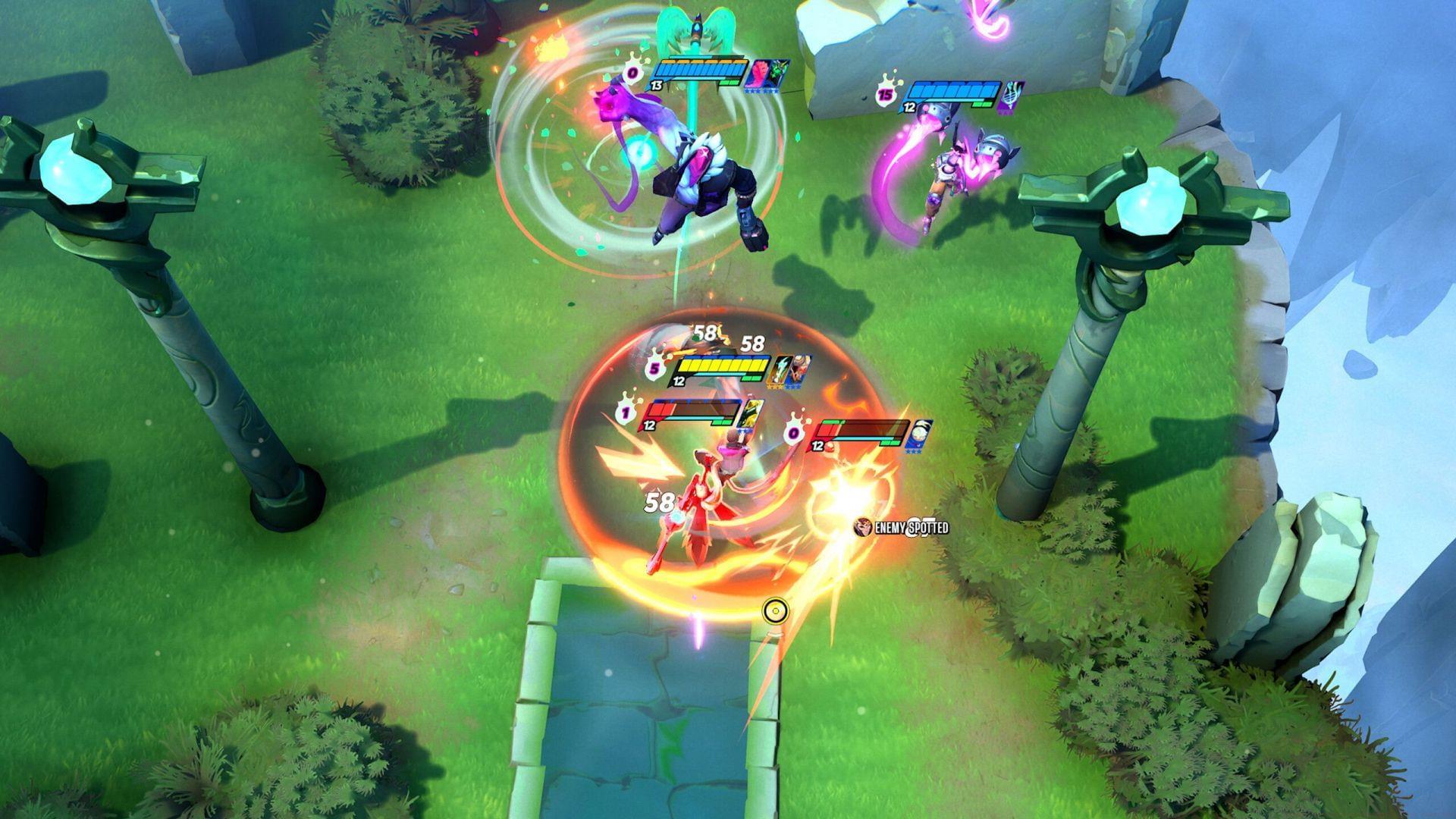
Theorycraft Games’ inaugural MOBA Battle Royale title, Supervive, has launched exclusively on PC platforms, delivering intense ranged combat encounters within chaotic multiplayer arenas. This innovative hybrid genre combines strategic team play with survival mechanics, creating uniquely dynamic skirmishes. For console enthusiasts transitioning to PC gaming, the availability of controller compatibility becomes a crucial accessibility consideration.
Currently, Supervive lacks comprehensive native controller integration on PC systems, presenting challenges for gamers preferring gamepad input methods. During the early access period, developers implemented preliminary controller functionality for testing purposes, indicating ongoing development efforts toward full support. This experimental phase allowed limited gamepad operation while collecting valuable user feedback for refinement.
Understanding the distinction between experimental and full controller support helps manage expectations. The development team continues optimizing input systems while addressing technical hurdles associated with MOBA control schemes on gamepads. Players should monitor official patch notes for controller support announcements as the game evolves through post-launch updates.
Controller Issues and Limitations
Gamepad functionality operates inconsistently across different gameplay segments, with particular instability during critical match phases. The Drop Phase—where players select landing positions—frequently disrupts controller connectivity, potentially stranding characters in undesirable locations. Similarly, navigating the Shop UI for item purchases often triggers input recognition failures, compromising strategic purchasing decisions during limited-time opportunities.
Given Supervive’s competitive multiplayer nature, these controller interruptions create significant disadvantages during ranked matches and tournaments. Input lag or complete disconnection during team fights can determine match outcomes, making reliable control schemes essential for competitive integrity. Professional players and ranked climbers should exercise caution when considering controller use in serious gameplay sessions.
Additional problem areas include ability selection interfaces, inventory management screens, and communication wheel functionality. These systemic limitations stem from incomplete button mapping integration and menu navigation optimizations specifically designed for mouse input. Until developers implement comprehensive controller UI adaptations, these friction points will persist during gameplay sessions.
Steam Big Picture Workaround Method
Steam’s Big Picture mode offers a practical solution for controller enthusiasts through its sophisticated input translation system. This platform-level workaround bypasses Supervive’s native limitations by mapping keyboard and mouse commands to controller inputs, creating a functional albeit imperfect control scheme. The process requires specific configuration steps for optimal performance.
Implementation involves accessing Steam’s controller configuration menu through these systematic steps:
- Activate Steam Big Picture mode by selecting the monitor icon positioned in your Library’s upper-right interface quadrant
- Navigate to the controller settings section using the gamepad symbol located on the right-hand screen margin
- Choose the Keyboard mapping preset, which transforms keyboard and mouse actions into controller-compatible input signals
Advanced users can create custom controller profiles with specialized button assignments for Supervive’s ability combinations and item activations. Consider mapping crucial abilities to shoulder buttons and triggers for rapid access during combat situations. Test different sensitivity settings for right-stick camera control to find the optimal balance between precision and responsiveness for your playstyle.
Advanced Controller Optimization Strategies
Before deploying controller configurations in competitive matches, thoroughly validate setup functionality within Supervive’s Practice mode. This controlled environment allows comprehensive testing of all abilities, menu navigation, and item purchases without risking ranked statistics or frustrating teammates. Pay particular attention to transition moments between game phases where controller connectivity often falters.
Develop systematic validation checklists for your controller setup, including: ability cycling, ultimate activation, item usage, movement precision, and menu navigation speed. Identify any input delay or recognition issues during stress-test scenarios like rapid ability combos or emergency evasion maneuvers. These preparatory measures prevent unpleasant surprises during actual gameplay sessions.
Create backup control schemes for different hero types—ranged attackers may benefit from different sensitivity settings than melee specialists. Monitor controller battery levels during extended sessions, as low power can introduce input latency. Consider keeping a mouse nearby for critical menu interactions during controller downtime periods, ensuring uninterrupted gameplay during match-critical moments.
Supervive remains freely accessible on PC platforms while controller support continues evolving through developer updates and community feedback integration.
No reproduction without permission:Tsp Game Club » Does Supervive have controller support? Complete guide to Supervive controller support on PC with workarounds and optimization tips