
Master family editing in Inzoi with advanced strategies for creating, merging, and managing Zoi households effectively
Understanding Family Mechanics in Inzoi
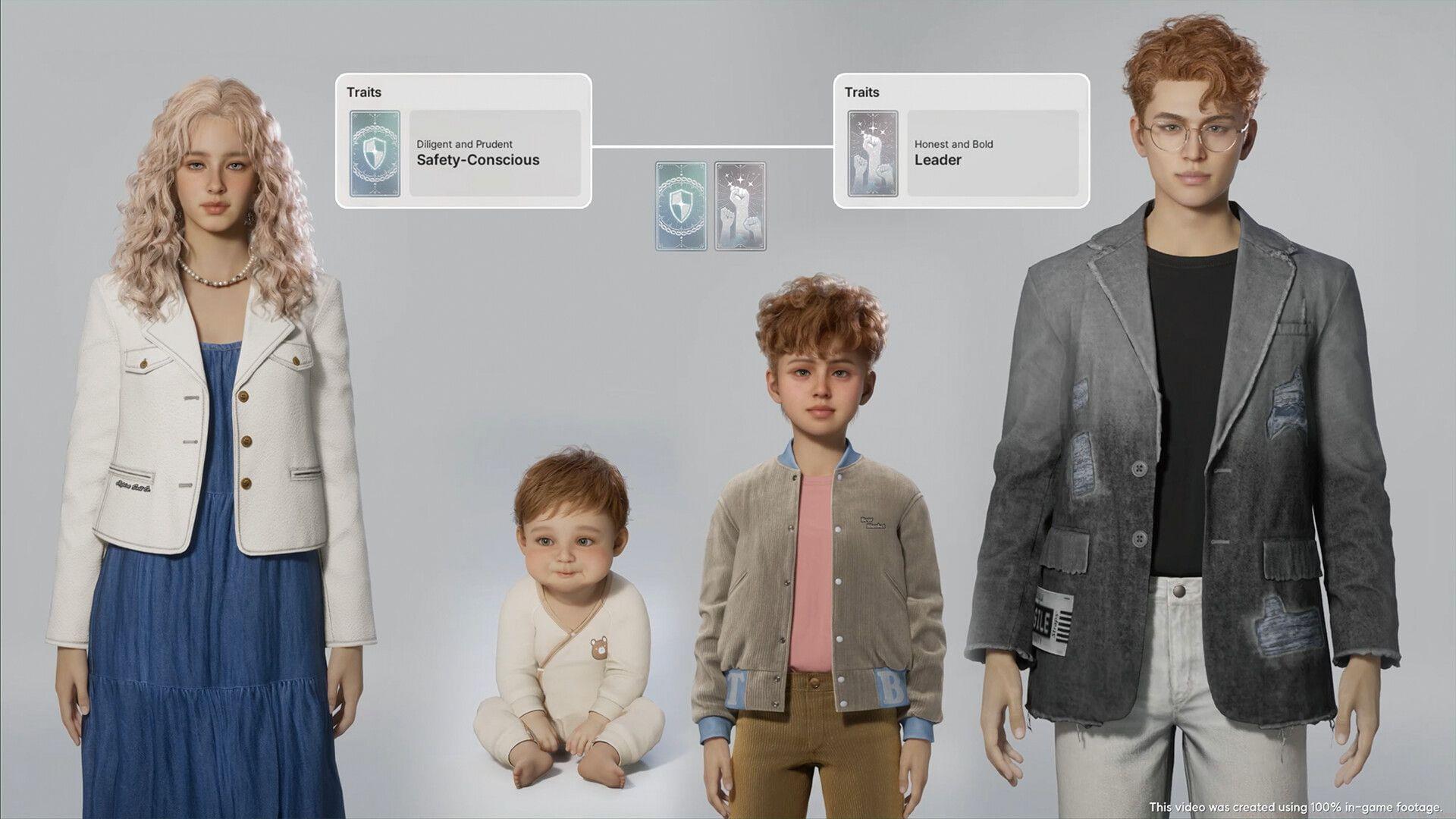
With Inzoi’s recent launch, dedicated players are investing significant time crafting their ideal Zoi characters and developing meaningful connections with non-player characters throughout the game world. Among the title’s standout features is its comprehensive family system that enables players to establish and modify household relationships. As Zois progress through their daily routines and activities, they naturally develop bonds and connections with other characters. These emerging relationships create opportunities for player intervention, allowing strategic adjustments that fundamentally transform how your Zois interact within their social circles.
Creating Your First Family Unit
The family creation process begins within the ‘Character Creator’ interface, where you can leverage extensive preset options and customization tools to design Zois that match your vision. After completing the design of all Zois intended for a specific family unit, navigate back to the ‘All Families’ management page where your newly created characters become available for selection. Identify the appropriate grey house icon to assign residential properties to your family members, then confirm your housing allocation decision. This finalizes your family setup, preparing them to embark on their personalized adventures throughout the Inzoi universe.
Pro Tip: Before finalizing family assignments, consider creating backup save files of your favorite Zoi designs. This allows you to experiment with different family configurations without losing your original character creations. Additionally, pay close attention to Zoi personality traits during the creation process, as these will influence how family members interact and form relationships over time.
Advanced Family Management Techniques
Access advanced family management options through your in-game smartphone by opening the ‘City Map’ interface. Locate and select the ‘All Families’ button positioned in the upper left corner of this screen. From here, choose the ‘Move Zois Between Families’ function and select any two Zois you wish to relocate between households. It’s important to understand that Inzoi doesn’t include a direct character deletion feature, which means the only permanent removal method involves eliminating Zois from the game entirely.
For players preferring less drastic approaches, consider transferring unwanted family members to households you’re not currently actively managing. When moving a Zoi to a different family, rest assured that their core identity and surname remain completely unchanged. The ‘Move Zois Between Families’ functionality also enables household merging capabilities, allowing Zois to cohabitate in shared residences – particularly useful for romantic partners developing serious relationships within your game world.
Advanced Strategy: Create designated ‘holding’ families for Zois you may want to use later but don’t currently need in your active gameplay. This approach provides flexibility for future storylines while keeping your main families optimized for current narrative purposes. Monitor relationship meters carefully before merging households, as Zois with stronger pre-existing bonds adapt better to cohabitation arrangements.
Pro Tips and Optimization Strategies
Avoid These Common Mistakes: New players often assign Zois to families too quickly without considering long-term story potential. Take time to develop individual character backstories before establishing family connections. Another frequent error involves merging households too early in relationship development – wait until Zois have established strong bonds (visible through relationship indicators) before having them move in together.
Efficiency Recommendations: Group your family management tasks into dedicated gaming sessions rather than addressing them sporadically. This focused approach helps maintain consistency in your household narratives. For advanced players, consider creating thematic family groupings based on career paths, personality types, or aesthetic preferences to enhance storytelling opportunities.
Character Preservation: Since permanent deletion isn’t recommended, develop a systematic approach to archiving Zois you’re not currently using. Create a dedicated ‘Legacy’ family to store your favorite character designs from previous gameplay iterations, ensuring you never lose access to specially crafted Zois that might fit future narrative needs.
No reproduction without permission:Tsp Game Club » family: How to create and edit families in Inzoi Master family editing in Inzoi with advanced strategies for creating, merging, and managing Zoi households effectively