
Comprehensive troubleshooting guide for Helldivers 2 lobby connection errors with advanced optimization strategies
Understanding the Lobby Connection Error
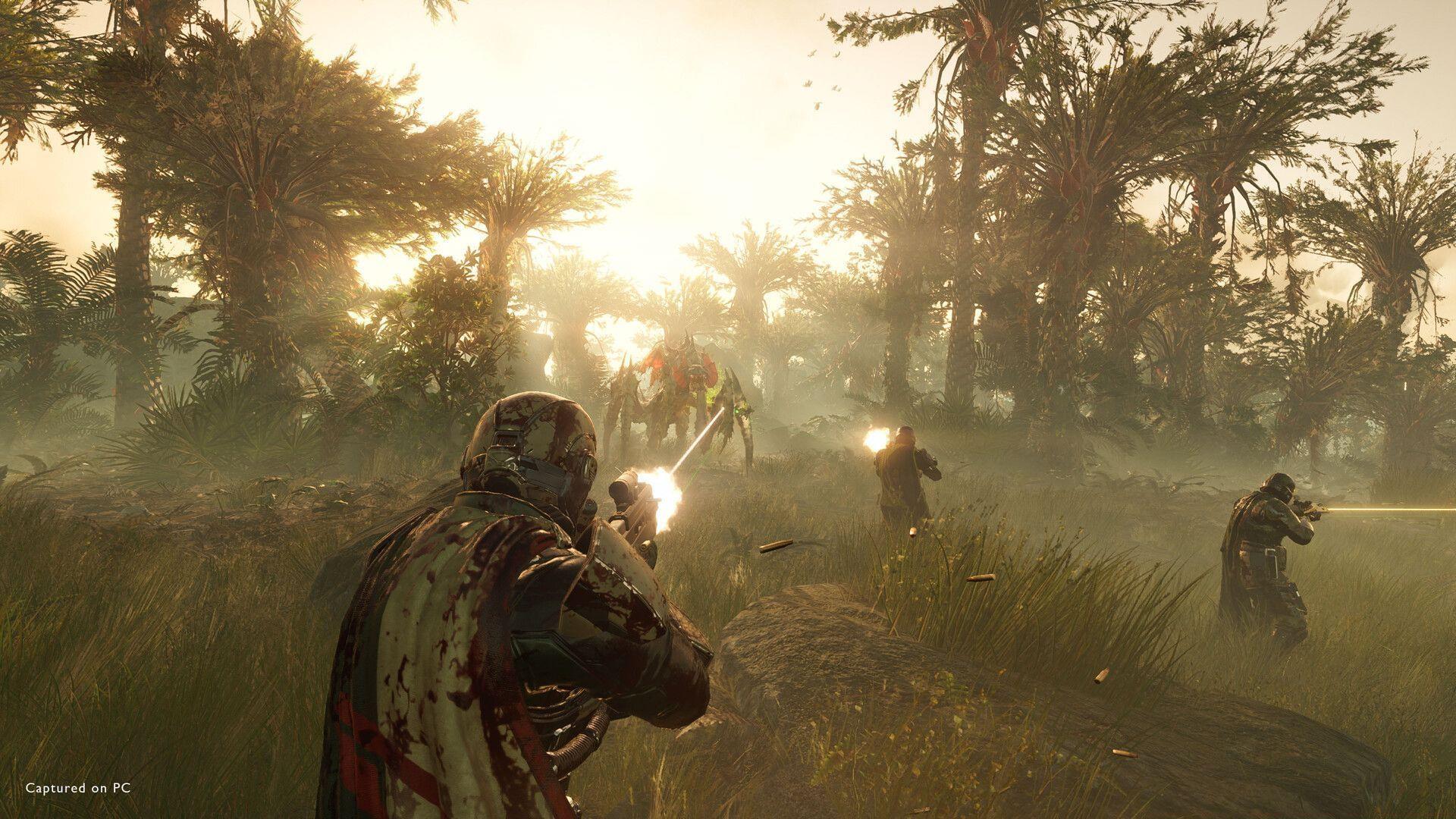
Helldivers 2 players frequently encounter the frustrating ‘failed to join game lobby error‘ during matchmaking attempts. This connectivity issue affects all supported platforms equally, including recent Xbox console releases where server infrastructure continues to stabilize. The error typically manifests when the game client cannot establish proper handshake protocols with matchmaking servers, resulting in abandoned join attempts.
Connection failures generally stem from three primary sources: server overload during peak hours, local network configuration problems, or client-side software conflicts. Understanding the root cause is essential for applying the correct solution sequence. Temporary server capacity issues often resolve spontaneously, while persistent errors indicate deeper technical problems requiring systematic troubleshooting.
Immediate Quick Fix Solutions
Initiating a complete game restart remains the most effective first response for transient connection glitches. This action clears temporary cache files and resets network sockets that may have entered corrupted states. For optimal results, ensure the game closes completely rather than suspending to background, then wait 30 seconds before relaunching to allow full service termination.
Platform client restarts provide complementary benefits by refreshing digital distribution network connections. Steam, PlayStation Network, and Xbox Live each maintain separate connection pools that can develop synchronization issues with game servers. Restarting these clients forces re-authentication and often resolves credential validation problems preventing lobby access.
Network stability verification should accompany these steps. Run speed tests during peak gaming hours to identify bandwidth bottlenecks, and consider wired connections over WiFi for reduced packet loss. Many players overlook simple router reboots that clear NAT table congestion—a common culprit for persistent matchmaking failures.
Advanced Troubleshooting Methods
Windows Firewall configurations often block Helldivers 2’s outgoing connections, especially after game updates modify executable signatures. Navigate to Windows Security settings and create explicit inbound/outbound rules for the Helldivers2.exe application. For advanced users, temporary firewall disabling can test this theory, but always re-enable protection afterward.
Network optimization extends beyond basic connectivity checks. Configure Quality of Service (QoS) settings on your router to prioritize gaming traffic, and consider port forwarding for Helldivers 2’s specific requirements (typically ports 27015-27030). VPN services sometimes improve connectivity by routing around ISP throttling, though they may introduce additional latency.
File integrity verification through Steam or other platforms identifies corrupted game assets that disrupt online functionality. This process compares local files against clean versions and automatically replaces damaged components. For persistent issues, complete reinstallation becomes necessary—back up configuration files first to preserve settings.
Server-Side Issues and Long-Term Solutions
Server infrastructure problems represent the most frustrating error source since individual players cannot directly resolve them. During major content updates or platform expansions, Helldivers 2 servers frequently reach capacity, triggering lobby join failures. Monitor official Arrowhead Game Studios social channels and community Discord servers for real-time status updates.
When developers acknowledge widespread issues, patience becomes the primary strategy. Server-side fixes typically deploy within hours for emergency outages, but structural improvements may require days during major updates. Consider adjusting play schedules to off-peak hours when server load decreases, improving connection success rates.
Community reporting tools provide valuable escalation paths. Submit detailed error reports including timestamps, error codes, and connection methods to help developers identify patterns. Collective reporting often accelerates fix deployment by highlighting widespread versus isolated incidents.
Prevention and Optimization Strategies
Proactive connection management significantly reduces future lobby join failures. Establish wired Ethernet connections whenever possible, as WiFi introduces variable latency and packet loss. Configure gaming-specific network profiles that prioritize Helldivers 2 traffic over other household internet usage during gameplay sessions.
System maintenance routines prevent many common issues. Regularly update network drivers, especially for WiFi adapters and motherboard LAN chipsets. Schedule monthly game file verification checks through your platform client, and maintain adequate storage space for temporary game files that facilitate matchmaking.
Community engagement provides early warning systems for emerging issues. Join Helldivers 2 subreddits and Discord communities where players rapidly report connection problems, allowing preemptive troubleshooting before your gameplay sessions begin. These resources often share workarounds while official fixes remain in development.
Also read: How to upgrade weapons in Helldivers 2
Read more: Helldivers 2 announces Into the Unjust update
No reproduction without permission:Tsp Game Club » Helldivers 2 failed to join game lobby error: Possible fixes and reasons Comprehensive troubleshooting guide for Helldivers 2 lobby connection errors with advanced optimization strategies