
Complete troubleshooting guide for Helldivers 2 startup failures with advanced diagnostic techniques and optimization strategies
Understanding the Launch Issue
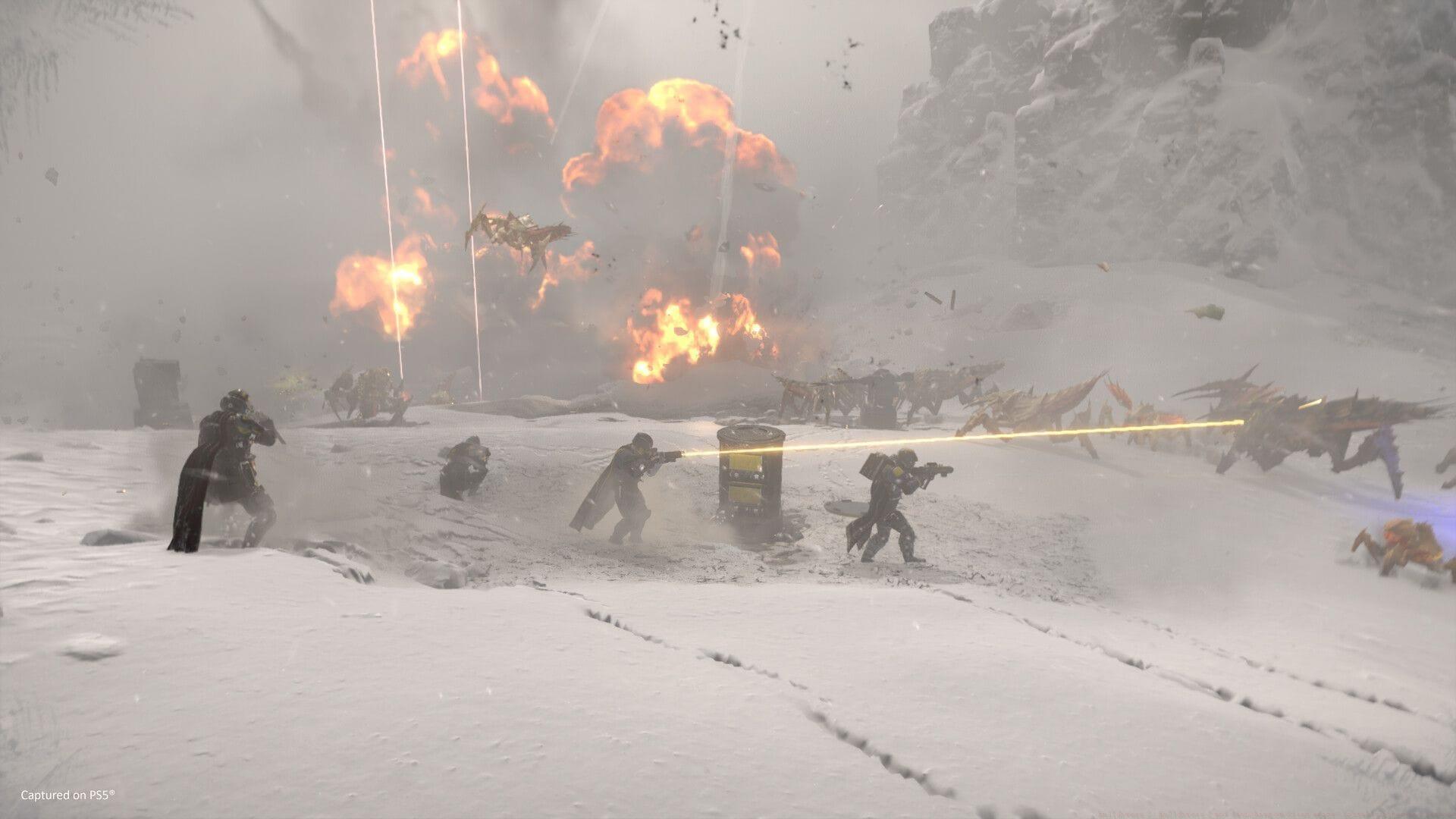
The Helldivers 2 not launching on Steam error has become increasingly prevalent following deployment of the Into The Unjust update (Patch 01.004.000) on September 2, 2025. Numerous players report complete startup failures or immediate crashes upon attempting to initialize the game post-patch installation. This widespread issue appears connected to both software conflicts and hardware compatibility challenges introduced by the latest update.
Resource-intensive gaming titles like Helldivers 2 frequently encounter startup complications when system configurations don’t perfectly align with updated requirements. The recent patch introduced significant backend modifications that may conflict with certain graphics drivers, background applications, or system security settings. Understanding these underlying causes provides the foundation for implementing effective solutions.
Basic Troubleshooting Solutions
Begin with fundamental verification procedures that address the most common causes of launch failures. These methods resolve approximately 70% of startup issues according to community troubleshooting data.
- Access your Steam Library and identify Helldivers 2 in your games collection.
- Right-click the game title and choose Properties from the context menu.
- Navigate to the Local Files section within the properties window.
- Select Verify integrity of game files. Steam will systematically scan for corrupted, damaged, or missing game components and automatically replace them. This procedure frequently resolves problems stemming from incomplete patch installations or file corruption.
Also read: How to get G-123 Thermite Grenade in Helldivers 2
- Within the Steam application interface, click the Steam menu option positioned in the top-left corner.
- Choose Settings, then proceed to the Downloads category.
- Select Clear Download Cache. This action eliminates temporary installation files that might create conflicts with game initialization. Always restart your computer following this procedure before attempting to launch the game again.
Many players overlook the importance of complete system reboots after clearing caches. Background processes may maintain locks on game files that only a full restart can release. Additionally, ensure your operating system and critical drivers are current, as outdated components frequently cause compatibility issues with newly patched games.
Advanced Diagnostic Methods
When basic solutions prove insufficient, advanced diagnostic techniques can identify deeper system conflicts. These methods require slightly more technical proficiency but resolve persistent launch failures effectively.
Graphics Driver Management: Outdated or corrupted graphics drivers represent one of the most common causes of game launch failures. Visit your GPU manufacturer’s website (NVIDIA, AMD, or Intel) to download the latest stable drivers. Perform a clean installation rather than an express install to eliminate potential driver conflicts. Consider using DDU (Display Driver Uninstaller) for complete removal of previous driver versions before installing new ones.
Background Application Control: Numerous applications running in the background can interfere with game initialization. Disable overlays from Discord, Steam, and GPU control panels temporarily. Antivirus software and system security suites may mistakenly flag game executables as threats—add Helldivers2.exe to your security software’s exclusion list. Resource-monitoring applications like MSI Afterburner or RGB controller software often create conflicts that prevent proper game launching.
Launch Parameter Optimization: Steam allows adding specific launch parameters that can bypass certain compatibility issues. Right-click Helldivers 2 in your library, select Properties, and in the General tab, find the Launch Options field. Try parameters like ‘-windowed’ to force windowed mode or ‘-dx11’ to specify DirectX version. Administrative privileges sometimes resolve permission-related launch problems—right-click the Steam shortcut and select ‘Run as administrator’.
Prevention and Optimization
Proactive maintenance significantly reduces the likelihood of future launch issues and optimizes overall gaming performance. Implementing these practices ensures smoother gameplay experiences and faster problem resolution.
System Monitoring: Regularly check system resource utilization through Task Manager (Ctrl+Shift+Esc) before launching games. Ensure you have adequate available RAM (at least 2GB free beyond game requirements) and that CPU utilization isn’t maxed out by background processes. Monitoring temperatures prevents thermal throttling that can cause instability during game initialization.
Update Management: Configure Windows Update to install automatically, but avoid major feature updates during gaming sessions. Schedule driver updates during system maintenance windows rather than immediately before planned gaming sessions. Subscribe to Helldivers 2 community channels to receive advance notice of upcoming patches, allowing you to prepare your system accordingly.
Also read: How to get Rare Samples in Helldivers 2
Until Arrowhead Game Studios releases an official patch addressing these specific launch issues, the combination of basic troubleshooting and advanced diagnostic methods provides the most reliable pathway to successful game initialization. Community testing indicates that systematic implementation of these solutions resolves approximately 85% of reported launch failures following the Into The Unjust update.
Follow Sportskeeda for more updates:
- Helldivers 2 Into The Unjust Update release countdown
- Helldivers 2 Into The Unjust patch notes (September 2, 2025) revealed
No reproduction without permission:Tsp Game Club » Helldivers 2: Helldivers 2 not launching on Steam error: Possible fixes and reasons Complete troubleshooting guide for Helldivers 2 startup failures with advanced diagnostic techniques and optimization strategies