
Complete guide to adding friends in Battlefield 6 with advanced social features and multiplayer optimization strategies
The Social Advantage: Why Adding Friends Transforms Your Battlefield 6 Experience
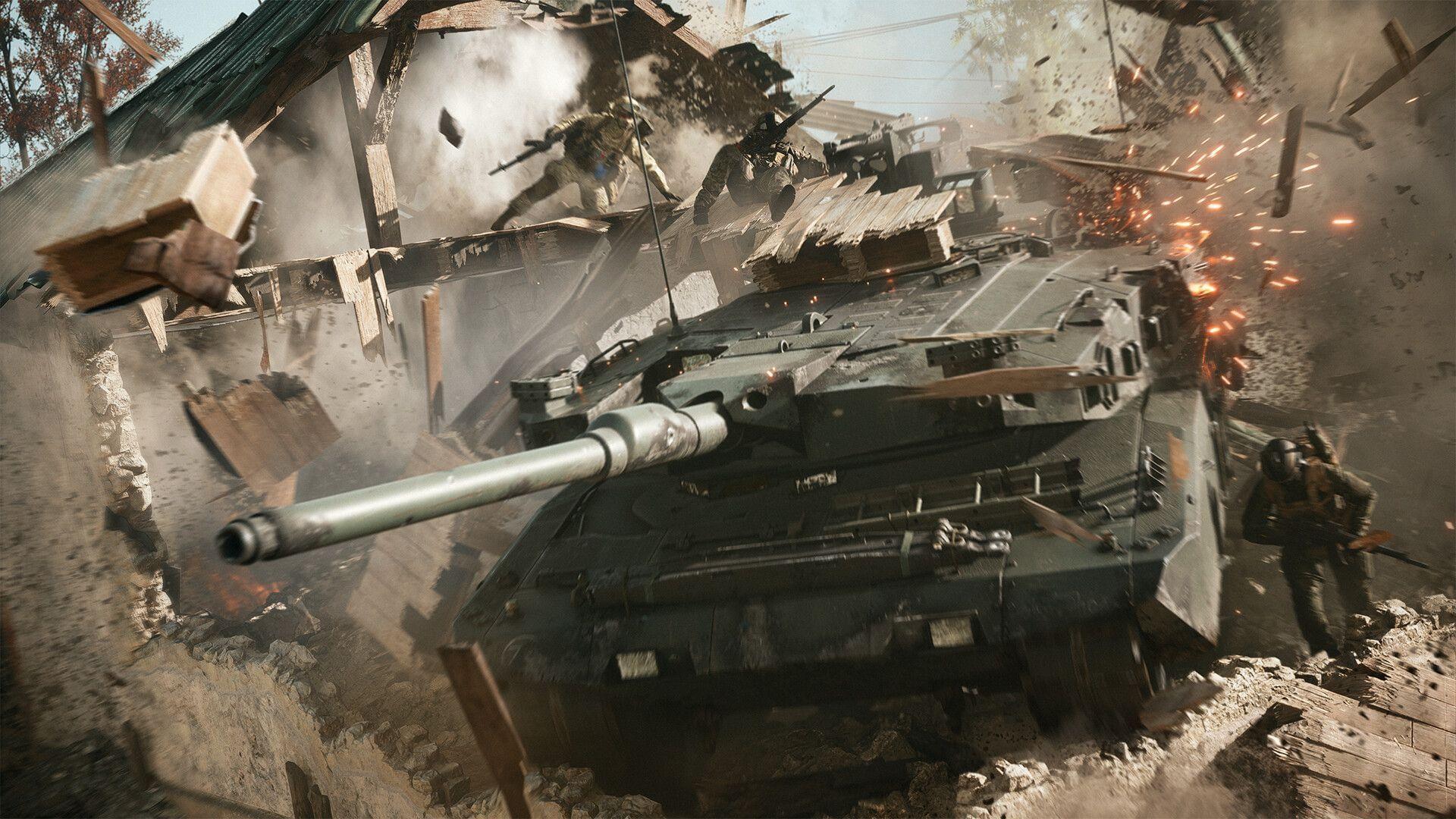
The true potential of Battlefield 6’s chaotic urban warfare emerges when you coordinate with reliable teammates. Understanding how to add friends in Battlefield 6 unlocks strategic advantages that solo players miss entirely. While the game delivers spectacular destruction and intense combat, these elements reach their peak when experienced with coordinated squads who can execute complex tactical maneuvers and provide covering fire during critical moments.
Building a dedicated friend network significantly enhances your gameplay through improved communication, coordinated loadout selection, and strategic position holding. Friends can share specialized roles within your squad, creating complementary abilities that dominate battlefields. This social connectivity transforms random encounters into calculated victories where each team member contributes specific expertise to overcome challenging scenarios.
Essential Pre-requisites: Setting Up Your Account for Social Connectivity
Before initiating any friend connections, verify that both you and your potential teammates meet essential account requirements. The person you wish to add must have an active EA account linked to their gaming platform, whether playing on PC, PlayStation, or Xbox. This account synchronization ensures seamless cross-platform functionality where applicable and prevents connection failures during the friend request process.
Ensure your network connectivity remains stable throughout the process, as intermittent connections can disrupt friend request transmissions. Verify that your privacy settings allow incoming friend requests and that you haven’t accidentally enabled restrictions that might block social features. These preliminary checks prevent frustrating scenarios where friend requests fail to deliver or remain pending without proper notification.
Step-by-Step: Adding Friends Using EA Connect Social Menu
Mastering the EA Connect social interface provides the foundation for building your Battlefield 6 comrades. Follow this comprehensive guide to navigate the friend-adding process efficiently:
Pro Tip: Always double-check EA ID spellings, as these are case-sensitive. Consider creating a shared document with your gaming group’s IDs to streamline the process for future squad formations.
Quick Connect: Adding Recent Teammates and Opponents
Recently played method
When you encounter impressive players during matches and wish to recruit them to your friends list, utilize the streamlined recently played functionality:
Following their acceptance of your invitation, you gain the capability to form squads with them during gameplay sessions.
Advanced Strategy: After particularly successful matches, quickly review the Recently Played list to connect with skilled teammates. This post-match networking builds a roster of reliable players for future sessions, creating organic squads based on demonstrated compatibility and skill synchronization.
Advanced Social Features: Beyond Basic Friend Requests
Battlefield 6’s social ecosystem extends beyond simple friend connections. The platform supports cross-platform functionality in specific scenarios, though compatibility depends on publisher settings and platform policies. Understanding these nuances prevents frustration when attempting to connect with players on different gaming systems.
Explore the communication tools available once friendships establish. Voice chat coordination, text messaging for strategy planning, and shared progression tracking enhance the collaborative experience. Customize your privacy settings to balance social connectivity with gameplay focus, adjusting notification frequency and access permissions according to your preferences.
Develop a friend categorization system by noting players’ preferred roles and specialties. This organization allows quick squad assembly based on current gameplay objectives, whether you need defensive experts for holding positions or assault specialists for aggressive pushes.
Troubleshooting Common Friend-Adding Issues
When friend requests persistently fail, first verify both players’ account status and platform compatibility. Some restrictions prevent cross-platform connections depending on regional settings or publisher configurations. Ensure neither account has friend request limitations enabled in privacy settings.
If requests send successfully but remain unacknowledged, the recipient might have notification disabled or their friends list at capacity. Suggest mutual follow-up where both players attempt to connect from their respective interfaces. Network connectivity issues can also disrupt social features, so restart your game or console if problems persist.
For recurring issues, the EA help center provides specific troubleshooting for social features, including connection diagnostics and account verification tools. These resources resolve most persistent problems preventing successful friend connections.
No reproduction without permission:Tsp Game Club » How to add friends in Battlefield 6 Complete guide to adding friends in Battlefield 6 with advanced social features and multiplayer optimization strategies