
TL;DR
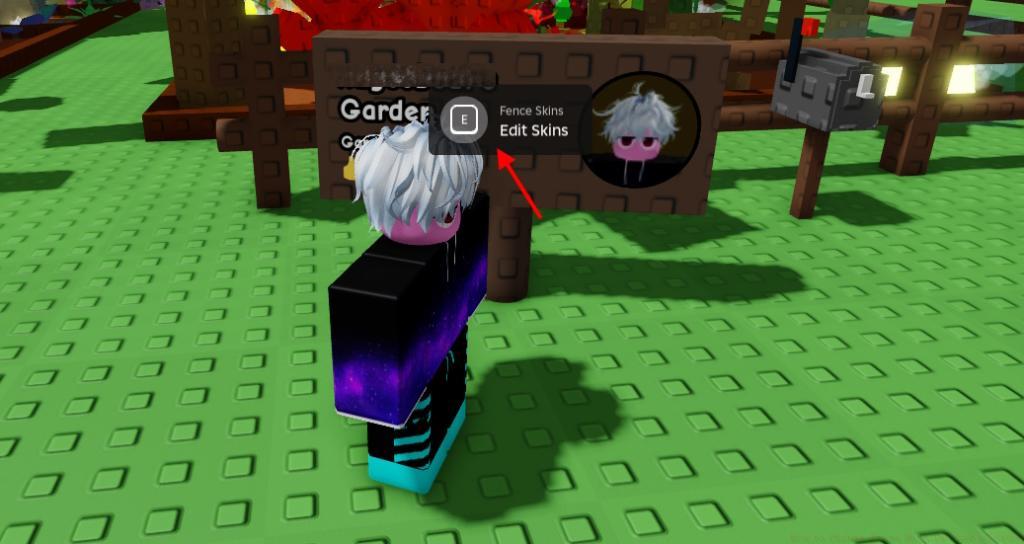
- Press E on your player banner outside the garden to access fence customization menu
- Fence skins require specific unlock methods including level progression, currency purchases, and event participation
- Advanced strategies include multi-slot management and efficient resource farming for premium fences
- Different fence types serve as progression milestones and visual status symbols in your garden
- Common mistakes include forgetting to switch save slots and missing limited-time event opportunities
Personalization represents a fundamental aspect of the gardening experience in Grow a Garden, allowing players to express their unique style through various cosmetic options. Fence skins serve as prominent visual elements that transform your garden’s perimeter while showcasing your achievements and dedication. These decorative boundaries not only enhance aesthetic appeal but also function as progression markers that visually communicate your gaming accomplishments to other players.
Developers have systematically integrated fence customization as a core feature that rewards player engagement across multiple game systems. From level-based progression unlocks to special event participation rewards, each fence skin tells a story about your journey and dedication within the game world.
Transforming your garden’s appearance begins with locating your player banner positioned strategically outside your cultivated area. This interactive element serves as the central hub for all cosmetic modifications related to your garden’s perimeter design.
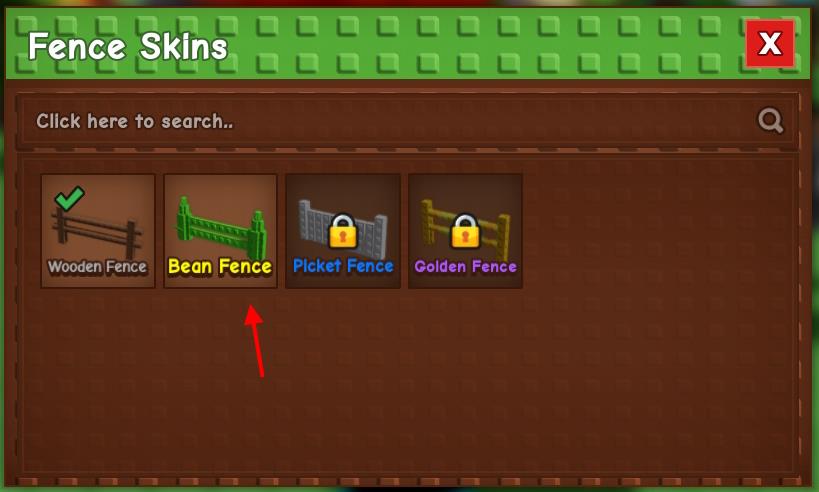
Approach the banner and press the E key to activate the customization interface, where all previously unlocked fence options become available for selection. The system immediately applies your chosen design to the current garden plot, creating instant visual transformation without requiring garden resets or progress interruptions.
Critical Multi-Slot Consideration: Each save slot maintains independent fence skin configurations, necessitating manual application to each plot separately. This design choice encourages players to maintain consistent progression across all their gardening endeavors rather than applying universal cosmetic settings.
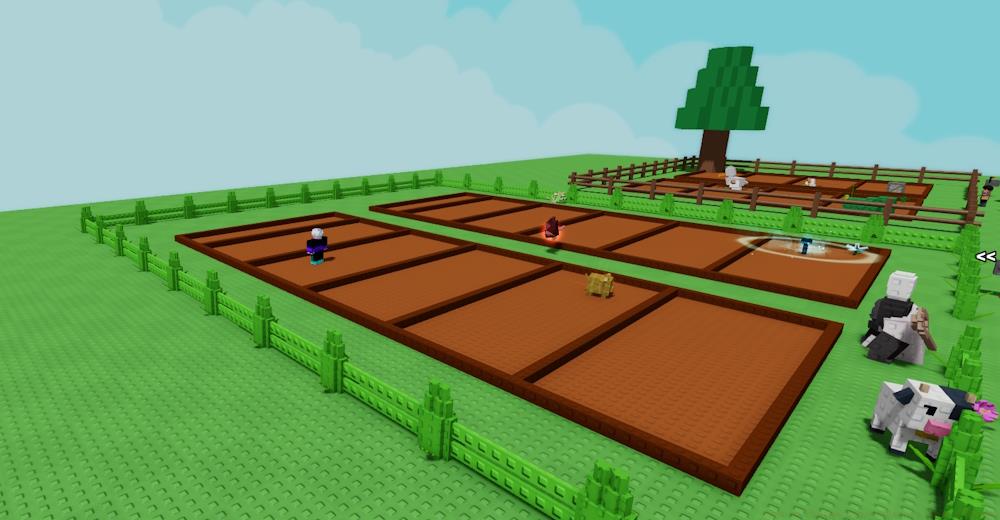
Seasoned players recommend establishing a routine of checking fence customization options after each major gameplay session or achievement unlock. This practice ensures you don’t miss opportunities to refresh your garden’s appearance with newly acquired options.
The following comprehensive catalog details every available fence skin, their acquisition methods, and strategic approaches for efficient unlocking. Understanding these requirements helps prioritize your gameplay focus toward cosmetic goals that align with your preferred playstyle.
| Fence Image | Fence Name | Unlock Requirement |
|---|---|---|
 |
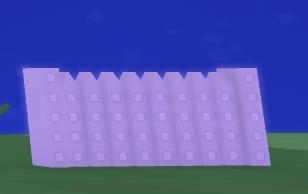
Bean Fence | Grow the beanstalk 10 times in the Beanstalk event |
 |
Picket Fence | Reach profile level 10 |
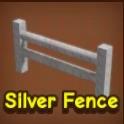 |
Silver Fence | Reach profile level 20 |
 |
Golden Fence | Reach profile level 50 |
 |
Metal Fence | Reach profile level 30 |
 |
Glowing Fence | TBA |
 |
Jail Fence | Reach profile level 40 |
 |
Wood Fence | 750,000 Sheckles (Cosmetic Shop) |
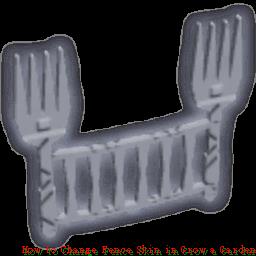 |
Fork Fence | Chris P’s Kitchen Rewards |
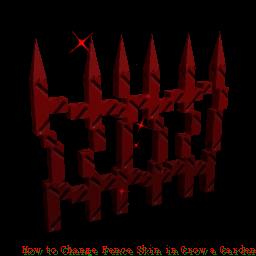 |
Blood Fence | 120,000,000 Sheckles (Bloodmoon Crate) |
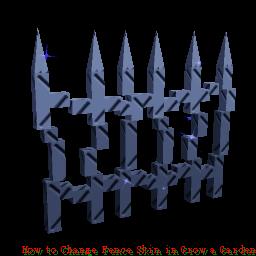 |
Twilight Fence | 120,000,000 Sheckles (Twilight Crate) |
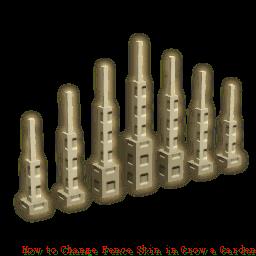 |
Spine Fence | Prehistoric Rewards Dino Crate |
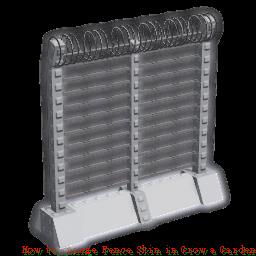 |
Dino Proof Fence | Prehistoric Rewards Dino Crate |
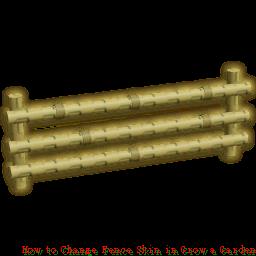 |
Bamboo Fence | 15 Chi (Zen Shop Zen Crate) |
 |
Laser Fence | 10 Garden Coins |
 |
Greek Fence | 10 Garden Coins |
 |
Ascended Fence | 10 Garden Coins |
Strategic Unlock Prioritization: Beginners should focus on level-based fences (Picket, Silver, Metal, Jail, Golden) as these represent natural progression milestones. Intermediate players can target currency-based options like the Wood Fence, while advanced gardeners should concentrate on event-specific and premium crate fences that demand substantial resource investment.
Resource Management Insight: The Blood and Twilight Fences at 120 million Sheckles each represent end-game cosmetic achievements requiring dedicated farming strategies. Consider pairing these long-term goals with our comprehensive Weapons Unlock guide to optimize your overall gameplay efficiency.
Optimizing your fence skin acquisition requires understanding both efficient farming methods and common pitfalls that delay progression. One frequently overlooked aspect involves the timing of event participation—many limited-time fences become unavailable between event cycles, creating potential waiting periods of weeks or months for specific cosmetic options.
Pro Tip #1: Always maintain multiple save slots with different fence configurations to experiment with visual combinations and showcase variety to visiting players. This approach also helps you identify which styles work best with different garden layouts and plant combinations.
Pro Tip #2: For currency-based fences like the Wood, Blood, and Twilight variants, establish dedicated farming sessions focused specifically on Sheckle accumulation rather than hoping for incidental earnings.
Common Mistake Alert: Many players forget that fence skins don’t automatically apply to all save slots, leading to inconsistent garden appearances across different plots. Develop a habit of checking fence settings whenever switching between garden slots.
Understanding these mechanics within the broader context of the game will enhance your overall experience. For comprehensive gameplay guidance, explore our Complete Guide to master all aspects of garden management and customization.
As you progress through different Class Guide selections, consider how different fence styles might complement various gameplay approaches and aesthetic preferences.
Action Checklist
- Locate your player banner outside the garden and press E to access customization
- Check newly unlocked fence options after each level up or event completion
- Apply preferred fence skins to all active save slots manually
- Prioritize level-based fence unlocks (Picket, Silver, Metal, Jail, Golden) as primary goals
- Establish Sheckle farming routines for premium fences (120M each)
- Participate actively in limited-time events for exclusive fence rewards
No reproduction without permission:Tsp Game Club » How to Change Fence Skin in Grow a Garden Master Grow a Garden fence customization with expert tips, unlock strategies, and visual transformation guides