
Master server switching in Mecha BREAK to improve match quality and connect with global players effectively
Why Server Selection Matters in Mecha BREAK
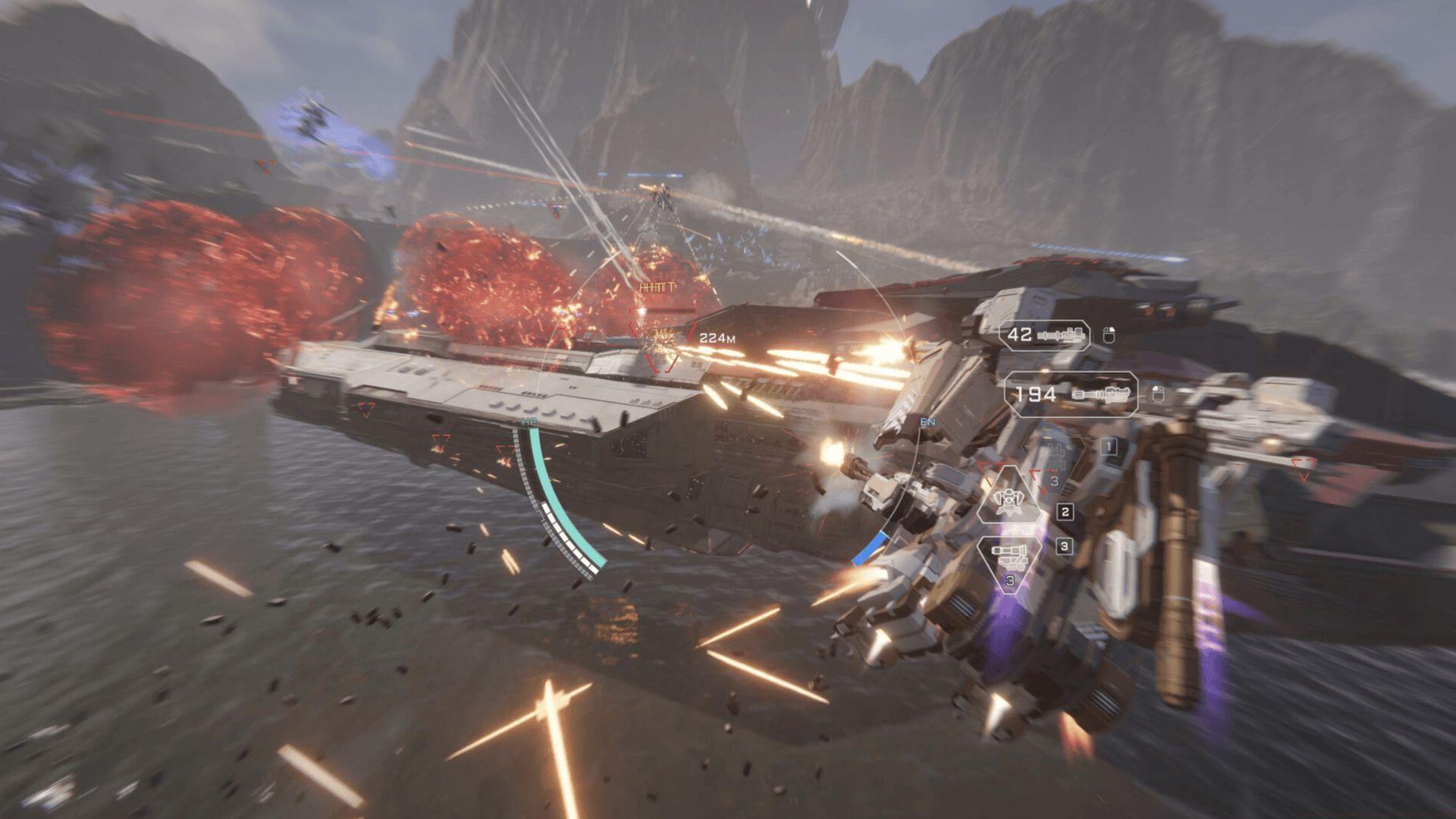
Mecha BREAK delivers intense mech combat against global opponents, but your server choice significantly impacts the experience. Connection quality varies dramatically between regions, affecting match responsiveness and combat fluidity. Regional player distribution creates distinct gaming environments – some servers host highly competitive veterans while others cater to casual players.
Server selection directly influences matchmaking efficiency. High-population regions typically offer faster queue times but may present stiffer competition. Understanding regional characteristics helps optimize both gameplay quality and social connections with international squad mates.
Step-by-Step Server Switching Process
Here’s the comprehensive procedure for changing your server region in Mecha BREAK:
- Launch Mecha BREAK and remain on the title screen without proceeding to login. This crucial step ensures the server selection interface remains accessible.
- Scan the interface corners, typically the bottom-right area, for a clearly marked Region or Server button. The placement may vary slightly between game versions.
- Select the button to reveal the complete list of available server regions including NA (North America), EU (Europe), APAC (Asia-Pacific), and other regional options.
- Choose your preferred region based on your geographical location, desired player base, or friends’ locations. Consider time zone alignment for optimal match availability.
- Confirm your selection and proceed with the standard login process. The server transition occurs instantly before authentication.
This pre-login switching method ensures immediate regional changes without complicating your gaming session.
Troubleshooting Common Server Issues
When server transitions encounter problems, employ these systematic troubleshooting approaches:
- Verify game version compatibility – Ensure your Mecha BREAK installation runs the latest update. Persistent issues may require complete reinstallation to resolve corrupted regional data.
- Optimize network connectivity – Test internet stability using wired connections when possible. Disable bandwidth-intensive background applications like streaming services or large downloads during gameplay sessions.
- Monitor server status – Check Mecha BREAK’s official social media channels, particularly Twitter/X, for real-time maintenance announcements or regional outage notifications.
Read more: Mecha BREAK not working on PC: possible fixes and reasons
Advanced troubleshooting includes port forwarding configuration for specific regions and VPN usage considerations for accessing geographically restricted servers.
Advanced Server Optimization Strategies
Beyond basic server switching, consider these optimization techniques for superior Mecha BREAK performance:
Account progression management – Understand that regional servers often maintain separate player profiles. Your mech customization, unlocked weapons, and ranking progress typically don’t transfer between regions. Experiment with different servers using alternate accounts before committing your main profile.
Skill-based matchmaking adaptation – Each region develops unique meta strategies and player skill distributions. Asian servers often feature aggressive playstyles while European regions may emphasize tactical positioning. Adapt your combat approach accordingly.
Connection quality optimization – Monitor in-game ping indicators and packet loss statistics. Ideal servers maintain consistent latency below 80ms for responsive controls. Peak gaming hours (evenings local time) often increase server load – consider off-peak scheduling for competitive matches.
Also read: How to play Cape Blanc Observatory in Mecha BREAK
Strategic server switching transforms Mecha BREAK from a frustrating experience into smooth, enjoyable mech combat. The minimal time investment yields substantial improvements in both technical performance and social connectivity.
No reproduction without permission:Tsp Game Club » How to change regions in Mecha BREAK Master server switching in Mecha BREAK to improve match quality and connect with global players effectively