
Master SteamDB analytics to track Mecha BREAK player trends, optimize matchmaking, and avoid common data interpretation mistakes
Introduction to SteamDB Analytics
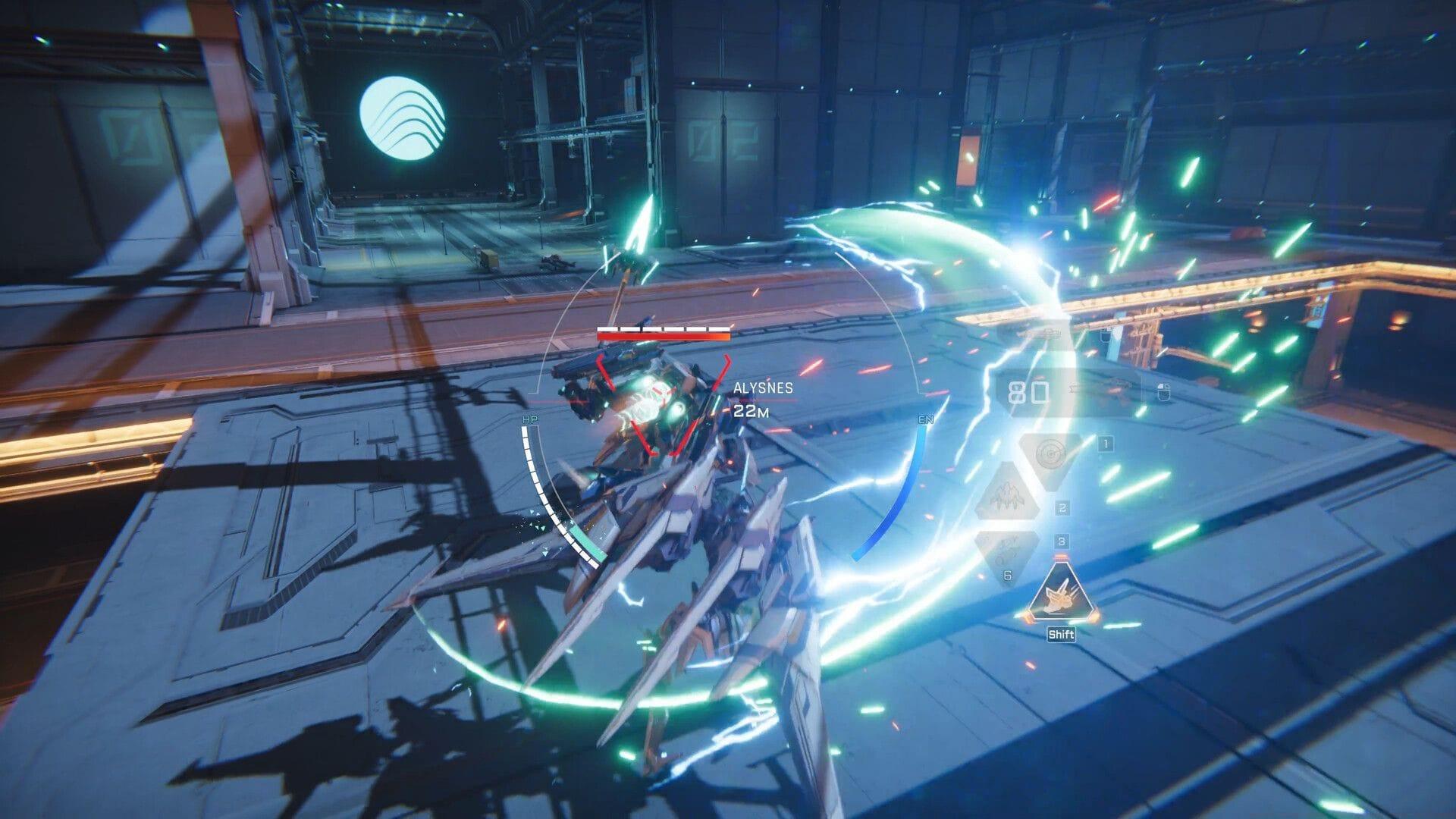
Gaming enthusiasts seeking comprehensive performance metrics for Mecha BREAK can leverage SteamDB’s sophisticated tracking platform. This third-party service extracts live data directly from Steam’s infrastructure, delivering accurate player counts, activity timelines, and trending indicators that reveal the game’s community vitality. Understanding these metrics helps players make informed decisions about when to engage for optimal matchmaking experiences.
Pro Tip: Bookmark SteamDB’s Mecha BREAK page for quick access to daily population fluctuations and seasonal trend analysis.
Step-by-Step Guide to Accessing Mecha BREAK Stats
Begin your analytics journey by navigating to SteamDB’s homepage and locating the search functionality in the upper right corner. Input “Mecha BREAK” precisely to ensure accurate results, then select the correct title from the dropdown suggestions. This directs you to the dedicated statistics dashboard containing all relevant player metrics.
Upon reaching the game’s analytics page, scroll downward to discover the real-time player metrics section. This area typically presents three crucial data points in clear distinction:
- Live concurrent player count – players currently in-game
- 24-hour peak concentration – highest simultaneous players recently
- Historical maximum – all-time concurrent player record
For instance, current data shows Mecha BREAK maintaining strong engagement with 88,662 active participants and an impressive historical peak of 97,006 simultaneous users.
Avoid This Mistake: Don’t confuse SteamDB with Steam Charts – while similar, SteamDB provides more technical backend data and update tracking capabilities.
Interpreting Player Count Data Effectively
SteamDB transcends basic number reporting by incorporating sophisticated data visualization tools. The platform generates interactive graphs that chronicle player engagement across customizable timeframes—hours, days, or entire months. Hovering over graph plot points reveals precise player counts at specific moments, enabling detailed pattern recognition.
These visual tools prove invaluable for identifying peak activity periods, typically evenings and weekends when matchmaking queues shorten considerably. They also highlight how major content updates, balance patches, or seasonal events influence player retention and attraction. Observing sustained growth patterns versus temporary spikes helps distinguish between lasting community expansion and momentary interest surges.
Advanced Technique: Cross-reference player count graphs with Steam’s update history to correlate population changes with specific patches or content releases.
Advanced Analytics and Login Benefits
While SteamDB delivers substantial insights without authentication, registered users gain access to enhanced analytical capabilities. Connecting your Steam account unlocks detailed build version tracking, backend configuration changes, and more granular data segmentation. These advanced metrics particularly benefit players interested in the technical evolution of Mecha BREAK’s infrastructure.
The login-accessible features include version history comparison, depot size tracking, and achievement statistic breakdowns. However, casual players will find the publicly available data thoroughly sufficient for standard engagement monitoring and matchmaking timing optimization.
Strategic Insight: Serious analysts should monitor build version changes as they often precede major meta shifts or balance updates that affect player retention.
Strategic Applications for Players
Monitoring Mecha BREAK’s player statistics extends beyond mere curiosity—it delivers tangible gameplay advantages. Regular analytics review helps identify optimal matchmaking windows, especially important for competitive players seeking shorter queue times and better connection quality. Population trends also indicate community health, signaling whether developer support and content updates successfully maintain engagement.
Conversely, abrupt player count declines may indicate underlying issues requiring attention. Technical problems, balance concerns, or content droughts often manifest as sustained population drops. Early detection allows players to adjust expectations or timing accordingly.
Seasoned pilots utilize these metrics to plan gaming sessions during high-activity periods, ensuring vibrant matchmaking pools and diverse opponent encounters. The data also helps returning players gauge whether the community remains active enough to warrant reinvestment.
Read more: How to add friends in Mecha BREAK
Pro Strategy: Combine player count data with timezone awareness—Asian and European peak times create different matchmaking environments with varied playstyles.
Common Analytics Mistakes to Avoid
Inexperienced data interpreters frequently misread SteamDB metrics in ways that lead to flawed conclusions. One common error involves overreacting to temporary dips—player counts naturally fluctuate throughout daily cycles and weekly patterns. Weekend numbers typically surpass weekday figures, while seasonal events create predictable spikes.
Another frequent mistake involves comparing games across different genres or price points. Mecha BREAK’s player count should be evaluated against similar mech combat titles rather than free-to-play behemoths or entirely different genres. Contextual understanding prevents misjudgment of the game’s actual market position.
Additionally, remember that SteamDB reflects only Steam platform data—console populations and other distribution channels operate independently. The metrics provide a substantial sample but not the complete cross-platform picture.
Also read: How to join Mecha BREAK discord
For more articles on Mecha BREAK, follow Sportskeeda:
- Mecha BREAK not working on PC: Possible fixes and reasons
- Mecha BREAK not launching error: Possible fixes and reasons
- Mecha BREAK stuck on loading screen error: Possible fixes and reasons
Critical Error: Never judge long-term trends based on single-day data—always analyze patterns across multiple weeks for accurate assessment.
No reproduction without permission:Tsp Game Club » How to check Mecha BREAK player count on SteamDB Master SteamDB analytics to track Mecha BREAK player trends, optimize matchmaking, and avoid common data interpretation mistakes