
Complete guide to enabling beta access for Schedule 1 on Steam with troubleshooting tips and advanced features
Understanding Schedule 1 Beta Access
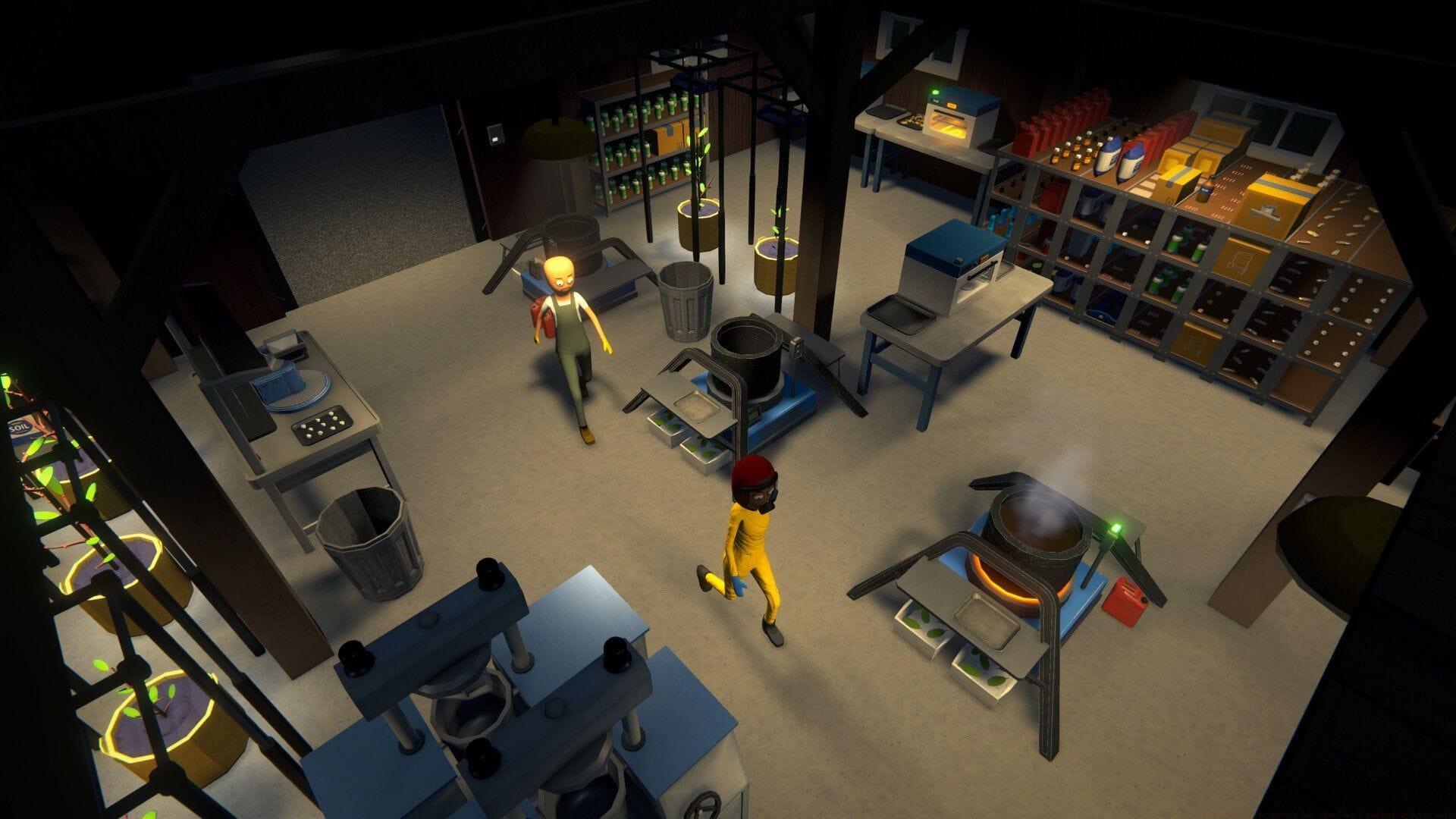
Beta access for Schedule 1 provides exclusive early entry to developing features for players who purchase during early access phases. This privileged status allows digital copy owners to seamlessly transition between stable and experimental builds, adapting gameplay experiences to personal preferences. Engaging with beta builds typically introduces cutting-edge mechanics and provides advance notification of upcoming changes.
Many gamers confuse early access with beta participation, but they serve distinct purposes. Early access grants entry to the developing game, while beta access specifically tests upcoming features before public release. Understanding this distinction helps maximize your gaming experience and contribution to development.
Step-by-Step Beta Activation Guide
Follow this comprehensive procedure to activate beta features in Schedule 1 through Steam’s platform:
- Launch your gaming system and initiate the Steam client application. Ensure you’re logged into the account containing Schedule 1.
- Locate Schedule 1 in your library, right-click the title, and choose “Properties” from the contextual menu that appears.
- Property windows will display multiple options. Select “Betas” from the left navigation panel to access version management.
- Within the “Betas” interface, identify “Beta Participation” controls. Activate the dropdown selector and choose the designated Beta option.
- Completely exit the game application and restart Steam to trigger update detection. Launch Schedule 1 to experience beta functionality with enhanced capabilities.
Pro Tip: Before activating beta access, create a manual save backup of your current progress. Beta versions occasionally introduce compatibility issues with existing save files.
Common Issues and Troubleshooting
Also read: How to find Boutique Shop in Schedule 1
Beta selection menus frequently present multiple version options requiring careful attention. Specifically choose the option labeled “beta” while avoiding Legacy or Alternate builds that serve different purposes. If incorrect selection occurs, simply revisit Steam properties and reselect appropriate options, including “None” for standard gameplay.
Many users encounter beta activation problems due to incomplete game installations or corrupted local files. Verify game file integrity through Steam’s validation tools before beta activation attempts. Additionally, ensure sufficient storage space exists for potential large update downloads.
Trial edition users should note that beta access remains significantly restricted regarding available features and content scope. However, this limited access provides valuable preview opportunities before full purchase commitment.
Advanced Beta Features and Benefits
Beta participation unlocks exclusive experimental content unavailable in stable releases, including mechanics undergoing community testing and balance adjustments. These preview builds receive more frequent updates, sometimes introducing radical gameplay changes based on developer experimentation.
Engaging with beta versions provides direct influence over game development through feedback mechanisms. Developers actively monitor beta player experiences to refine features before public deployment. This collaborative process helps shape final game quality and functionality.
Advanced players should monitor developer patch notes and community discussions to understand specific beta changes. This knowledge enhances testing effectiveness and ensures meaningful contribution to development progress.
Stay tuned to Sportskeeda for more updates, guides, and news.
- How to complete Indian Dealer achievement in Schedule 1
- How to find Pawn Shop in Schedule 1
- Schedule 1 v0.3.4 patch notes: New Boutique, Pawn Shop, bug fixes, and more
- Who created Schedule 1, and why is it so popular?
No reproduction without permission:Tsp Game Club » How to get beta access for Schedule 1 and get updates early Complete guide to enabling beta access for Schedule 1 on Steam with troubleshooting tips and advanced features