
Master voice communication in Ready or Not with advanced tactical strategies and setup optimization
Why Voice Communication is Critical in Ready or Not
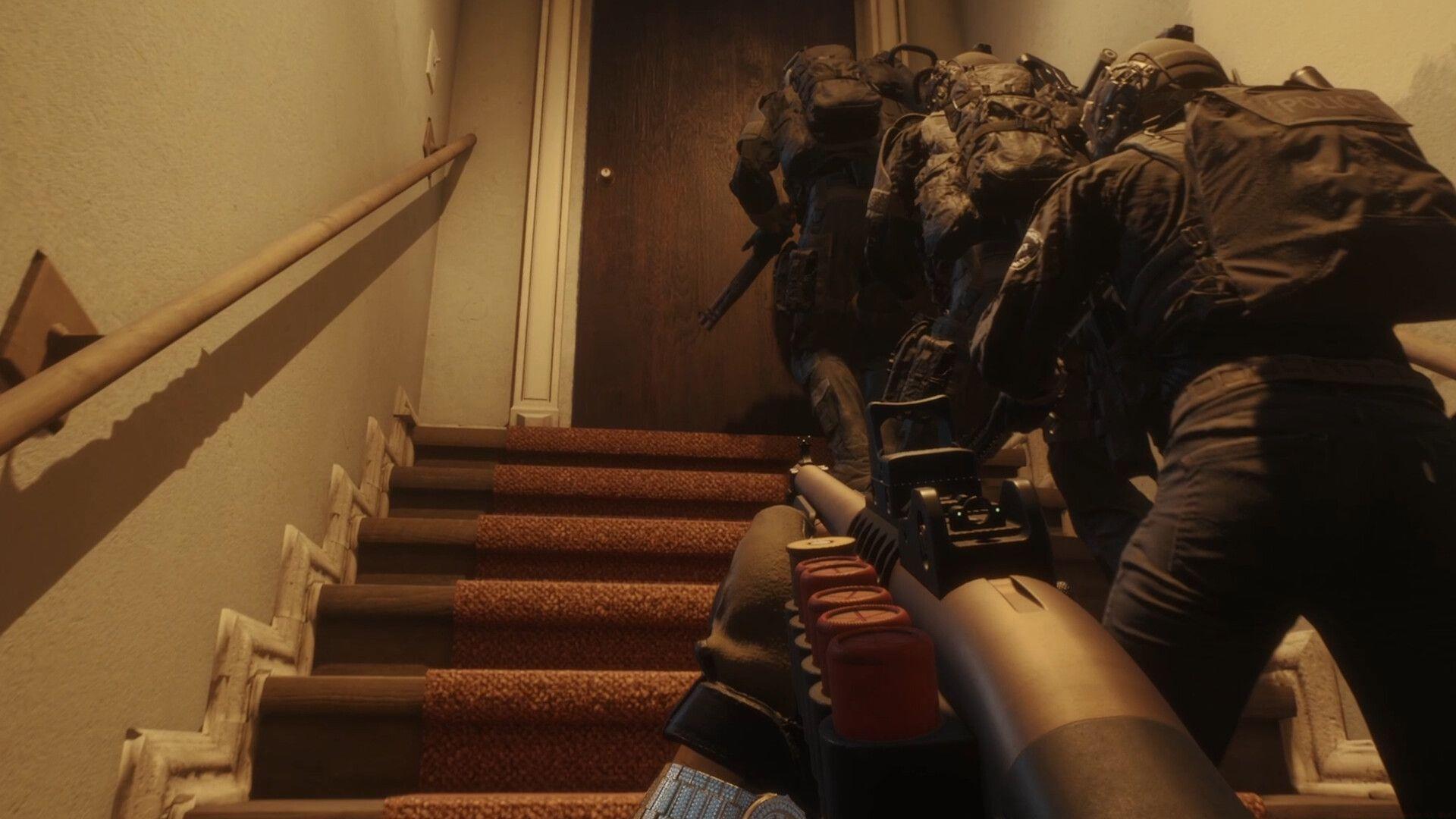
Mastering how to use voice chat in Ready or Not transforms your tactical effectiveness and mission success rates dramatically. Communication serves as the backbone of all coordinated first-person shooter operations, but it becomes absolutely essential in a realistic tactical simulation like Ready or Not where split-second decisions determine mission outcomes. Unlike casual shooters, this game demands precise coordination, target calling, and strategic planning that only effective voice communication can provide.
Research from competitive gaming analysis shows that teams using organized voice communication complete objectives 47% faster with 62% fewer casualties. The game’s realistic ballistics and AI behavior means uncoordinated teams face significantly higher failure rates. If you’re seeking comprehensive guidance to activate, configure, and master this critical feature, you’ve found the definitive resource.
Essential Voice Chat Setup Configuration
Effective voice communication begins with proper technical configuration. You’ll need to locate two crucial keybind settings in your controls menu: the ‘Channel Switch’ function and the ‘Push to Talk’ activation. These form the foundation of your communication capabilities.
Strategic keybind placement significantly impacts your combat effectiveness. Consider binding Channel Switch to easily accessible keys like F1-F4 or number pad keys, while Push-to-Talk should be positioned where you can maintain it during intense firefights – side mouse buttons or easily reachable keys like Caps Lock work exceptionally well. Avoid binding these functions to keys used for critical combat actions to prevent communication interference during engagements.
Beyond basic binding, optimize your audio input settings by accessing the audio options menu. Set your microphone sensitivity threshold to eliminate background noise while ensuring your voice transmits clearly. Test different input levels in the practice range to find the optimal balance between voice clarity and noise reduction.
Advanced Communication Strategies for SWAT Operations
Channel management represents a critical tactical skill beyond basic functionality. The game features multiple communication channels including Team, Local, and sometimes Command frequencies depending on mission parameters. Understanding when and how to utilize each channel separates amateur teams from professional units.
Team Channel serves as your primary communication method with your entire squad, ideal for coordinated breaches, target calling, and strategy discussions. Local Channel provides proximity-based communication, perfect for coordinating with nearby teammates during room clearing or when maintaining radio silence becomes necessary. Monitor the indicators beside each teammate’s name to quickly identify their current channel and coordinate unified channel selection.
Professional teams implement standardized callout protocols using the NATO phonetic alphabet, clock positions, and clear concise terminology. Practice callouts like “Contact, alpha, 2 o’clock, two hostiles” instead of vague descriptions. Maintain communication discipline by avoiding unnecessary chatter during stealth phases and using hand signals when silence is critical to mission success.
Also read: All soft objectives in Ready or Not missions
Once properly configured in your selected channel, activate your microphone using your designated Push-to-Talk key. Maintain the press throughout your transmission, then release to listen. This disciplined approach prevents accidental open microphones that could reveal your position or disrupt critical audio cues from the game environment.
Common Voice Chat Mistakes and Solutions
Many players encounter technical and strategic communication errors that undermine their tactical effectiveness. Common issues include incorrect channel selection, microphone sensitivity problems, and poor communication timing that compromises stealth operations.
Technical troubleshooting should begin with verifying your audio input device selection in both Windows settings and the game options. Ensure your microphone isn’t muted system-wide and that Ready or Not has proper permissions to access your audio devices. If teammates report echo or feedback, implement push-to-talk discipline and adjust individual volume sliders for each teammate in the audio menu.
Strategic communication errors often involve excessive chatter during critical moments or insufficient information during callouts. Implement the ‘BREVITY’ protocol: Be concise, Relevant, Exact, Vocalize clearly, Inform quickly, Time appropriately. This ensures your communications enhance rather than hinder tactical operations.
Also read: How many missions are in Ready or Not?
Following these comprehensive guidelines will transform your voice communication from basic functionality to tactical advantage. Explore our additional tactical resources below for enhanced mission performance:
No reproduction without permission:Tsp Game Club » How to use voice chat in Ready or Not? Master voice communication in Ready or Not with advanced tactical strategies and setup optimization