
TL;DR
- Ultimate Edition preloads begin September 17, Standard Edition starts September 24
- Game file size confirmed at 57.2 GB across all platforms
- Web App access available from September 17 for Ultimate Team preparation
- Platform-specific preloading requires game pre-order completion first
- Early download ensures immediate access when servers go live on September 26
As EA FC 26’s global launch approaches on September 26, strategic preloading becomes crucial for competitive players. The pre-download system allows immediate game access when servers activate, eliminating installation delays that could cost valuable early gameplay hours. Understanding the tiered preload schedule gives dedicated fans a significant head start in building their Ultimate Team squads.
Edition-Based Preload Timeline:
- Ultimate Edition purchasers gain exclusive early preload access starting September 17 across PlayStation, Xbox, and PC platforms
- Standard Edition owners must wait until September 24 to begin downloading game files
- This one-week advantage provides Ultimate Edition buyers substantial preparation time
Storage and Technical Requirements:
- EA FC 26 requires approximately 57.2 GB of available storage space
- Additional space should be allocated for potential day-one patches and future content updates
- PlayStation Game Size’s reliable leak confirms consistent file dimensions across console generations
Regardless of your chosen edition, the FC 26 Web App becomes accessible on September 17, enabling early squad management and transfer market activity. This parallel access system ensures all dedicated players can begin team building simultaneously while respecting the tiered download structure.
PC gamers face unique preloading considerations across different storefronts, each with distinct download management systems. Proper preparation ensures optimal performance when the game becomes playable.
Universal PC Preload Procedure:
- Initiate the process by launching your preferred PC gaming platform: Steam, Epic Games Store, or EA App
- Navigate directly to EA FC 26’s dedicated store page within your chosen client
- Complete the pre-purchase transaction if not already finalized
- Monitor your library for the automatic preload option once the designated date arrives
- Ensure sufficient SSD space for faster load times during actual gameplay sessions
Platform-Specific Optimization Strategies:
- Steam users should verify game file integrity through Steam’s validation tool post-download
- Epic Games Store participants benefit from restarting the client if preload options don’t immediately appear
- EA App customers may need to check their order history to trigger download availability
Common PC preloading pitfalls include insufficient administrative privileges, regional store variations, and payment verification delays. These issues typically resolve within hours but can impact early access advantage. For comprehensive gaming strategies beyond preloading, explore our Complete Guide to maximize your overall gameplay experience.
PlayStation owners benefit from Sony’s streamlined preload system, though generation-specific considerations apply. Understanding these nuances ensures seamless game access across PS4 and PS5 ecosystems.
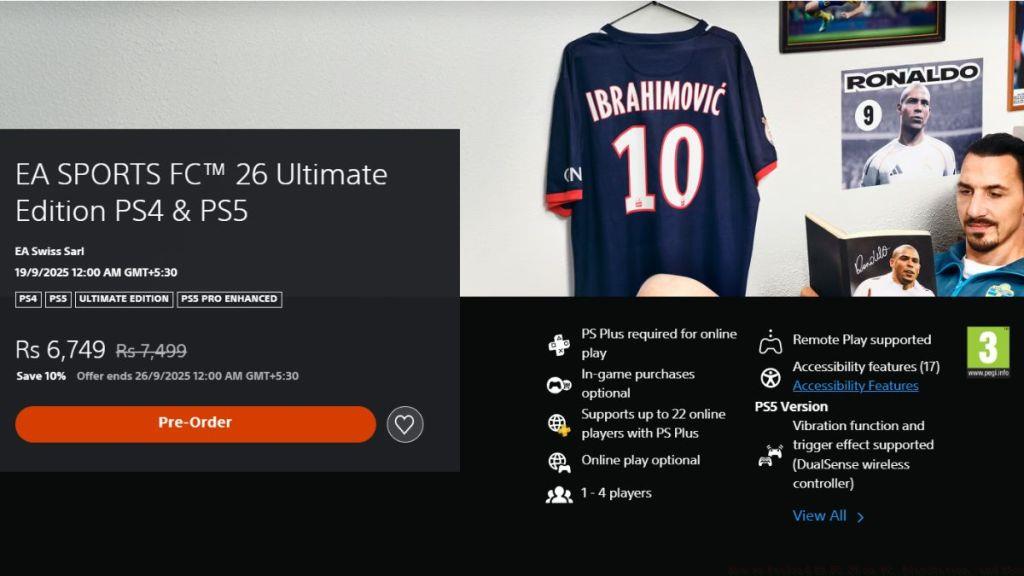
Step-by-Step PlayStation Preload Method:
- Access the PlayStation Store directly from your console’s main menu or via the mobile app
- Search specifically for “EA FC 26” to locate the correct product page
- Select your preferred edition and complete the pre-order process
- Navigate to your library and locate EA FC 26 once the preload period commences
- Initiate download and monitor progress through the notifications panel
Storage Management Techniques:
- PS5 owners should prioritize installing to the internal SSD for optimal performance
- PS4 players may need to clear additional space beyond the 57.2 GB requirement for system operations
- Enable automatic downloads in system settings to ensure preload initiation without manual intervention
Advanced PlayStation users can leverage rest mode downloading to accelerate the process, as background downloads often proceed faster when the system isn’t running resource-intensive applications. For weapon-specific strategies that complement your preloading preparation, consult our detailed Weapons Unlock guide for competitive advantages.
Microsoft’s ecosystem offers distinct preloading advantages through Smart Delivery and cross-platform purchasing. Xbox gamers should understand these integrated features for optimal FC 26 preparation.
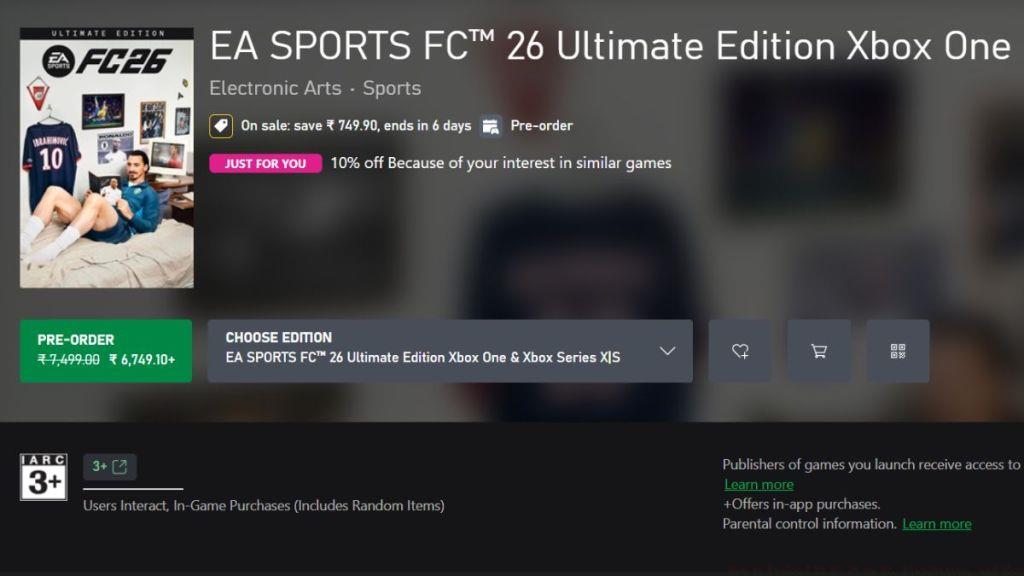
Xbox Preload Execution Steps:
- Open the Microsoft Store on your Xbox console or through the Xbox mobile application
- Locate EA FC 26 using the search function and select the appropriate edition
- Finalize your pre-order transaction through your linked payment method
- Access “My Games & Apps” and check the “Installed” section as preload dates arrive
- Trigger the download manually if automatic preloading doesn’t commence
Smart Delivery and Optimization:
- Xbox Series X/S automatically receive optimized versions through Smart Delivery
- Xbox One owners should ensure they’re downloading the correct generation-specific build
- Monitor download queues through the guide menu for real-time progress tracking
Pro tip: Xbox users can remotely initiate preloads through the mobile app when away from their console, ensuring the download completes before they return home. This platform integration provides significant convenience advantages over competitors. To further enhance your gameplay approach, our Class Guide provides essential strategic frameworks for team composition.
Action Checklist
- Verify platform-specific storage space (minimum 65 GB recommended)
- Complete game pre-order through your preferred storefront
- Set calendar reminders for your edition’s preload start date
- Configure automatic download settings on consoles 24 hours before preload
- Test internet connection speeds and consider wired connectivity for large downloads
- Prepare Ultimate Team strategy for Web App access beginning September 17
No reproduction without permission:Tsp Game Club » How to Preload EA FC 26 on PC, PlayStation, and Xbox Complete guide to preloading EA FC 26 with platform-specific instructions and optimization tips