
Comprehensive troubleshooting guide for Marvel Rivals GPU Crash Dump error with practical solutions and prevention strategies
Understanding the GPU Crash Dump Error
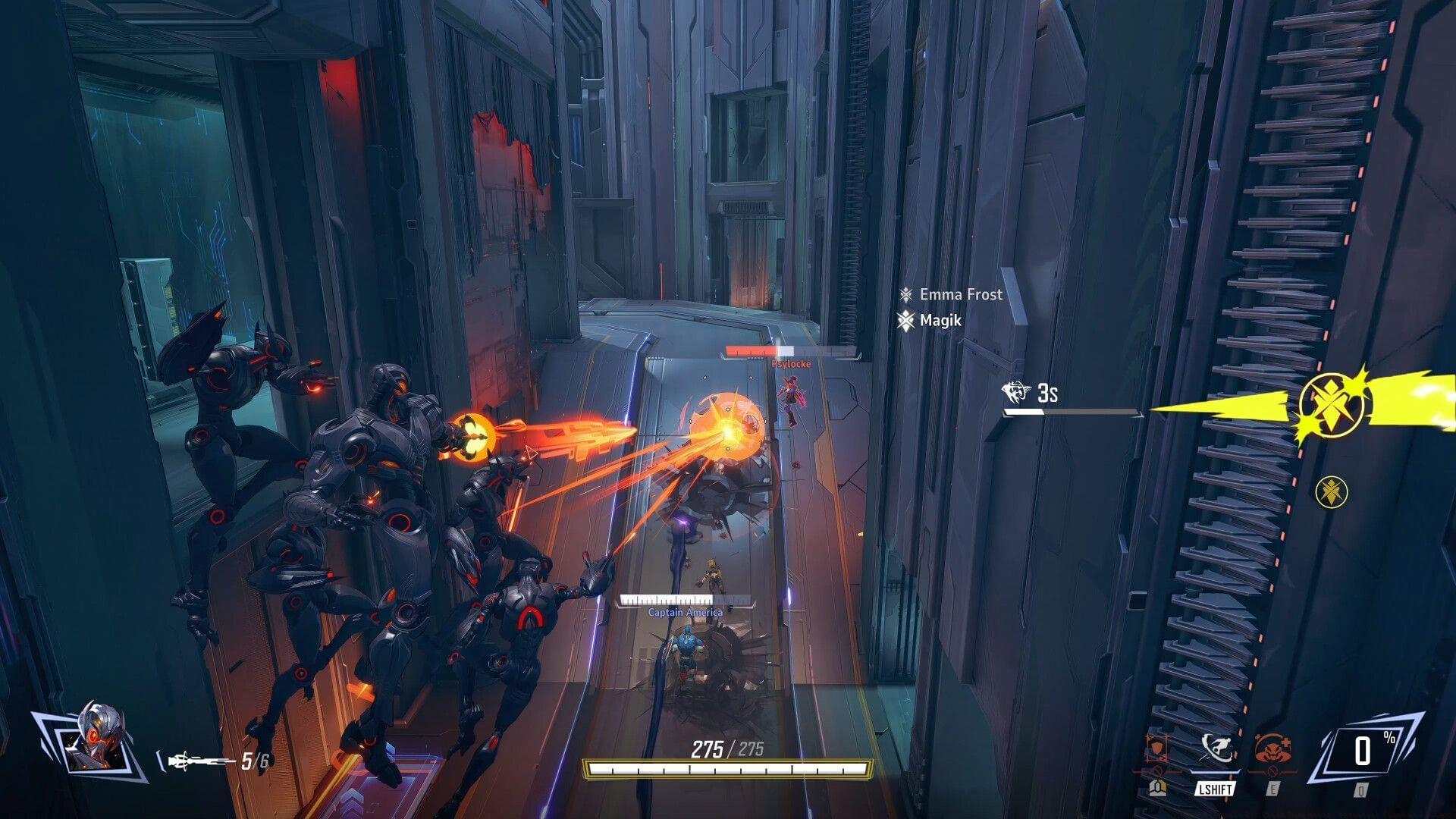
The Marvel Rivals GPU Crash Dump error represents a significant technical challenge that numerous players encounter during gameplay sessions. While NetEase Games has delivered impressive optimization for this hero shooter, occasional technical disruptions inevitably surface in complex online multiplayer environments supporting massive concurrent user bases. This particular malfunction typically manifests as sudden game freezes, abrupt application closures, or complete system instability, severely compromising the competitive gaming experience.
From a technical perspective, GPU crash dumps indicate that the graphics processing unit encountered an unrecoverable error condition. These failures often correlate with driver compatibility problems, where the current graphics driver version conflicts with specific rendering techniques employed by the game engine. Alternatively, hardware limitations or overheating components might trigger protective shutdown mechanisms that generate these crash reports.
Understanding the specific symptoms helps diagnose the underlying cause. Some players report gradual performance degradation preceding the crash, while others experience instantaneous game termination without warning. Monitoring system temperatures and performance metrics during gameplay can provide valuable diagnostic information for troubleshooting persistent GPU-related issues.
Immediate Troubleshooting Solutions
Corrupted or missing local game files represent one of the most frequent culprits behind gaming performance issues. Steam provides a straightforward verification tool to diagnose and repair these problems efficiently. Navigate to your Steam library, right-click on Marvel Rivals, select Properties, then navigate to the Local Files tab. The Verify Integrity of Game Files function performs an automated checksum comparison between your local installation and the master game files.
This diagnostic process typically requires 5-15 minutes depending on your storage drive speed and internet connection. The system will automatically identify missing, corrupted, or modified files and queue them for reacquisition. This method resolves numerous underlying technical problems and frequently eliminates the Marvel Rivals GPU Crash Dump error by restoring optimal file integrity.
Also read: Marvel Rivals “running install script” issue possible fixes and reasons explored
Third-party overlays frequently introduce stability complications in graphically intensive applications. Disabling both GPU manufacturer overlays (NVIDIA GeForce Experience or AMD Adrenalin) and the Steam overlay can dramatically improve system stability. The exact technical mechanism involves reduced GPU memory allocation conflicts and eliminated rendering pipeline interruptions that might otherwise cause catastrophic failures.
These overlay systems potentially impose additional computational burdens on your graphics card, creating contention for resources that Marvel Rivals requires for smooth operation. The cumulative effect might push your system beyond its stability threshold, making overlay disablement an essential troubleshooting step for the Marvel Rivals GPU Crash Dump error resolution.
System reboot procedures offer surprisingly effective solutions for transient technical issues. Restarting your computer clears temporary memory artifacts, resets driver states, and ensures all game dependencies initialize correctly. This simple action often resolves problems stemming from memory leaks, driver corruption during previous sessions, or background process conflicts that impact gaming performance.
For optimal results, perform a complete shutdown rather than a quick restart, ensuring all components fully power cycle. This comprehensive refresh allows critical game functions that previously failed to initialize properly to load correctly upon system restart, potentially eliminating the underlying causes of GPU crash incidents.
Advanced Resolution Methods
When fundamental troubleshooting proves insufficient, complete game reinstallation represents the next escalation tier. Uninstalling Marvel Rivals and removing all associated data eliminates deeply embedded corruption that file verification might miss. Downloading a fresh installation from your gaming client typically provides improved stability and eliminates persistent technical issues.
Before committing to comprehensive reinstallation, consider monitoring official patch releases that might specifically address GPU crash problems. Developers frequently deploy targeted fixes for stability issues identified through community reporting. Subscribing to official Marvel Rivals communication channels ensures timely awareness of relevant updates.
Engaging official support channels provides direct access to specialized technical assistance. When contacting support, provide detailed error descriptions including exact error messages, system specifications, and precise reproduction steps. Comprehensive bug reporting enables developers to investigate problems systematically and deploy crucial updates benefiting the entire community.
The Marvel Rivals GPU Crash Dump error fundamentally relates to Graphics Driver functionality on user systems. This typically indicates stability problems where hardware cannot properly execute required program components. Updated drivers often include compatibility improvements and performance optimizations specifically addressing newly identified issues in popular games.
These driver-level conflicts might cause game freezing, performance stuttering, or complete application termination. In some scenarios, compatibility errors directly impact the game’s capacity to function with specific driver versions. Regularly updating to certified stable driver releases represents a crucial maintenance practice for avoiding GPU-related crashes.
Read more: Marvel Rivals Phoenix (Jean Grey) guide
Local system factors frequently contribute to technical problems. While most missing game files can be replenished through client verification tools, severely corrupted files require complete removal and replacement. Implementing systematic troubleshooting methodologies ensures comprehensive problem resolution rather than temporary symptom masking.
Prevention and Optimization Strategies
Proactive system maintenance dramatically reduces GPU crash frequency. Establish a regular schedule for updating graphics drivers, preferably using clean installation options that remove previous driver remnants. Monitor your system temperatures during extended gaming sessions, as thermal throttling can induce instability that manifests as crash dump errors.
Optimize in-game graphics settings based on your hardware capabilities. Reducing shadow quality, anti-aliasing, and post-processing effects can significantly decrease GPU load while maintaining visual fidelity. Experiment with different graphical presets to identify the optimal balance between performance and visual quality for your specific system configuration.
Community experience reveals several best practices for stable Marvel Rivals gameplay. Many players report success with closing background applications, particularly web browsers and streaming software, before launching the game. Additionally, setting frame rate limiters slightly below your monitor’s maximum refresh rate can prevent GPU overload scenarios that trigger crash conditions.
For persistent issues, consider creating a dedicated gaming Windows power profile that prioritizes performance over energy efficiency. Adjust NVIDIA Control Panel or AMD Adrenalin settings to prefer maximum performance mode specifically for Marvel Rivals. These system-level optimizations frequently resolve stability problems that in-game settings alone cannot address.
Be sure to follow Sportskeeda for more updates, guides, and news.
No reproduction without permission:Tsp Game Club » Marvel Rivals GPU Crash Dump error: Potential fixes and reasons Comprehensive troubleshooting guide for Marvel Rivals GPU Crash Dump error with practical solutions and prevention strategies