
Complete guide to Mecha BREAK Twitch Drops with reward strategies and performance optimization tips
Twitch Drops Campaign Overview
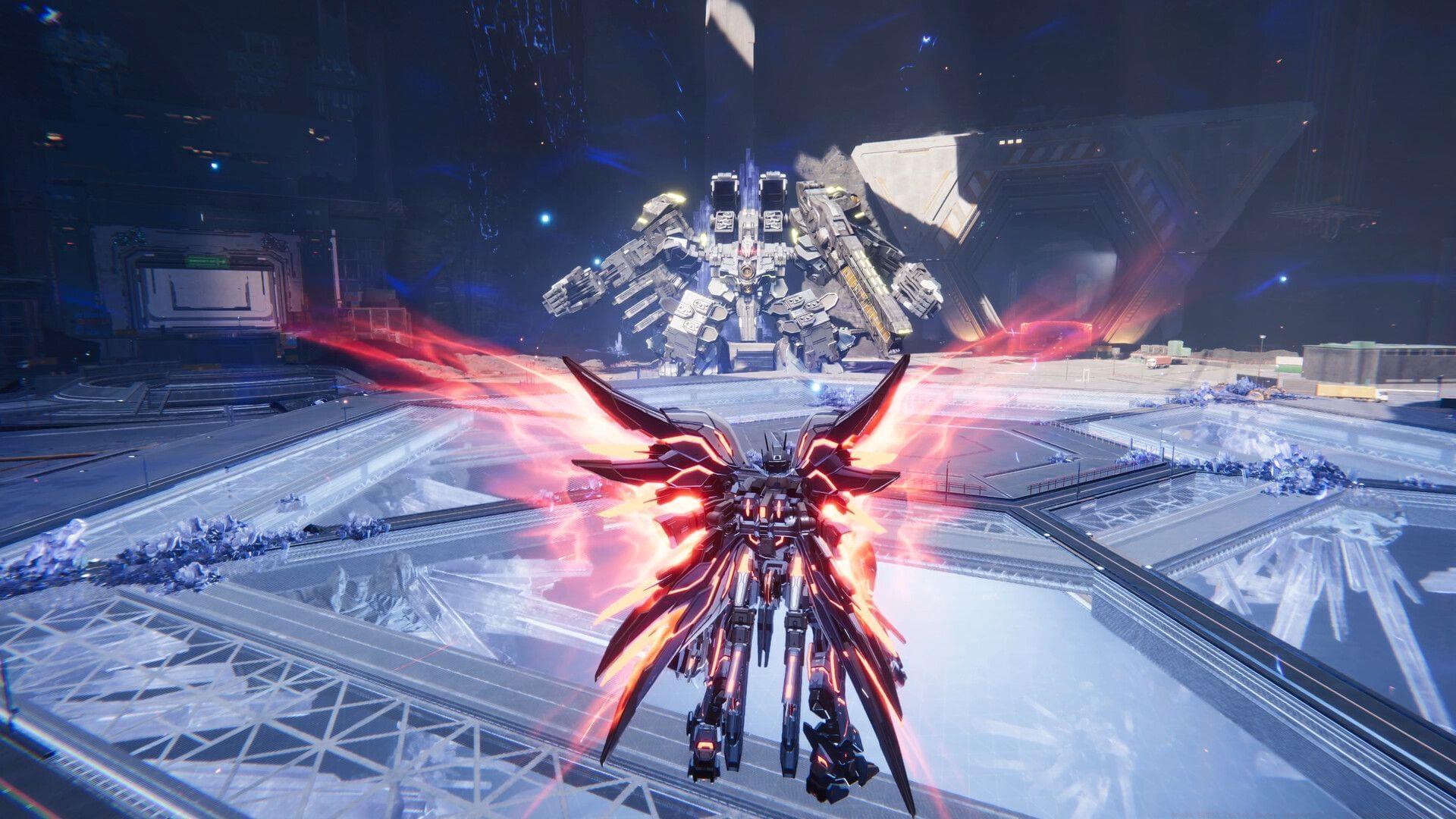
The August 2025 Mecha BREAK Twitch Drops event brings exclusive cosmetic items to enhance your mech pilot’s appearance. This limited-time campaign spans from August 4th through August 30th, giving players ample opportunity to collect all six unique rewards through strategic viewing.
Reward progression follows a tiered system:
- Watch 20 minutes: Boomfish (Insignia) – Perfect for early milestone achievement
- Watch 30 minutes: Mood Regulator (Eyebrow Accessory) – Adds personality to your pilot’s expressions
- Watch 60 minutes: Fish Hoopla (Accessory) – Mid-campaign cosmetic enhancement
- Watch 120 minutes: Rage Bank (Nose Accessory) – Distinct facial customization option
- Watch 180 minutes: Pufferfish (Face Mask) – Substantial visual upgrade
- Watch 240 minutes: Can’t Bait the Willing (Tail) – Premium cosmetic for dedicated viewers
Also read: Mecha BREAK achievement list: How to get all of them
Account Linking Process
Before your viewing time starts counting toward rewards, you must establish a connection between your Mecha BREAK and Twitch accounts. This one-time setup ensures your earned items properly sync to your gaming profile.
Follow this comprehensive linking procedure:
- Navigate to the official Mecha BREAK account integration portal through the game’s official website or partner page
- Select the prominent Link Account option to initiate the authentication sequence
- A Twitch authorization window will appear – click the distinctive purple Authorize button to grant permissions
- Join any active Twitch broadcast that has Mecha BREAK Drops specifically enabled in their channel settings
Pro Tip: Verify successful linking by checking your connections in Twitch settings under ‘Connections’. Some users report needing to refresh the page after authorization for the link to register properly.
Reward Collection Strategy
As you accumulate watch time across eligible streams, each milestone unlocks corresponding rewards in your Twitch Drops inventory. Critical reminder: you must manually claim each item within Twitch before it transfers to your game account.
Collection workflow operates as follows:
- Watch time accumulates progressively across multiple streams – no need for continuous viewing
- Access Twitch inventory through the drops menu to claim unlocked items
- Most rewards appear in-game immediately after claiming
- If items don’t appear within 24-48 hours, restart your game client and check again
Common Pitfall: Many players forget the manual claiming step. Set reminders to check your Twitch inventory every hour during viewing sessions to ensure no rewards expire unclaimed.
Efficiency Strategy: Run streams in background tabs at minimum quality settings to conserve bandwidth while accumulating watch time.
System Requirements Analysis
To ensure optimal Mecha BREAK performance while running Twitch streams simultaneously, understanding hardware requirements becomes essential. The game demands substantial resources for smooth mech combat and visual fidelity.
Minimum Specifications (Playable Experience):
- Processor: Intel Core i5-6500 / AMD Ryzen 3 1300X or equivalent – handles basic gameplay
- Graphics: NVIDIA GeForce GTX 1650 / AMD Radeon RX 570 – entry-level visual performance
- Network: Stable broadband connection – crucial for online matches
- Storage: 60 GB available space – consider future updates
- Performance Note: HDD installation works but SSD dramatically improves load times
Recommended Specifications (Optimal Experience):
- Processor: Intel Core i7-10700K / AMD Ryzen 7 5700X3D – handles multitasking with streams
- Graphics: NVIDIA GeForce RTX 3060 / AMD Radeon RX 5700XT / Intel Arc B580 – high fidelity visuals
- Network: High-speed broadband – reduces latency in competitive matches
- Storage: 60 GB SSD space – significantly faster asset loading
- Critical Recommendation: SSD installation transforms gameplay fluidity and reduces stuttering
Check out: Best Mecha BREAK graphics settings for PC
Advanced Tips & Troubleshooting
Beyond basic requirements, several strategies can enhance your Mecha BREAK Twitch Drops experience and resolve common technical issues.
Advanced Collection Strategies:
- Schedule viewing during peak streaming hours when more Drops-enabled channels are active
- Use multiple devices to accumulate watch time faster (within Twitch terms of service)
- Bookmark reliable streamers who consistently enable drops for their audiences
Troubleshooting Common Issues:
- If rewards don’t sync: Unlink and relink your account connection
- For delayed items: Clear game cache and verify game files through your platform
- Watch time not tracking: Ensure stream quality is above 160p and audio is active
- Account connection errors: Check that both accounts are in good standing without restrictions
Remember that cosmetic rewards from Twitch Drops provide unique customization options that can’t be obtained through regular gameplay, making them valuable additions to your mech pilot’s arsenal.
No reproduction without permission:Tsp Game Club » Mecha BREAK Twitch drops (August 2025): All rewards and how to get Complete guide to Mecha BREAK Twitch Drops with reward strategies and performance optimization tips