
Essential performance fixes and optimization strategies for Oblivion Remastered on PS5 consoles
Understanding PS5 Performance Challenges
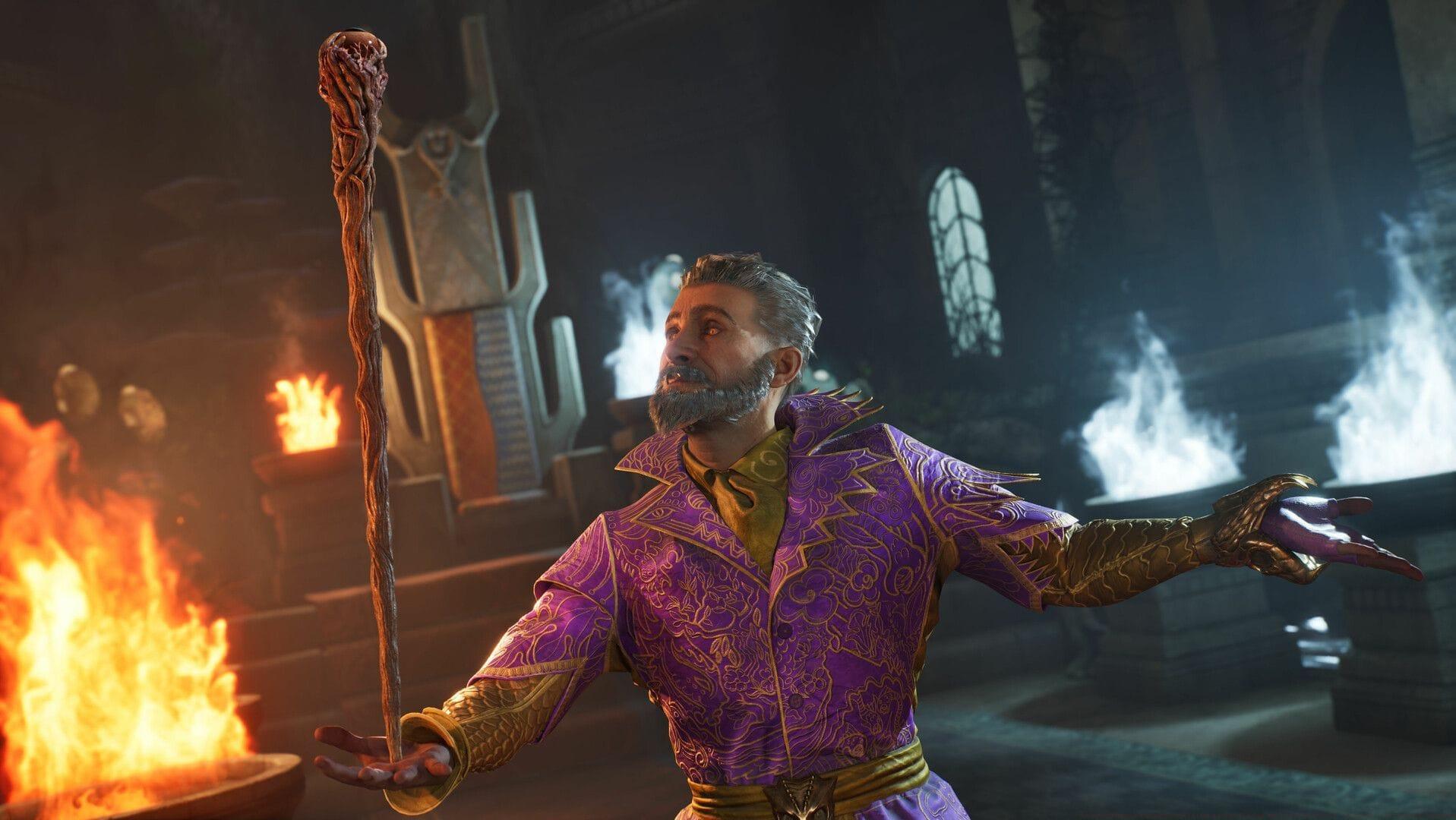
PlayStation 5 gamers diving into Oblivion Remastered are encountering frustrating performance problems that disrupt their immersive Elder Scrolls experience. These technical hiccups manifest as frame rate drops, unexpected crashes, and overall system sluggishness during extended play sessions. While developer patches are continuously released to address these concerns, several underlying factors require immediate user intervention for optimal gameplay.
The performance degradation typically stems from multiple sources, including thermal management issues, outdated system software, and insufficient maintenance routines. Understanding these root causes provides the foundation for implementing effective solutions that restore smooth gameplay and prevent future disruptions to your adventure through Cyrodiil.
Hardware Optimization Strategies
Inadequate airflow represents one of the most common yet overlooked performance killers for PS5 consoles running demanding titles like Oblivion Remastered. Positioning your system in enclosed entertainment centers severely restricts ventilation, causing internal components to overheat and trigger automatic performance throttling. This thermal protection mechanism directly impacts frame rates and can cause sudden game crashes during intensive graphical sequences.
Relocate your console to an open area with at least six inches of clearance on all sides, particularly ensuring the rear exhaust vents remain completely unobstructed. Consider vertical orientation if horizontal placement restricts airflow, but use the official stand to prevent stability issues. Ambient room temperature also plays a crucial role – maintain your gaming environment between 65-75°F (18-24°C) for optimal thermal performance.
Dust accumulation represents another significant performance inhibitor that many gamers underestimate. Beyond surface cleaning with microfiber cloths, implement a comprehensive maintenance routine that includes removing side panels for thorough internal cleaning. Use compressed air cans specifically designed for electronics, holding them upright and maintaining a safe distance of 6-8 inches to prevent moisture damage or component displacement.
Common Mistake to Avoid: Never place your PS5 on carpeting or soft surfaces that can block bottom ventilation and attract static-sensitive dust particles. Similarly, avoid positioning near heat sources like radiators or direct sunlight that exacerbate cooling challenges.
Software and Firmware Solutions
Outdated system firmware frequently creates compatibility conflicts with newly released games, resulting in the performance inconsistencies reported by Oblivion Remastered players. Sony regularly releases system software updates that optimize hardware performance and resolve game-specific issues. Navigate to Settings > System > System Software > System Software Update and Settings to manually check for available updates if automatic downloads are disabled.
Game-specific patches represent another critical component of performance optimization. Bethesda consistently releases updates addressing stability issues, memory leaks, and rendering optimizations for Oblivion Remastered. Enable automatic game updates in your PS5 settings or regularly check the game’s tile on your home screen for available downloads. These patches often contain crucial performance improvements that dramatically enhance gameplay smoothness.
Pro Tip: Schedule your console’s rest mode periods during off-hours to allow background downloads of updates without interrupting your gaming sessions. The PS5’s rest mode functionality can download and install both system and game updates automatically when configured properly in power saving settings.
Advanced Performance Tweaks
Beyond basic maintenance, several advanced adjustments can further enhance Oblivion Remastered’s performance on your PS5. Adjust your display settings to prioritize performance over visual fidelity if you’re experiencing consistent frame rate issues. While the game’s visual splendor is impressive, stable performance often provides a better overall experience than maximum graphical settings during troubleshooting periods.
Manage background processes by closing suspended games and applications before launching Oblivion Remastered. The PS5’s quick resume functionality is convenient but can consume valuable system resources that impact performance in demanding titles. Press the PS button, navigate to suspended activities, and close unnecessary applications to free up memory and processing power.
Storage optimization also contributes to performance stability. Ensure you maintain at least 20% free space on your internal SSD to prevent storage-related performance degradation. Consider moving lesser-played games to external storage or deleting unnecessary captures and media files that consume valuable storage bandwidth.
Related Reading: Oblivion Remastered stuttering and crashing on Xbox Series X/S: Possible fixes and reasons
No reproduction without permission:Tsp Game Club » Oblivion Remastered stuttering and crashing on PlayStation 5: Possible fixes and reasons Essential performance fixes and optimization strategies for Oblivion Remastered on PS5 consoles