
Essential Deltarune update guide covering patch notes, file changes, and troubleshooting strategies for smooth gameplay
Game Update Overview and Community Response
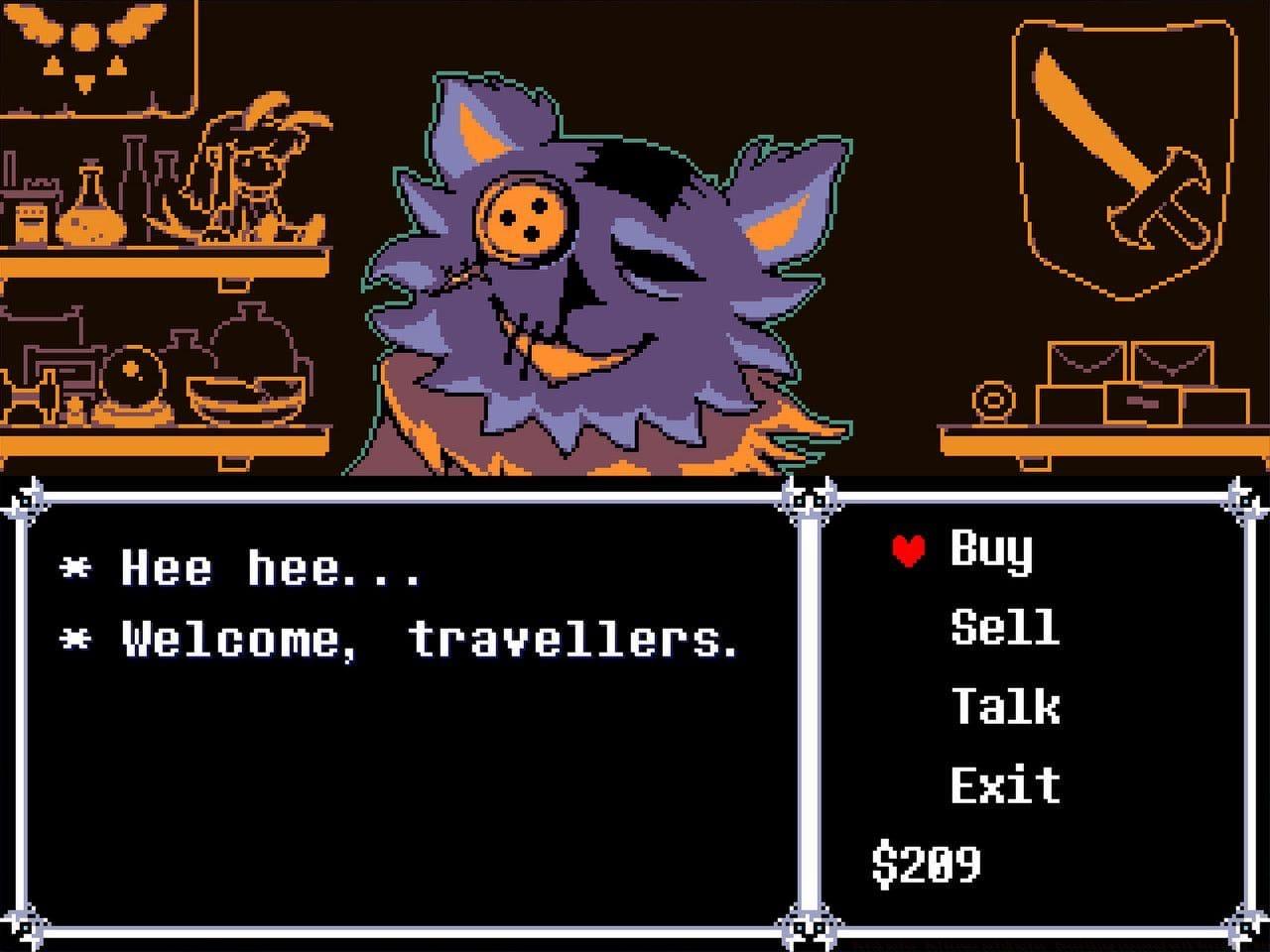
Following the highly anticipated release of Chapters 3 and 4, Deltarune has rapidly ascended Steam’s popularity charts, earning an “Overwhelmingly Positive” rating from the gaming community. While the initial chapters remained free-to-play, these new installments represent Toby Fox’s continued evolution of the Undertale universe. The developer recently deployed a comprehensive update targeting both Windows and macOS platforms to address emerging technical concerns reported by early adopters.
This proactive patch demonstrates Toby Fox’s commitment to polishing the player experience, particularly important given the game’s complex battle mechanics and intricate environmental puzzles. The timing coincides with peak player engagement as thousands discover the expanded narrative and gameplay systems introduced in these latest chapters.
Critical Bug Fixes and Stability Improvements
The update delivers substantial stability enhancements targeting specific gameplay scenarios that previously caused disruptions. Players navigating areas with multiple display elements will notice significant improvements, as one patch priority addressed a frequent crash occurring in rooms dense with interactive screens. Boss encounters received particular attention, with corrections applied to summoning mechanics that previously triggered unexpected crashes during intense combat sequences.
- Resolved a prevalent system crash in environments featuring numerous active screens
- Eliminated crash occurrences when specific boss characters attempt enemy summons
- Fixed progression halting freezes during character conversations after raft sequences
- Addressed binocular inspection freezes that interrupted exploration flow
- Removed visible debug messages that compromised immersion
- Corrected crash scenarios involving precise frame-perfect grass collection and character switching
- Fixed erroneous access to incomplete room areas
- Prevented crashes when revisiting puzzles after obtaining special armor upgrades
- Implemented audio-output failsafes for rhythm game segments
- Resolved control scheme conflicts requiring upward keyboard input regardless of binding configurations
- Applied subtle graphical refinements to enhance specific cinematic moments
These comprehensive corrections demonstrate meticulous attention to the varied gameplay mechanics that define the Deltarune experience, from precise action sequences to narrative-driven interactions.
File Modification Details and Technical Changes
Technical enthusiasts and modders will appreciate the precise file-level modifications implemented in this update. The changes reflect both optimization efforts and content refinements across different game chapters and platforms.
- Modified – chapter1_windows/data.win (-128 B) – Minor optimization
- Modified – chapter2_windows/data.win (-128 B) – Efficiency improvements
- Modified – chapter3_windows/data.win (+3.00 KiB) – Content additions
- Modified – chapter4_windows/data.win (-2.63 KiB) – Compression enhancements
- Modified – data.win (-128 B) – Core file optimization
- Modified – igor.output.manifest – Build system updates
- Manifest ID changed – 6530852604090871226 › 7360369116571903144
- Modified – DELTARUNE.app/Contents/CodeResources – macOS security compliance
- Modified – DELTARUNE.app/Contents/Frameworks/libYoYoGamepad.dylib – Controller support
- Modified – DELTARUNE.app/Contents/MacOS/Mac_Runner – Execution environment
- Modified – DELTARUNE.app/Contents/Resources/chapter3_mac/game.ios (+3.00 KiB) – Platform-specific content
- Modified – DELTARUNE.app/Contents/Resources/chapter4_mac/game.ios (-2.63 KiB) – Asset optimization
- Modified – DELTARUNE.app/Contents/Resources/game.ios (-128 B) – Core resource refinement
- Modified – DELTARUNE.app/Contents/Resources/icon.icns (-8 B) – Icon resource adjustment
- Modified – DELTARUNE.app/Contents/_CodeSignature/CodeResources – Signature verification
- Manifest ID changed – 1483231604347790280 › 7004180441183063593
The balanced approach to file sizing—with both additions and reductions—indicates sophisticated optimization rather than simple content stacking.
Player Optimization Strategies and Best Practices
To maximize your experience with the updated Deltarune chapters, implement these proven strategies for seamless gameplay. Always verify game file integrity through your platform’s validation tools before beginning new playthroughs, as corrupted installations can reintroduce patched issues. For players encountering persistent audio synchronization problems during rhythm segments, consider adjusting buffer settings in your audio control panel or using dedicated gaming headphones with low latency modes.
Advanced players should note that certain sequence-breaking techniques involving frame-perfect inputs have been adjusted for stability. While this may affect speedrunning strategies, it ensures consistent performance for the broader player base. When experiencing unusual behavior after the update, first attempt to replicate the issue with all mods disabled, as community modifications frequently conflict with official patches.
Also Read: 5 tips to keep in mind before starting Deltarune Chapters 3 and 4
For players streaming their gameplay, test all boss encounters and multi-screen environments offline before live sessions, as these areas received the most substantial code revisions. Maintain backup saves before major narrative decisions, particularly before obtaining special armor sets or entering puzzle rooms that previously exhibited instability.
For more gaming news and guides, stay tuned to Sportskeeda.
No reproduction without permission:Tsp Game Club » Patch notes: Deltarune patch notes: Everything improved with Version 1.01A Essential Deltarune update guide covering patch notes, file changes, and troubleshooting strategies for smooth gameplay