
Expert comparison of controller vs keyboard/mouse controls in Metal Gear Solid Delta with optimization tips
Understanding Metal Gear Solid Delta’s Dual Control Schemes
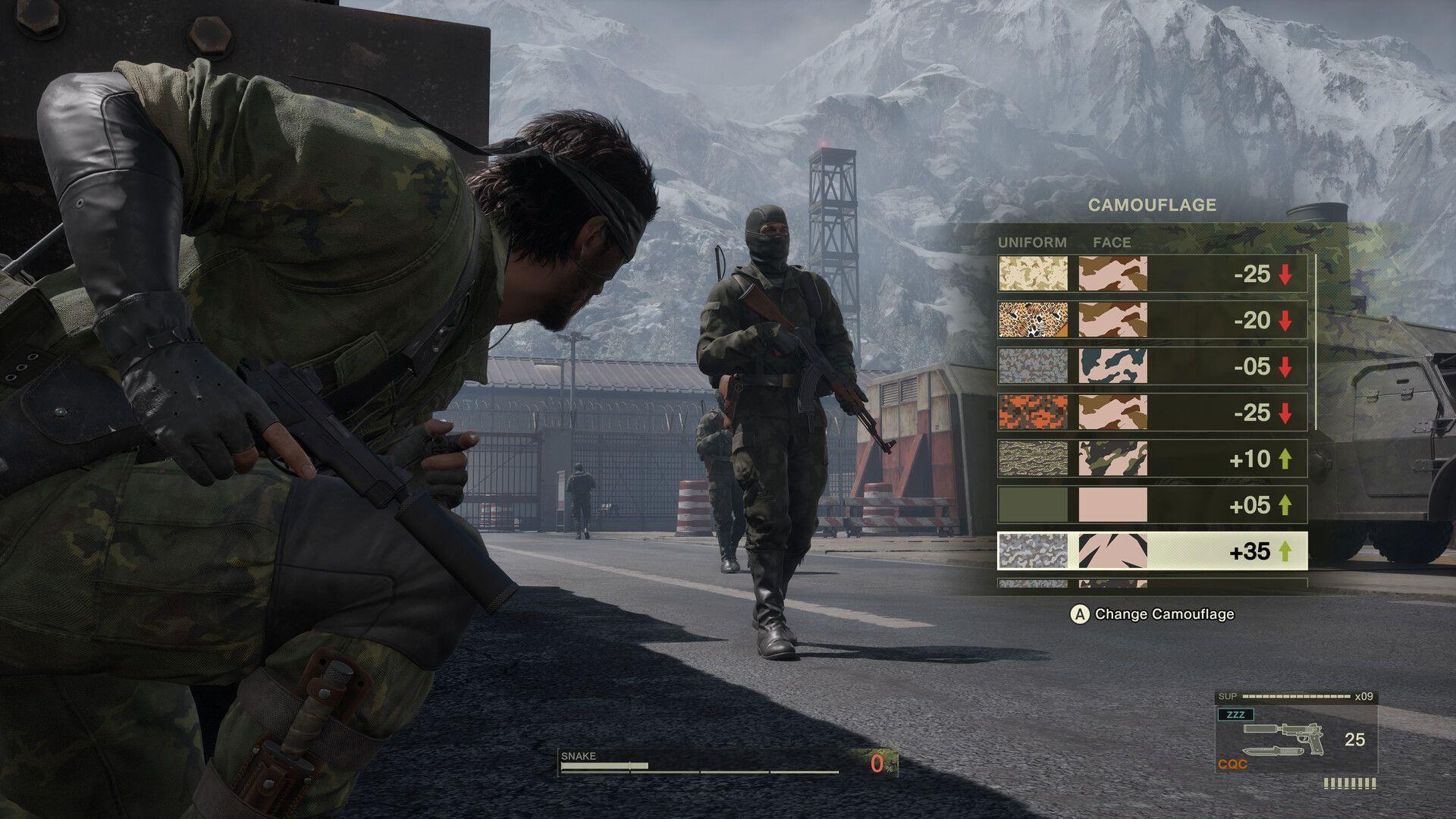
PC gamers diving into Metal Gear Solid Delta: Snake Eater face a critical decision between controller and keyboard and mouse configurations. Konami’s innovative dual approach with Legacy and New Style modes fundamentally changes how each input method performs. The Legacy mode recreates the original PlayStation 2 control scheme, while New Style introduces contemporary third-person shooter mechanics.
Legacy controls feel specifically engineered for gamepad use, with analog stick movements, contextual actions, and menu navigation mirroring the classic Metal Gear Solid experience. This approach maintains the original’s deliberate pacing and tactile feedback that long-time fans appreciate.
New Style mode liberates players from traditional constraints, offering an over-the-shoulder perspective and refined aiming mechanics that benefit from precise input devices. This modernization aligns the game with current stealth-action standards while maintaining the series’ distinctive identity.
Controller Experience Deep Dive
Gamepad users will find Legacy mode delivers the most authentic Snake Eater experience. The analog sticks provide smooth character movement through jungles and facilities, while pressure-sensitive button inputs (where supported) enable nuanced CQC interactions. Controller vibration feedback enhances immersion during combat and stealth sequences.
In New Style mode, controllers remain competitive through superior ergonomics for extended gameplay sessions. The DualSense or Xbox controller’s layout facilitates quick weapon switching and item usage without breaking immersion. Stealth movement—particularly crawling through grass and navigating tight spaces—feels more intuitive with analog stick control.
Advanced controller techniques include using the d-pad for precise inventory management and leveraging trigger sensitivity for controlled aiming. Many professional stealth gamers prefer controllers for their superior movement precision during evasion sequences and boss encounters where positioning matters more than twitch accuracy.
Keyboard and Mouse Mastery
Keyboard and mouse configurations shine in New Style mode, where precise shooting becomes crucial. Mouse aiming provides pixel-perfect accuracy for headshots and long-range takedowns, significantly reducing the difficulty of certain boss fights. The separation of movement and camera controls allows for sophisticated tactical positioning.
Custom keybindings enable players to optimize their control scheme for specific playstyles. Separating crouch, prone, and stand commands to different keys facilitates rapid posture changes during combat. Advanced users can map frequently used items to mouse thumb buttons for instant access during tense situations.
Camera control represents the keyboard and mouse’s greatest advantage. The instantaneous camera response enables rapid environmental scanning and target acquisition that controllers cannot match. This proves particularly valuable in areas with multiple enemies or when navigating complex vertical spaces.
Pro tip: Adjust mouse sensitivity separately for aiming and camera movement, using lower DPI for precise shots and higher sensitivity for quick environmental checks. This hybrid approach maximizes both combat effectiveness and situational awareness.
Advanced Control Optimization
Seasoned players can employ hybrid strategies by switching between control schemes situationally. Use controllers for exploration and stealth segments, then transition to keyboard and mouse for combat-intensive sections. This approach requires quick device switching but maximizes each input method’s strengths.
Common control mistakes include over-relying on one scheme without experimenting, using default sensitivity settings, and neglecting to customize bindings for personal comfort. Avoid these pitfalls by spending time in the shooting range with both control methods before committing to a primary setup.
For competitive players, keyboard and mouse generally provide superior performance in New Style mode due to aiming precision. However, controller users can close the gap through practice and sensitivity tuning. The optimal choice ultimately depends on your playstyle priorities—authenticity versus performance.
Konami’s design philosophy empowers player choice rather than enforcing a superior control method. This flexibility ensures both casual and hardcore gamers can enjoy Metal Gear Solid Delta according to their preferences and hardware capabilities.
Also read: Is Metal Gear Solid Delta: Snake Eater Digital Deluxe Edition worth buying?
Final recommendation: Gamepad users should prioritize Legacy Style for its nostalgic authenticity and optimized control mapping. The original control scheme was designed specifically for controllers and delivers the most faithful recreation of the classic experience.
Meanwhile, keyboard and mouse enthusiasts will find New Style mode perfectly suited to their preferred input method. The modernized control scheme leverages PC gaming strengths while maintaining the game’s core identity. Both approaches deliver excellent experiences when matched with their ideal control schemes.
Check out: Metal Gear Solid Delta: Snake Eater – Minimum and recommended system requirements explored
No reproduction without permission:Tsp Game Club » Should you play Metal Gear Solid Delta with controller or keyboard and mouse on PC? Expert comparison of controller vs keyboard/mouse controls in Metal Gear Solid Delta with optimization tips