
Complete guide to accessing and mastering Splitgate 2’s Mario Kart-inspired SplitKart community map with expert tips
Introduction to SplitKart: The Mario Kart Revolution in Splitgate 2
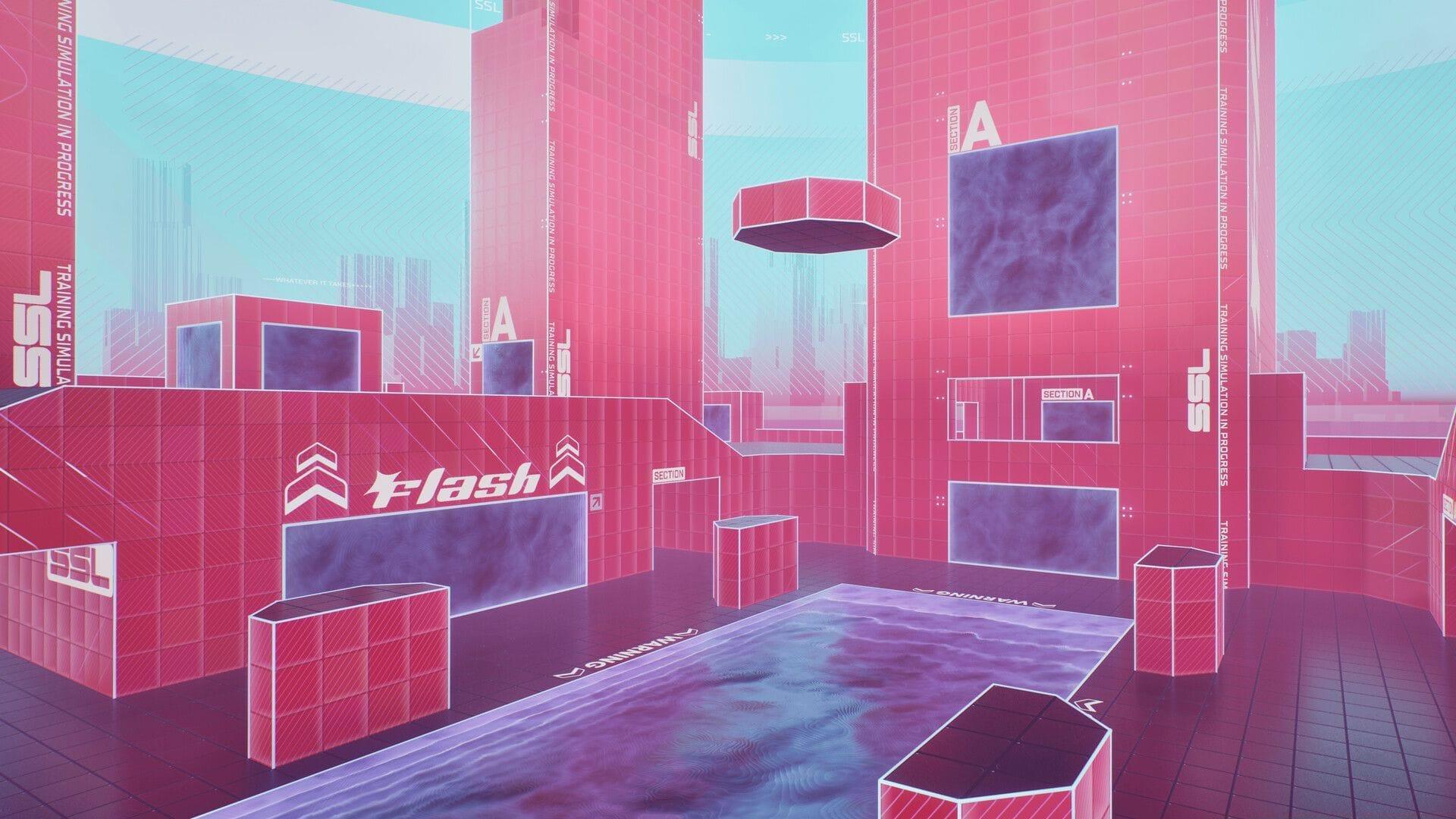
The Splitgate 2 community has demonstrated incredible creativity with the game’s robust map creation tools, producing an impressive Mario Kart tribute called SplitKart. This fan-made masterpiece draws direct inspiration from the iconic Rainbow Road course, transforming Splitgate’s portal-based combat into a thrilling racing-inspired experience. While the visual presentation maintains a minimalist approach, creator Dongola has expertly implemented core mechanics that capture the essence of slip-and-slide kart racing gameplay.
What makes this community creation particularly noteworthy is its official endorsement – the development team at 1047 Games has publicly acknowledged SplitKart through their official social media channels. This recognition highlights the growing importance of user-generated content in modern gaming ecosystems. The map remains completely accessible to all players without any cost barriers, embodying the spirit of community sharing that defines Splitgate’s philosophy.
Step-by-Step Access Guide: Finding and Loading SplitKart
Navigating to the SplitKart experience requires following a specific sequence within Splitgate 2’s interface. Here’s the comprehensive access procedure:
Also read: How to play Nuketown in Splitgate 2
Should the direct code method encounter issues, alternative discovery approaches include searching by creator identification “Dongola” or utilizing keyword terms like “Rainbow” or “Kart” in the search parameters. The community creation remains entirely free of charge and integrates seamlessly through Splitgate 2’s native browsing system without requiring external downloads or installations.
Gameplay Breakdown: Mastering the SplitKart Experience
The SplitKart map delivers a meticulously designed racing experience that begins with a momentum-building sprint section. Players must accumulate sufficient velocity before transitioning into the signature slide descent that characterizes the course. Dongola has strategically placed launch pads throughout the environment that catapult participants through aerial segments before landing them onto the vibrant track sections.
The course layout incorporates carefully calculated twists and turns that test player navigation skills while maintaining the flow characteristic of quality racing games. The visual design employs a bright, colorful palette that enhances the Mario Kart inspiration while ensuring clear visibility of obstacles and track boundaries. Various challenges and barriers are interspersed throughout the circuit, requiring precise movement and timing to navigate successfully before completing the loop back to the starting position.
Advanced players will appreciate the nuanced physics implementation that rewards skilled movement techniques. The slide mechanics particularly emphasize proper angle approach and exit timing, while the launch pads require precise positioning to maximize aerial trajectory efficiency. These elements combine to create a surprisingly deep movement system that separates casual participants from dedicated masters of the course.
Pro Tips and Strategy Guide
Maximizing your performance on the SplitKart course requires understanding several key strategic elements. First, focus on mastering the initial running section – building maximum momentum here directly impacts your success in the subsequent sliding segments. Time your jumps precisely when approaching launch pads to achieve optimal trajectory and maintain speed through aerial sections.
Avoid these common mistakes: don’t approach slides at extreme angles, which can cause unpredictable bouncing; don’t ignore the visual cues for obstacle timing; and don’t attempt shortcuts without proper momentum. Instead, practice consistent movement patterns and learn the specific timing for each major transition point on the course.
For advanced optimization, experiment with different approach angles to launch pads to discover time-saving trajectories. Master the art of minimal input adjustments during slides to maintain velocity, and study the patterns of moving obstacles to develop predictive navigation skills. The most successful players combine technical precision with creative route optimization to shave precious seconds off their completion times.
Stay tuned to Sportskeeda for more updates, guides, and news.
No reproduction without permission:Tsp Game Club » Splitgate 2 player creates Mario Kart inspired community map Complete guide to accessing and mastering Splitgate 2's Mario Kart-inspired SplitKart community map with expert tips