
Essential South of Midnight performance mods to eliminate stuttering, boost FPS, and enhance visual clarity for any PC setup
Introduction to Performance Modding
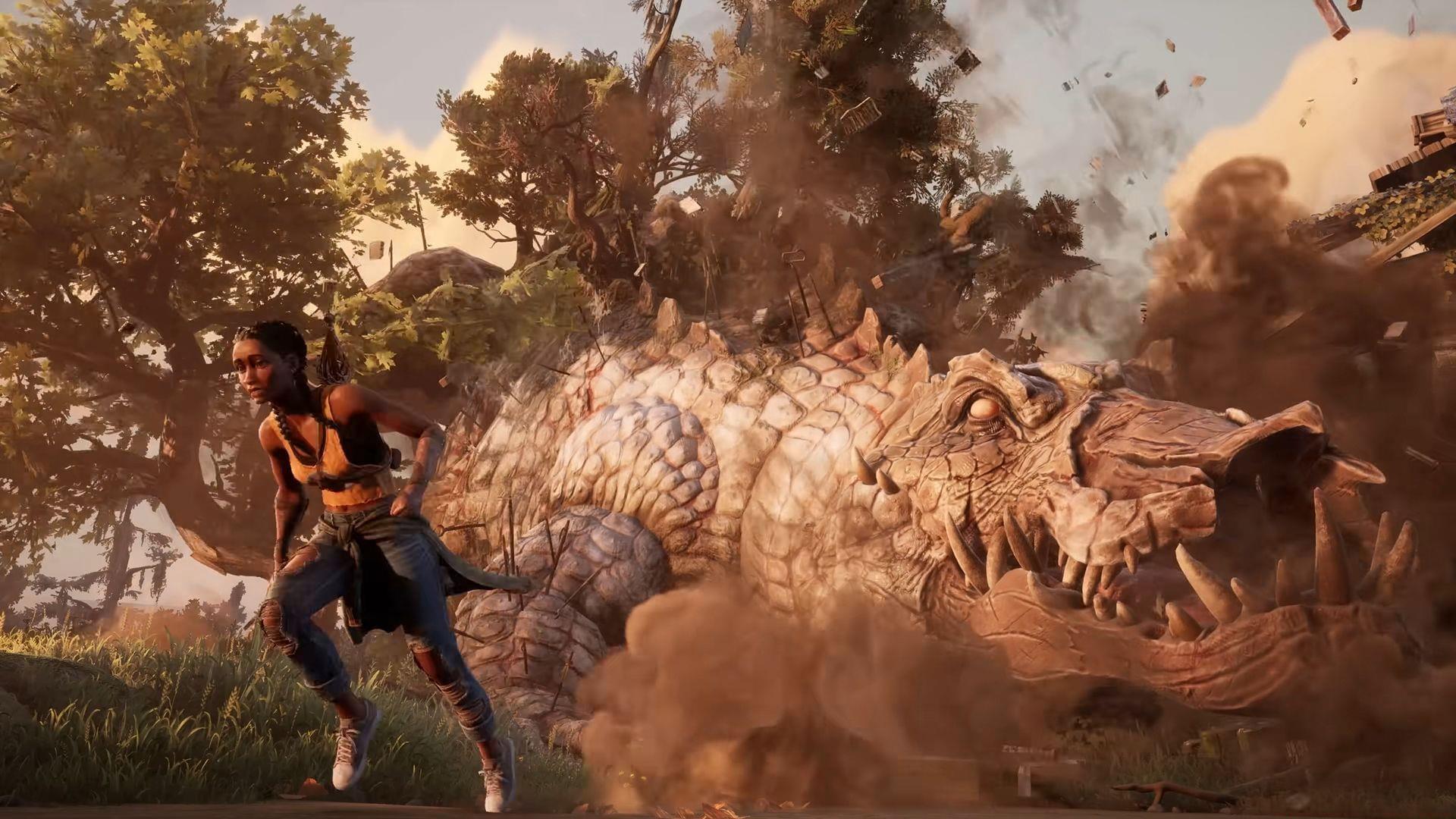
Performance modifications for South of Midnight can dramatically transform your gaming sessions by addressing specific technical limitations and visual preferences. While the base game delivers solid performance out of the box, targeted tweaks allow you to customize the experience to match your hardware capabilities and personal tastes. Strategic optimization ensures every moment spent exploring the atmospheric American Deep South remains smooth and visually compelling.
Critical Safety Notice: Always download and install performance modifications for South of Midnight exclusively from the official NEXUS platform, understanding that all modifications carry inherent risks that require careful consideration.
Before diving into specific modifications, it’s essential to understand that performance tuning requires a methodical approach. Many players make the mistake of installing multiple mods simultaneously, making it impossible to identify which changes produce positive results versus potential conflicts.
Comprehensive Optimization Overhaul Mod
This flagship performance modification represents the most thorough technical enhancement available for South of Midnight. The developer describes its mission as delivering comprehensive system-wide optimizations targeting CPU processing efficiency, GPU rendering performance, RAM utilization patterns, and SSD loading behavior. The primary objectives include complete stuttering elimination, measurable performance improvements, input latency reduction, and superior image clarity through advanced post-processing adjustments.
The modification achieves these goals through several sophisticated techniques: removing distracting film grain and chromatic aberration artifacts, optimizing DLSS and FSR upscaling implementations for supported graphics cards, and implementing memory management protocols that prevent resource contention. Crucially, these enhancements maintain visual fidelity while eliminating performance bottlenecks that disrupt immersion.
Hardware-Specific Configuration Options:
Both configurations automatically disable VSync to reduce input lag and eliminate film grain for cleaner image presentation. The mid-range version includes upscaling support for compatible GPUs, while the low-end version prioritizes VRAM conservation by omitting these features.
Advanced Shader Enhancement Package
This visual enhancement modification introduces sophisticated shader technology to elevate South of Midnight’s atmospheric presentation. The developer designed this package to inject renewed vitality into your gameplay through carefully calibrated visual improvements that complement the game’s distinctive art style without compromising performance.
The modification incorporates three specialized shader implementations:
When installing shader modifications, ensure you have adequate VRAM headroom. These enhancements work best on systems with at least 6GB of dedicated video memory, though scaled-down versions exist for less powerful hardware. Always create restore points before installation, as shader modifications can occasionally conflict with game updates.
Cinematic HUD and Effects Toggle
Among the available performance modifications for South of Midnight, this interface-focused option delivers particularly impactful immersion benefits. It systematically removes HUD elements and certain visual effects that can disrupt the game’s carefully crafted atmosphere, creating a more cinematic experience reminiscent of high-production value films.
Following installation, players gain comprehensive control over interface visibility through customizable toggle options. This allows strategic HUD element management—keeping critical information accessible during combat while eliminating distracting elements during exploration sequences. The modification proves especially valuable during the game’s many atmospheric walking segments and story revelations where minimal interface presence enhances emotional impact.
For optimal use, consider creating situational profiles: a combat profile with essential health and ability indicators visible, and an exploration profile with minimal interface elements. This approach maximizes both gameplay functionality and immersion, adapting to South of Midnight’s varied pacing. Remember that disabling certain HUD elements may increase difficulty, so adjust gradually until you’re comfortable with the reduced information display.
Future Modding Landscape
The current performance modifications for South of Midnight represent just the beginning of the game’s modding potential. As the community grows and developers gain deeper understanding of the game’s architecture, expect increasingly sophisticated optimization options to emerge in the coming weeks and months.
Anticipate more granular modification types that target specific performance aspects: specialized texture compression formats, advanced LOD management systems, and CPU threading optimization patches. The modding community typically follows a pattern of initial broad optimizations followed by highly specialized tweaks that address very specific technical scenarios or hardware configurations.
Security Reminder: These featured South of Midnight performance modifications have undergone thorough virus scanning through the NEXUS platform security protocols and are currently classified as safe for use. Nevertheless, maintain vigilance when downloading any third-party modifications and ensure your system security software remains active during installation procedures.
Expand Your South of Midnight Knowledge:
No reproduction without permission:Tsp Game Club » 3 best performance mods for South of Midnight Essential South of Midnight performance mods to eliminate stuttering, boost FPS, and enhance visual clarity for any PC setup