
Master RimWorld’s developer tools with expert strategies, common pitfalls, and advanced console command techniques
Understanding RimWorld Development Mode
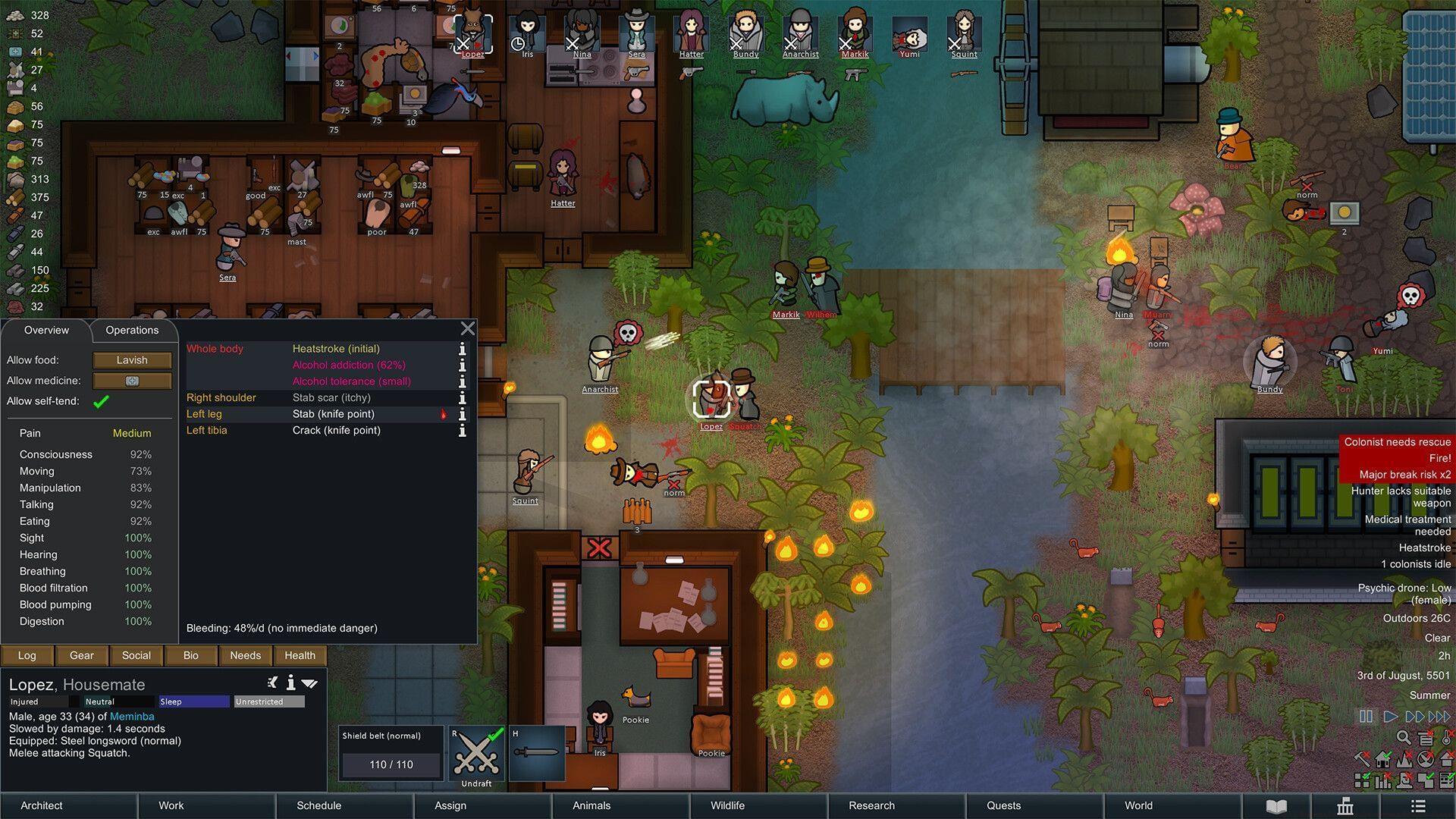
RimWorld’s Development Mode provides a comprehensive suite of console commands and debugging tools that transform your gameplay experience. These powerful utilities allow you to manipulate nearly every aspect of your colony’s existence, from environmental conditions to character attributes and world events. While the standard game delivers structured settlement-building with emergent storytelling, the development tools empower you to craft specific scenarios or overcome challenging situations through direct intervention.
Activating this feature reveals additional interface elements typically positioned along the screen’s upper edge. The most notable addition is the Dev tab, which becomes accessible from the main menu once you’ve enabled the developer options. This tab serves as your central hub for all debugging and modification activities.
Core Development Features Explained
When you activate Development Mode, three primary tool categories become available, each serving distinct purposes:
Practical Console Command Usage
Accessing RimWorld’s console commands involves multiple methods depending on your preference and situation:
Advanced Strategies & Common Mistakes
Mastering Development Mode requires understanding both its potential and its pitfalls. These development tools offer incredible freedom to explore RimWorld’s mechanics but can undermine the core gameplay experience if used excessively.
Expert Techniques: Seasoned players use these tools for controlled experimentation—testing defense layouts against specific raid types, practicing medical procedures on copied save files, or creating custom scenarios for storytelling purposes. The most effective approach involves using commands to enhance rather than replace gameplay, such as recovering from unavoidable catastrophic events rather than preventing all challenges.
Common Mistakes: New users frequently overuse spawn commands, creating unbalanced economies that remove resource management challenges. Another frequent error involves enabling too many debug settings simultaneously, resulting in unpredictable game behavior. The most serious mistake is forgetting to disable God Mode before returning to normal gameplay, which can trivialize survival aspects.
Optimization Tips: Always create backup saves before making significant changes through console commands. Use the Output tab to monitor command results and identify errors. For advanced testing, combine specific debug settings—like disabling random events while testing base designs—to create controlled experimentation environments without completely abandoning the game’s challenge progression.
While Development Mode provides unprecedented control, remember that RimWorld’s emergent storytelling thrives on unexpected challenges and organic progression. Use these tools as supplements to your gameplay rather than replacements for it.
No reproduction without permission:Tsp Game Club » All RimWorld console commands and cheats Master RimWorld's developer tools with expert strategies, common pitfalls, and advanced console command techniques