
Comprehensive guide to fixing ARC Raiders System Integrity Violation Error with advanced troubleshooting techniques
Understanding the System Integrity Violation Error
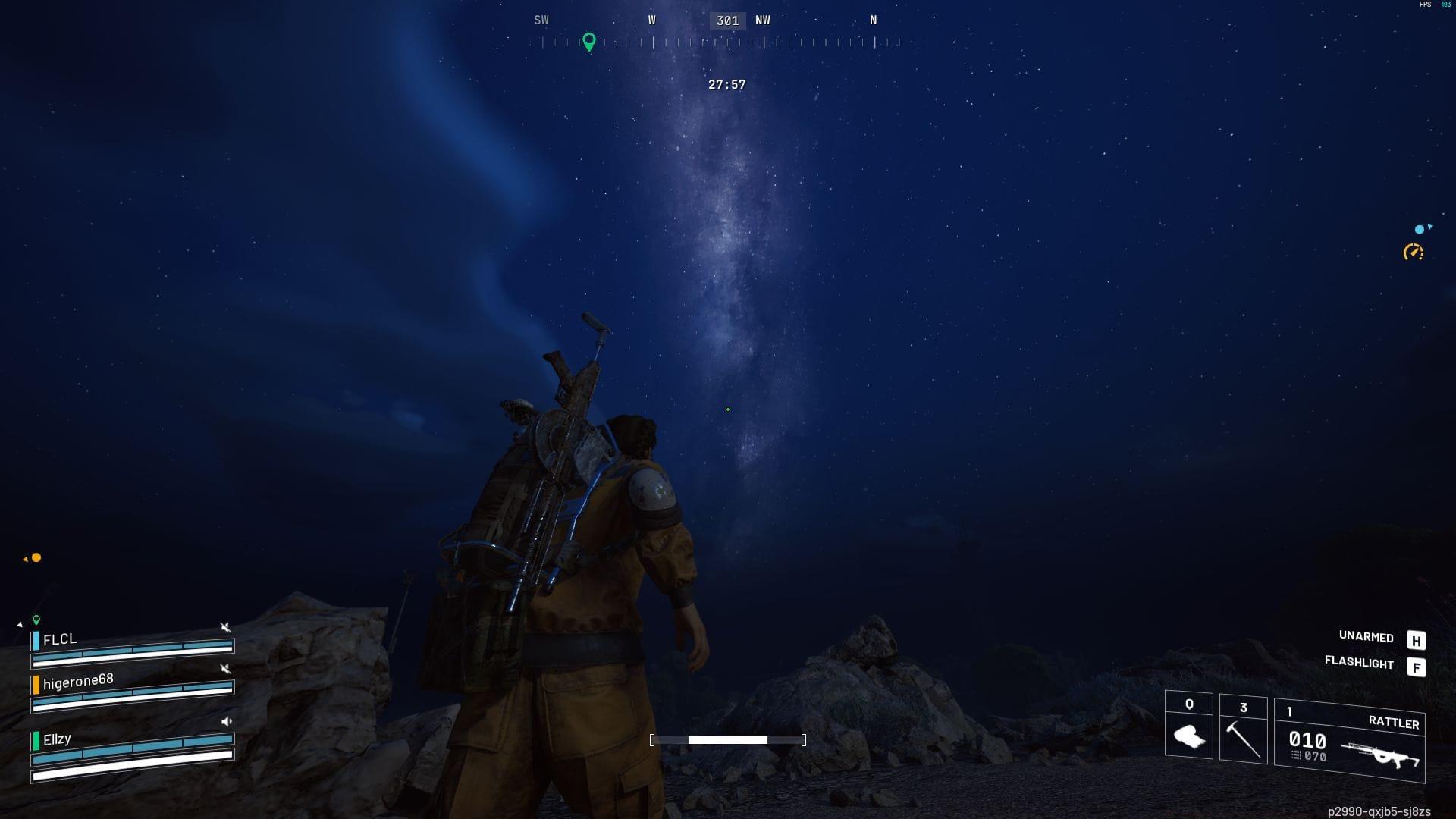
Gamers frequently encounter the System Integrity Violation Error during ARC Raiders sessions, which abruptly terminates gameplay and disrupts competitive matches. While this warning message may appear to indicate unauthorized third-party software usage, it actually signals corruption within the Easy Anti-Cheat protection system. The underlying causes typically involve either damaged game installation files or conflicts with Windows telemetry applications that interfere with normal game operations.
The verification process typically requires several minutes to complete, varying based on your hardware specifications and network connection speed. Upon completion, Steam will display a detailed report highlighting any compromised or missing files. The platform then automatically downloads replacement files and applies necessary updates to restore game functionality.
Also read- Arc Raiders “Outdated Game Client” error: Possible fixes and reasons
Rivatuner and MSI Afterburner Fixes
The predominant trigger for System Integrity Violation Error involves Rivatuner telemetry software, which commonly bundles with the popular MSI Afterburner GPU optimization utility. Rivatuner functions as a companion application that generates real-time system statistics overlays during gaming sessions while also providing frame rate limitation capabilities.
Rivatuner presents performance metrics through an application hooking mechanism, essentially a form of data packet interception. This specific monitoring approach frequently activates the System Integrity Violation protection in ARC Raiders. To resolve this conflict, navigate to Rivatuner settings and adjust the Application detection level parameter from Low to None.
Be aware that implementing this modification deactivates the overlay functionality within Rivatuner, requiring players to utilize built-in performance monitoring tools available within the game interface. Many competitive players prefer using ARC Raiders’ native performance metrics anyway, as they’re optimized specifically for the game engine and consume fewer system resources.
Easy Anti-Cheat Reinstallation Process
When ARC Raiders System Integrity Violation Error continues occurring, perform a complete Easy Anti-Cheat reinstallation using these detailed steps:
This procedure reinstalls Easy Anti-Cheat specifically for ARC Raiders. For maximum stability, perform a full system reboot and conduct another game file integrity verification through Steam. Many users overlook the importance of running both batch files with administrator rights, which can prevent proper reinstallation and leave residual corruption issues.
Advanced Troubleshooting Methods
These remediation techniques typically resolve the problem when it originates from incompatible Windows applications. Players should also experiment with terminating or deactivating overlay features in applications such as Steam and Discord. Furthermore, disabling RGB lighting control software may help prevent System Integrity Violation Error in ARC Raiders. Should the issue persist despite these efforts, contact Embark Studio customer support and submit a detailed trouble ticket including your system specifications and error logs.
Pro Tip: Create a system restore point before making these changes, and consider testing each fix individually to identify the specific culprit. Many players report success by updating their graphics drivers before attempting other fixes, as outdated drivers can sometimes trigger false positives with anti-cheat systems.
For comprehensive news and ongoing coverage about ARC Raiders, stay connected with Sportskeeda:
No reproduction without permission:Tsp Game Club » ARC Raiders: How to fix ARC Raiders System Integrity Violation Error Comprehensive guide to fixing ARC Raiders System Integrity Violation Error with advanced troubleshooting techniques