
Optimize your Assetto Corsa Rally experience with expert controller and wheel settings for maximum performance
Understanding Assetto Corsa Rally’s Control System
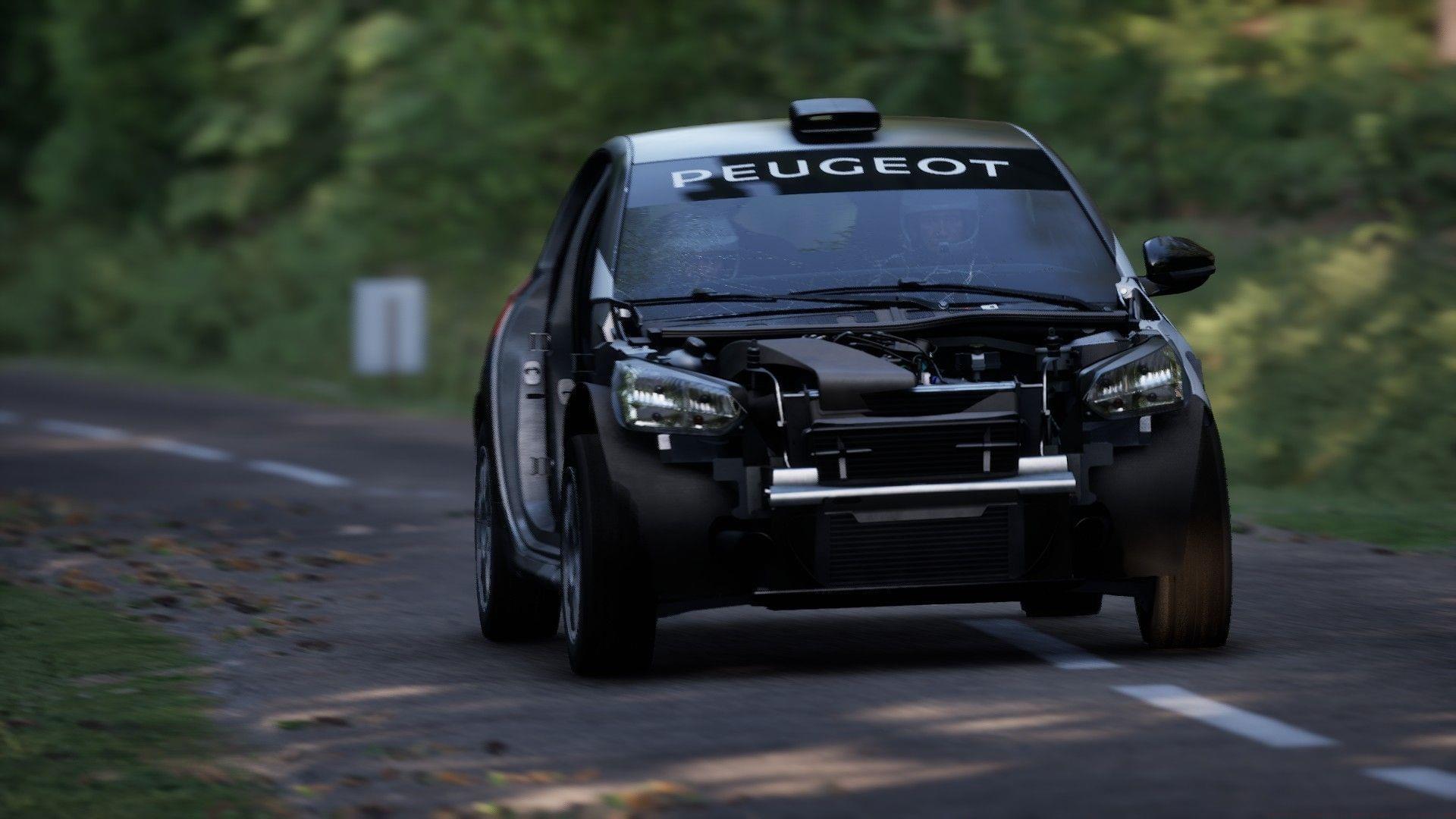
Assetto Corsa Rally has launched to enthusiastic reception, with players eagerly exploring its diverse rally stages using various control methods. While the game provides functional default controller configurations, strategic adjustments can significantly enhance vehicle handling and lap time performance.
The standard control parameters work adequately for casual gameplay sessions. However, competitive players seeking optimal performance should implement refined settings that improve steering accuracy while maintaining traction through demanding corners.
Rally racing demands precise inputs across varying surfaces, making control customization essential. Unlike circuit racing, rally stages require constant adjustment to changing grip levels, which standard settings often fail to accommodate adequately.
PlayStation DualSense Controller Optimization
The PlayStation DualSense controller revolutionizes rally gaming through its advanced haptic feedback and adaptive trigger technology. For optimal gear shifting and camera adjustments, follow the recommended control layout while implementing these enhanced parameters.
When default configurations feel imprecise, apply these specialized settings to achieve superior steering response and braking behavior. These adjustments account for the controller’s shorter analog stick range while leveraging adaptive trigger capabilities for maximum control fidelity.
Critical steering linearity should be configured approximately 15-20% above baseline values to prevent unintended oversteer during quick stick movements. This provides the precision needed for tight hairpin corners without sacrificing stability on straight sections.
For force feedback optimization, maintain Rumble Intensity between 80-100% while selecting Enhanced mode for maximum effect. The DualSense’s sophisticated vibration system translates road surface details into tangible feedback, letting you feel every gravel patch and pavement imperfection for truly immersive driving.
Advanced users should experiment with trigger effect intensity settings. Configure brake triggers with higher resistance for better modulation control, while keeping accelerator response progressive rather than binary for smoother power application.
Racing Wheel Setup and Calibration
Racing wheels provide the ultimate Assetto Corsa Rally immersion, complementing the game’s stunning visuals and intense racing dynamics. Reference the optimal keybinding configurations displayed above for seamless control access during heated rally stages.
While factory default wheel settings perform adequately, strategic parameter adjustments deliver enhanced traction and vehicle control. Modifying elements like input deadzones and clutch balance creates smoother driving experiences across challenging environments like Alsace’s tarmac or Wales’ gravel roads.
Beyond basic configuration, these specialized force feedback settings maximize your racing wheel’s potential in Assetto Corsa Rally:
Steering Deadzone: Reduce to 0-5% for immediate response while maintaining control stability during correction moments.
Force Feedback Strength: Set between 75-90% depending on wheel hardware capability to maintain detail without overwhelming feedback.
Clutch Sensitivity: Increase to 70-80% for quicker gear changes while preventing missed shifts under pressure.
Vibration Intensity: Balance between 60-75% to feel surface changes without distracting from steering feedback.
Professional sim racers recommend slightly increasing rotation angle for rally (540-630 degrees) compared to circuit racing for faster counter-steering response during slides.
Advanced Techniques and Common Pitfalls
Also read: Assetto Corsa Rally Review: Immersive gameplay brings the art of rallying to life
Avoid the common mistake of maximizing all sensitivity settings, which often creates unpredictable vehicle behavior. Instead, make incremental adjustments while testing on familiar stages to gauge improvement.
Surface-specific tuning dramatically improves performance. Reduce force feedback strength by 10-15% on rough gravel stages to prevent wheel oscillation, while increasing steering sensitivity slightly on tarmac for quicker turn-in response.
Advanced players should create multiple setting profiles for different conditions. Maintain a high-linearization setup for technical stages with numerous tight corners, and a more direct configuration for high-speed sections where quick corrections are crucial.
Monitor tire wear indicators and adjust steering sensitivity as tires degrade. Worn tires require smoother inputs, so reducing sensitivity by 5-10% during longer stages maintains control as conditions change.
That concludes our comprehensive control optimization guide. For additional gaming insights and technical guides, continue following Sportskeeda’s expert coverage.
No reproduction without permission:Tsp Game Club » Assetto Corsa Rally best controller settings Optimize your Assetto Corsa Rally experience with expert controller and wheel settings for maximum performance