
Master Battlefield RedSec with optimized controller settings for competitive edge and precision gameplay
Introduction to RedSec Controller Optimization
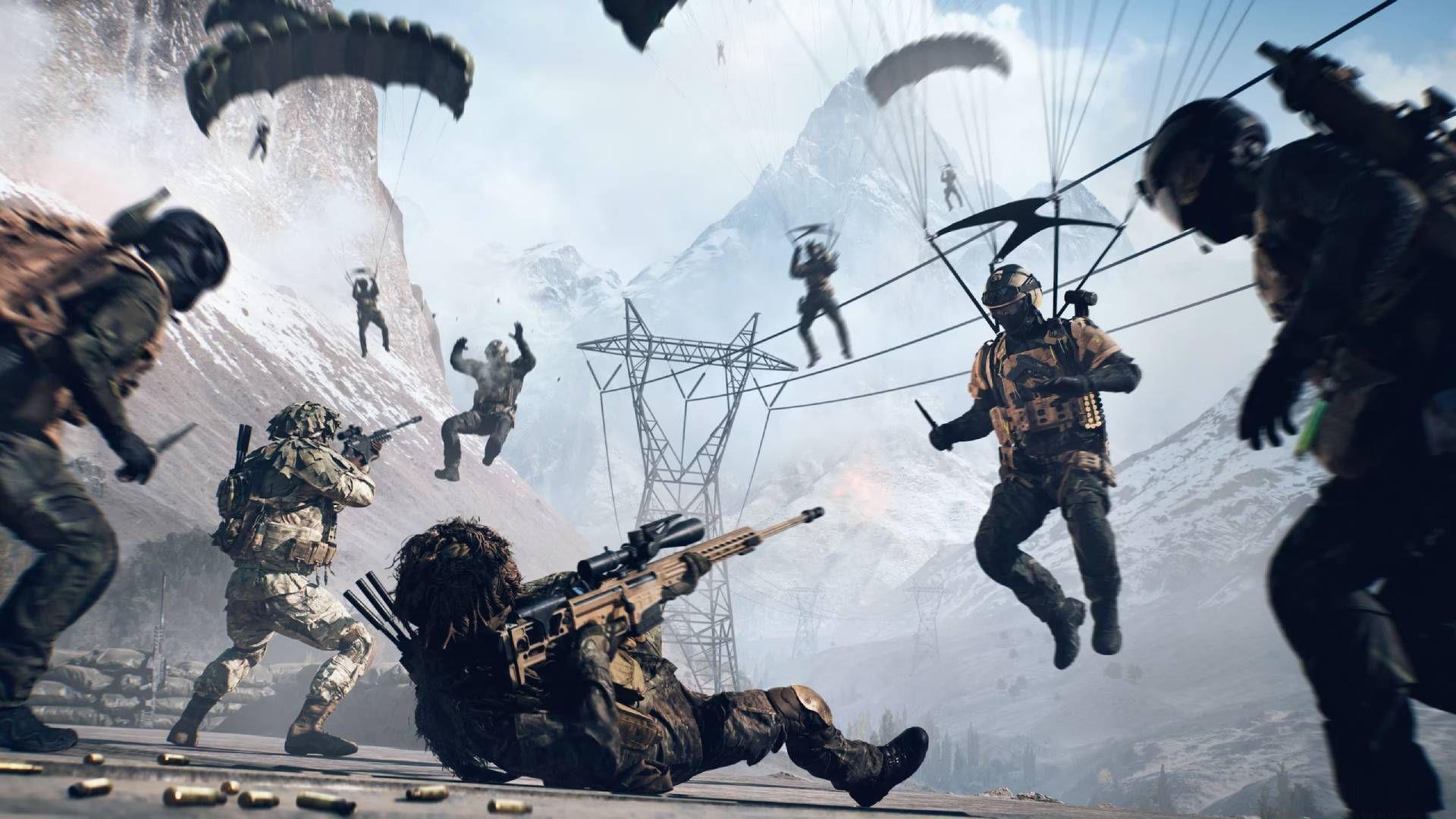
Battlefield RedSec has launched, presenting the ideal opportunity to perfect your optimal controller configurations before engaging in intense battle royale combat. While established preferences from other game modes provide foundation, strategic adjustments specifically for RedSec’s distinctive mechanics significantly enhance performance. The tactical dynamics differ substantially in this mode, making controller calibration essential for achieving fluid movement and pinpoint accuracy during critical engagements.
Many competitive players overlook how controller settings directly impact target acquisition speed, movement fluidity, and overall combat effectiveness. In RedSec’s high-stakes environment, where single engagements determine victory, properly tuned controls provide measurable competitive advantages. Understanding the relationship between sensitivity settings, aim assistance, and movement mechanics transforms average performance into exceptional gameplay.
Comprehensive Sensitivity Configuration
Precision targeting begins with properly calibrated sensitivity settings that balance speed and control. Strategic configuration across multiple zoom levels ensures consistent performance regardless of engagement distance.
- Infantry aim sensitivity: 45 – This balanced setting enables both quick target acquisition and precise micro-adjustments during firefights
- Invert vertical look – Infantry: Off – Maintaining standard vertical orientation prevents disorientation during intense combat situations
- Uniform infantry aiming: On – Crucial for maintaining consistent sensitivity across different zoom levels, eliminating the need for mental adjustment between scopes
- Zoom sensitivity coefficient: 70 – This percentage-based modifier ensures your sensitivity remains predictable when aiming down sights
- Infantry aim assist: 100 – Maximum assistance helps maintain target tracking through visual clutter and movement
- Infantry aim assist slowdown: 100 – Strong slowdown effect provides better control when targeting enemies
- Infantry aim assist zoom snap: 100 – Instant target acquisition when aiming near opponents gives split-second advantages
- Infantry Aim Input Curve: BF3 – This curve provides linear response with slight acceleration for natural-feeling aim
Strategic Zoom Sensitivity Configuration:
- Infantry Zoom Aim Sensitivity: 80
- 1.00x Zoom Aim Sensitivity: 80
- 1.25x Zoom aim sensitivity: 80
- 1.50x Zoom Aim Sensitivity: 80
- 1.75x Zoom Aim Sensitivity: 80
- 2.00x Zoom Aim Sensitivity: 80
- 2.50x Zoom Aim Sensitivity: 80
- 3.00x Zoom Aim Sensitivity: 80
- 3.50x Zoom Aim Sensitivity: 80
- 4.00x zoom aim sensitivity: 80
- 5.00x Zoom Aim Sensitivity: 70
- 6.00x Zoom Aim Sensitivity: 70
- 8.00x Zoom Aim Sensitivity: 70
- 10.00x Zoom Aim Sensitivity: 70
Pro Tip: Maintain higher sensitivity (80) for close to medium-range optics where quick target transitions are essential. Reduce to 70 for high-magnification scopes where precision matters more than speed. This tiered approach optimizes performance across all engagement distances.
Movement and Control Optimization
Fluid movement mechanics separate competent players from exceptional competitors in RedSec’s dynamic battlefields. Proper configuration enables rapid positioning and evasive maneuvers without sacrificing combat readiness.
- Infantry sprint: Toggle – Conserves finger fatigue during extended movement phases between engagements
- Double tap forward sprint: Autosprint – Enables immediate sprint activation without repeated input, crucial for rapid positioning
- Crouch toggle sprint: Stand – Maintains sprint momentum while accessing crouch functionality for tactical movement
- Vault over sprint: On – Seamless obstacle navigation prevents movement interruption during combat transitions
- Double tap crouch for sprint slide: On – Essential advanced movement technique for evading fire and rapid cover approach
- Infantry weapon zoom: Hold – Temporary aim-down-sights maintains situational awareness between engagements
Common Movement Mistakes to Avoid: Many players disable sprint toggle, causing unnecessary finger strain during long matches. Others overlook slide mechanics, missing crucial evasive capabilities. Proper movement configuration should feel intuitive while maximizing tactical options.
Vibration and Haptic Feedback Settings:
- Controller Vibration: On – Provides crucial tactile feedback for incoming damage and environmental events
- Vibration Intensity: 100 – Maximum intensity ensures clear feedback without being overwhelming
- Vibration Mix Preset: Immersive – Balanced profile that provides information without distraction
- Vibration Mix: Default (Based on personal preference) – Starting point that can be customized as experience grows
Input Threshold Configuration:
- Max Input Threshold: 60 – Balanced trigger sensitivity for responsive weapon control
- Max Input Threshold: 60
- Lt Max Input Threshold: 100 – Maximum sensitivity for left trigger ensures instant aim-down-sights activation
- Rt Max Input Threshold:100 – Full right trigger sensitivity enables fastest possible firing response
Advanced Features and Personalization
Battlefield RedSec incorporates sophisticated control systems that, when properly configured, provide significant competitive advantages through enhanced precision and reaction capabilities.
- Interact & reload: Reload (Tab)/Interact (Hold) – Separate inputs prevent accidental interactions during combat reloading
- Request revive: Toggle – Single activation ensures communication without maintaining button pressure
- Invert demolition charge: Off – Standard placement orientation prevents miscalculations during explosive deployment
- Mount breakout: Instant – Immediate dismount capability prevents vulnerability during mounted engagements
- Mount Type: Side and Up – Maximum mounting flexibility for tactical positioning
- Peek Type: Side and Up – Comprehensive peeking options for maintaining cover during intelligence gathering
Advanced Control Systems:
- Infantry Gyro Button: Enable – Motion-based aiming provides micro-adjustment capability for precision shots
- Infantry Gyro Aiming mode: Always – Continuous motion control integration for consistent aiming methodology
- Infantry Flick Look Mode: Always – Enables rapid view adjustments through quick controller movements
- Infantry Flick Look Threshold: 90 – Balanced sensitivity prevents accidental activation while allowing intentional quick turns
- Infantry Flick Look Speed: 100 – Maximum turn speed for immediate situational awareness shifts
- (Based on personal preferences) – These advanced features require individual adjustment based on playstyle and controller type
Read more – Battlefield Redsec (battle royale) and Season 1 expected preload sizes for all platforms
Also read – What is Battlefield Redsec? Everything we know so far
Personalization Strategy: While these settings provide optimal foundation, individual adaptation remains essential. Players with aggressive playstyles may benefit from increased sensitivity, while tactical players might prefer slightly lower values for enhanced precision. The key is maintaining consistency while allowing for personal comfort and performance optimization.
Implementation and Testing Guide
Successful controller configuration requires systematic implementation and thorough testing to ensure optimal performance during actual gameplay situations.
Begin by implementing the core sensitivity and aim assistance settings, as these form the foundation of your control scheme. Spend 15-20 minutes in practice mode focusing on target tracking and quick acquisition drills. Pay particular attention to how different zoom levels feel and adjust individual zoom sensitivities if specific scopes feel uncomfortable.
Next, integrate movement configurations by practicing sprint-slide combinations, vaulting sequences, and cover transitions. These mechanics should feel fluid and intuitive without requiring conscious thought during combat. Test mount and peek functionality in various environmental scenarios to ensure consistent performance.
Advanced features like gyro aiming and flick look require dedicated practice sessions. Start with large, obvious movements to understand the sensitivity, then gradually refine for precision. Many players need several hours to fully integrate these systems into their muscle memory.
Performance Evaluation Metrics: Track your accuracy percentages, target acquisition time, and movement efficiency during testing. Compare these metrics before and after configuration changes to quantify improvements. Focus on consistency across multiple sessions rather than single exceptional performances.
Remember that controller type, thumbstick tension, and even controller age can impact sensitivity perception. Regular recalibration may be necessary as hardware wears or playstyle evolves. The most successful players continuously refine their configurations based on performance data and evolving gameplay strategies.
That completes our comprehensive guide to mastering controller settings for maximum performance in Battlefield RedSec.
No reproduction without permission:Tsp Game Club » Best controller settings for Battlefield RedSec Master Battlefield RedSec with optimized controller settings for competitive edge and precision gameplay