
Expert solutions to resolve Blue Prince PC crashes with practical troubleshooting strategies
Understanding Blue Prince PC Crash Issues
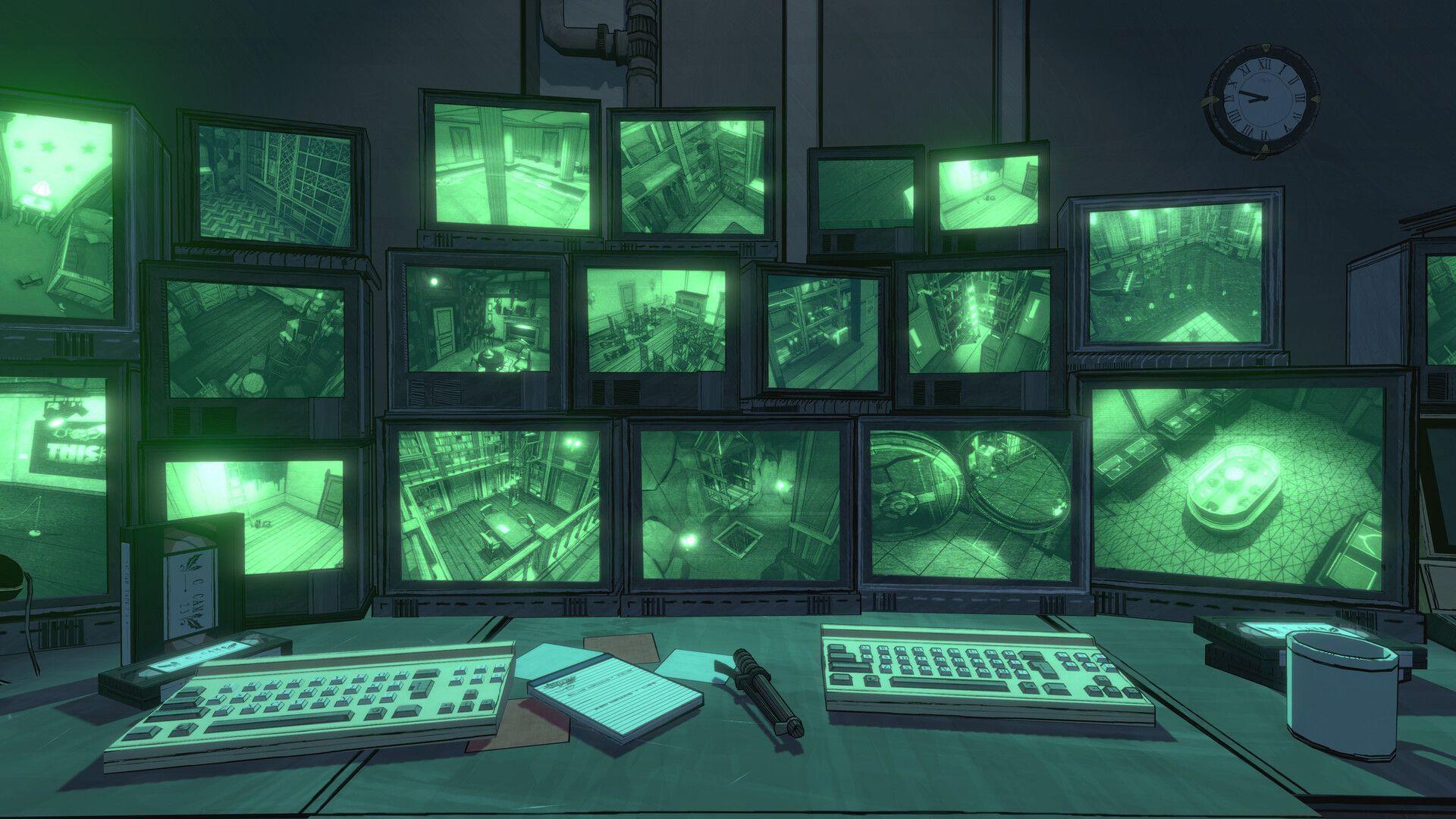
Blue Prince crashing on PC has emerged as a significant technical challenge affecting numerous players. The Dogubomb development team launched this compelling title on April 10, 2025, and it rapidly gained popularity within gaming circles. Currently, Blue Prince maintains compatibility with PlayStation 5, Windows, and Xbox Series X/S platforms. Interestingly, while console versions demonstrate stable performance, the PC iteration experiences intermittent stability problems that disrupt gameplay sessions.
The underlying causes for these system crashes remain multifaceted rather than stemming from a single identifiable issue. Our technical analysis suggests potential conflicts with system permissions, graphics driver compatibility, or memory management inconsistencies. We’ve compiled several effective troubleshooting approaches that provide temporary resolutions while awaiting an official stability patch from the developers.
Read more: Blue Prince: How to reach the Underground of the mansion
Below you’ll discover practical temporary solutions designed to circumvent the crashing problems affecting Blue Prince on computer systems:
Administrator Mode Optimization
Executing Blue Prince with Administrator Mode grants the application elevated system access privileges, enabling necessary modifications to system resources and configuration requirements. This straightforward adjustment frequently resolves permission-based conflicts that trigger unexpected application termination.
Implementation requires these specific steps:
Pro Tip: For permanent administrator access, right-click the executable, select Properties, navigate to the Compatibility tab, and check “Run this program as an administrator” to apply this setting automatically for all future launches.
Check out: How to activate Boiler Room in Blue Prince
Game File Integrity Verification
Installation corruption represents a prevalent cause of game instability, often resulting from interrupted downloads, disk write errors, or antivirus interference during the installation process. These compromised files can create unpredictable system behavior including sudden application crashes during gameplay sessions.
Address this concern by validating your game file integrity through Steam’s built-in verification system. This automated process identifies damaged or missing game components and replaces them with authenticated versions from Steam’s servers.
Follow this verification protocol:
Important: If verification repeatedly fails, consider completely uninstalling and performing a fresh installation, as deeply embedded corruption sometimes requires complete replacement.
Also read: All safe codes in Blue Prince
Advanced Troubleshooting Strategies
When fundamental solutions prove insufficient, advanced diagnostic approaches become necessary. Graphics driver conflicts represent a frequent contributor to game instability. Ensure your graphics drivers are current by visiting your GPU manufacturer’s website – NVIDIA, AMD, or Intel – and downloading the latest stable release specifically optimized for gaming performance.
System resource monitoring provides crucial insights into potential bottlenecks. Open Task Manager (Ctrl+Shift+Esc) before launching Blue Prince and observe memory usage, CPU utilization, and temperature metrics during gameplay. Excessive resource consumption often precedes crash events and may indicate underlying hardware limitations or cooling deficiencies.
For persistent crashing issues, implement these additional strategies:
If these comprehensive troubleshooting methods don’t resolve your crashing problems, the most effective approach involves waiting for the development team to release an official patch addressing these stability concerns.
For additional gaming insights and technical guidance, continue following Sportskeeda’s Gaming section for regular updates.
No reproduction without permission:Tsp Game Club » Blue Prince crashing on PC: Possible reasons and fixes Expert solutions to resolve Blue Prince PC crashes with practical troubleshooting strategies