
Comprehensive troubleshooting guide for Doom: The Dark Ages Twitch drops issues with practical solutions and expert insights
Understanding the Twitch Drops Problem
The Twitch drops malfunction affecting Doom: The Dark Ages represents a widespread technical challenge impacting numerous players globally. This promotional campaign initiated on June 13, 2025 enables viewers to acquire exclusive in-game items by watching designated streamers on Twitch. The highly sought-after rewards include the Guardian Doom Slayer skin and Slayers Club shield, though many participants encounter frustrating technical barriers preventing reward acquisition despite meeting all requirements.
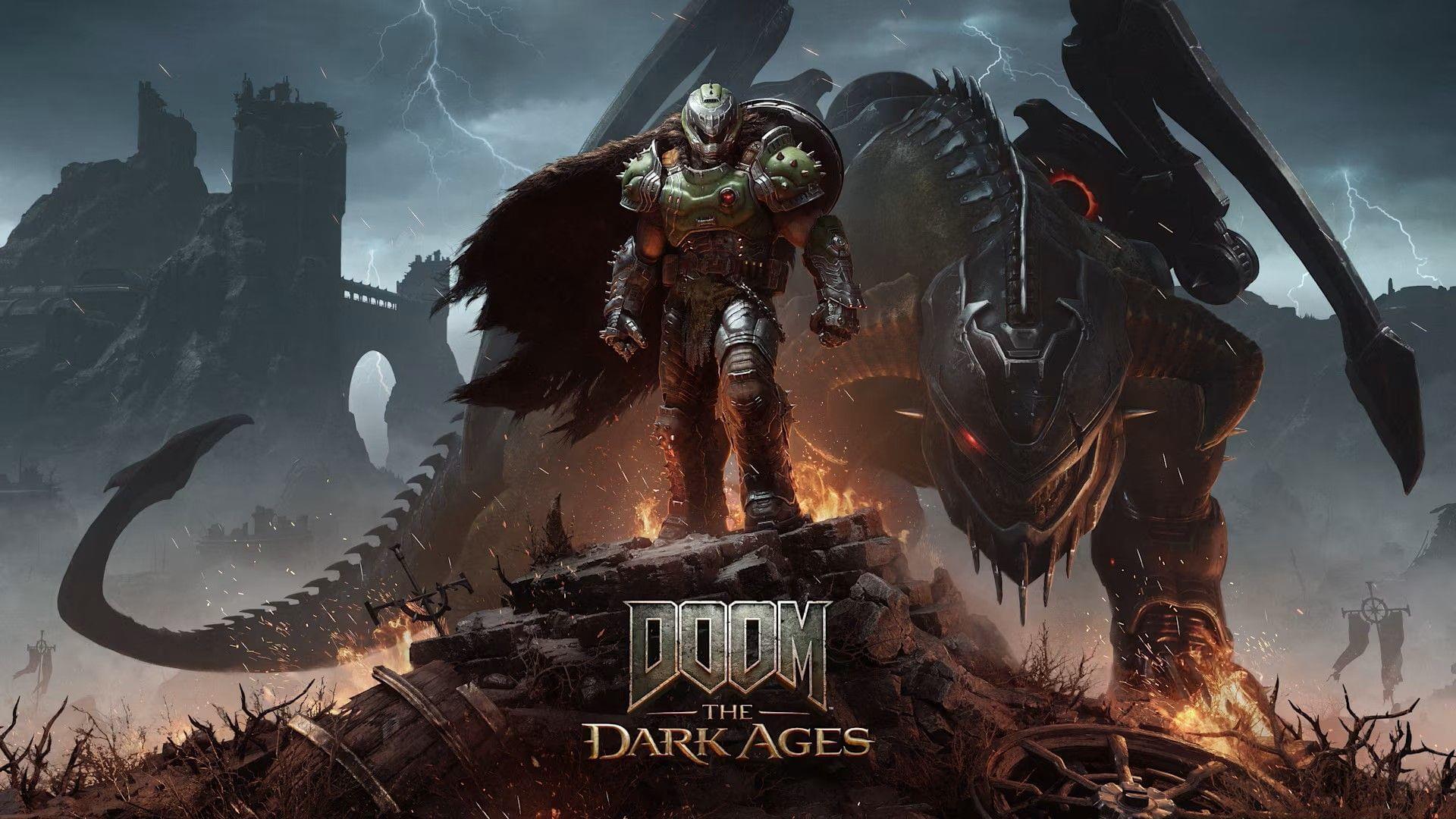
Both Bethesda and Twitch development teams continue investigating the underlying technical causes. Community feedback across Steam discussions and gaming forums indicates the primary manifestation involves players successfully claiming drops through Twitch’s interface, only to discover their in-game inventories remain empty upon logging into Doom: The Dark Ages. This discrepancy between claim confirmation and actual reward distribution represents the core user experience failure.
Root Causes and Technical Analysis
Multiple technical factors contribute to the Twitch drops delivery failure. Server capacity limitations represent a significant factor, as massive concurrent viewership during peak events overwhelms authentication and reward distribution systems. The synchronization mechanism between Twitch and Bethesda accounts occasionally experiences latency or complete failure, preventing successful credential validation and item transfer between platforms.
Platform-specific software anomalies present additional complications. Browser extensions, outdated applications, and cached authentication tokens frequently disrupt the delicate handshake process required for cross-platform reward delivery. Many users report completing the mandatory watch duration only to encounter perpetually “locked” drop status, indicating systemic issues in progress tracking and completion verification systems.
Pro Tip: Always verify your Bethesda and Twitch accounts are properly linked before starting any drop campaign. Disconnections can occur silently without user notification, rendering watch time ineffective for reward eligibility. Double-check connections 24 hours before major events to ensure seamless participation.
Step-by-Step Troubleshooting Solutions
Begin troubleshooting with browser-based solutions if accessing Twitch through web platforms. Completely clear browser cache, cookies, and temporary files, then restart your browser before attempting to claim drops again. Switching to recommended browsers like Chrome or Firefox often resolves compatibility issues, as some browsers implement aggressive privacy settings that interfere with Twitch’s tracking mechanisms.
For mobile app users, application corruption represents a common failure point. Uninstalling and reinstalling the Twitch mobile app refreshes all local data and configuration files. Before reinstalling, verify available updates through official app stores, as pending updates sometimes contain critical fixes for drop-related functionality. After reinstalling, manually relink your Bethesda account to ensure proper synchronization.
Common Mistake to Avoid: Don’t assume watch time transfers between devices. If you start watching on browser but switch to mobile, the progress tracking may reset. Commit to one platform for the entire required duration and verify progress increments in your Twitch drops inventory before switching devices.
If basic troubleshooting fails, implement advanced account verification. Visit both Twitch and Bethesda account connection pages to confirm active linkage. Sometimes the connection appears valid but requires manual refreshing. Log out completely from both services, clear all relevant cookies, then re-establish the connection from scratch.
Advanced Prevention Strategies
Develop proactive habits to minimize future drop-related issues. Schedule your viewing during off-peak hours when server load decreases significantly. Early morning or late evening sessions typically experience less congestion than prime-time viewing slots. Monitor official Bethesda and Twitch social channels for real-time status updates about known issues or maintenance periods.
When persistent problems withstand all troubleshooting attempts, formal support escalation becomes necessary. Contact Bethesda support with detailed information including your account IDs, specific drop campaign details, timestamps of viewing sessions, and screenshots of both claimed drops and missing in-game items. This comprehensive documentation accelerates resolution by providing support teams with necessary diagnostic information.
Also read: How to unlock Doom Slayer Verdant skin in Doom: The Dark Ages
Remember that developer teams actively work to resolve backend technical problems. While frustrating, most drop issues eventually resolve through systematic troubleshooting or official patches. Maintain patience while working through solutions and consider participating in future drop events once current technical challenges receive permanent fixes.
Here are some more articles related to the game:
- Is Doom The Dark Ages coming to PS4 and Xbox One?
- Doom The Dark Ages review: Rip and Tear until it is done
- DOOM The Dark Ages PC system requirements revealed
- All Doom games in chronological order
- Will Doom The Dark Ages be available on Xbox Game Pass?
- Doom The Dark Ages crashing on PC error: Possible reasons and fixes
No reproduction without permission:Tsp Game Club » Doom The Dark Ages Twitch drops not working error: Possible fixes, reasons Comprehensive troubleshooting guide for Doom: The Dark Ages Twitch drops issues with practical solutions and expert insights