
Master Doom The Dark Ages difficulty settings with advanced customization options and pro strategies
Introduction to Difficulty Customization
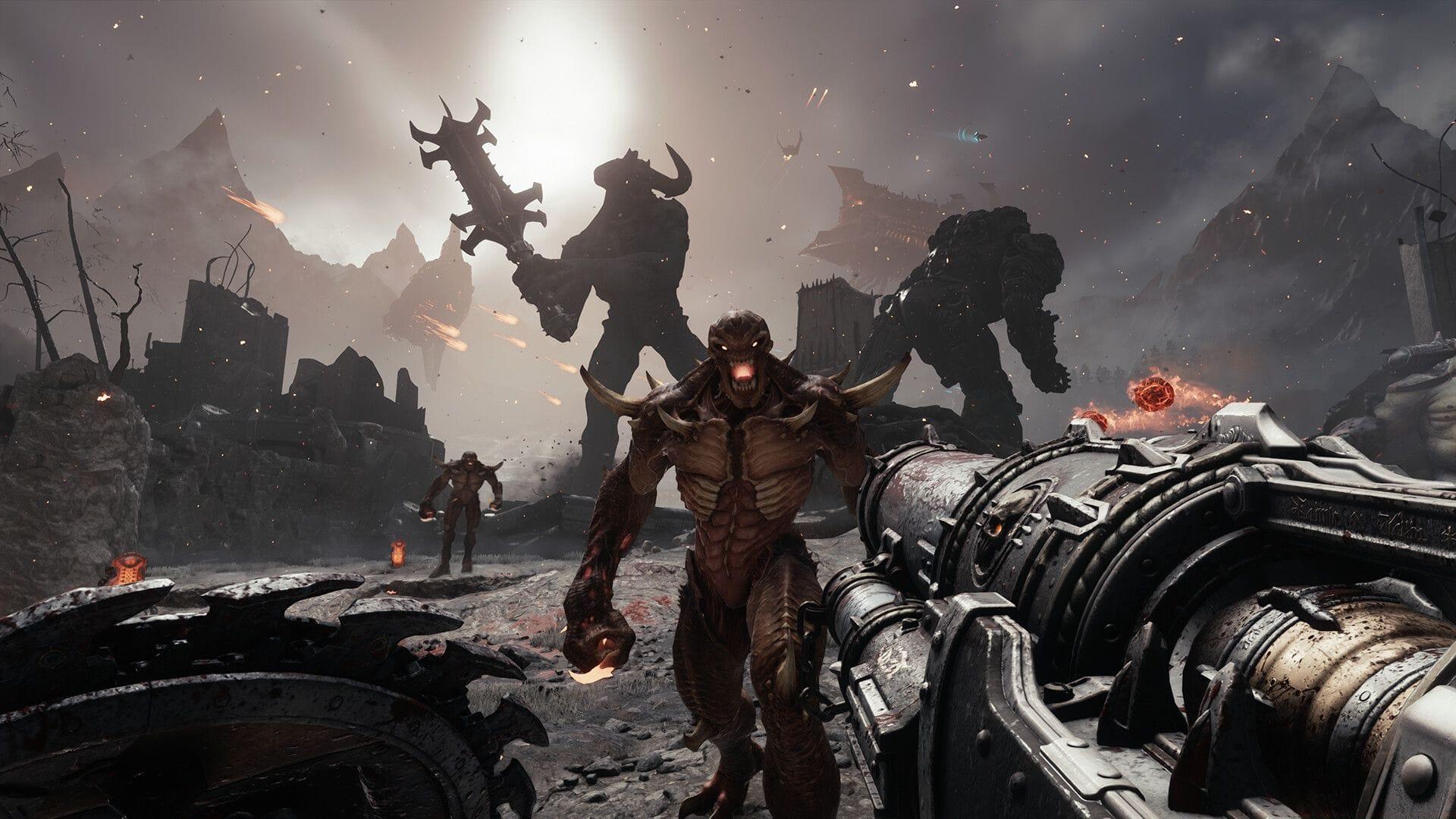
Doom The Dark Ages offers unprecedented control over your gaming experience through its comprehensive difficulty adjustment system. Whether you’re seeking to intensify the demon-slaying action or need to overcome particularly challenging combat encounters, the game provides multiple pathways to tailor the challenge precisely to your skill level and preferences. This flexibility ensures both newcomers and series veterans can enjoy the brutal medieval-inspired action without frustration or boredom.
The developers have implemented a sophisticated balance philosophy that acknowledges different players approach Doom with varying objectives. Some seek pure power fantasy, others want tactical challenges, while many prefer a balanced experience that gradually increases in intensity. Understanding how to leverage these settings effectively can dramatically enhance your enjoyment and progression through the game’s dark fantasy campaign.
Core Difficulty Levels Explained
Accessing the primary difficulty settings requires a simple navigation process. When you encounter challenging sections or want to adjust the overall intensity, pause your current session and select the Settings menu. The Difficulty tab appears fourth from the left navigation panel, containing the foundational challenge options.
The four core difficulty tiers provide distinct combat experiences:
Select your preferred intensity level based on current progression needs and confirm changes by hitting Apply. The system immediately implements your selection, though some modifications may require reloading checkpoint areas to take full effect.
Advanced Customization Modifiers
Beyond the standard difficulty presets, Doom The Dark Ages features an extensive modifier system that enables granular control over nearly every combat aspect. These sliders allow you to create truly personalized gameplay experiences that traditional difficulty settings cannot provide.
Combat Mechanics Tuning:
Gameplay Pace Controls:
Damage and Resource Management:
Each modifier operates on a sliding scale, allowing subtle adjustments rather than binary choices. This precision enables players to address specific gameplay aspects they find too challenging or insufficiently engaging.
Pro Strategies and Optimization
Successfully customizing your Doom The Dark Ages experience requires understanding how different settings interact. Certain modifier combinations can create unintended difficulty spikes or eliminate core gameplay tension if not balanced properly.
Ideal Modifier Combinations: For players struggling with specific combat types, try these proven setups:
Common Configuration Mistakes: Avoid these frequent errors when adjusting settings:
Advanced Player Recommendations: Experienced slayers should consider these specialized configurations:
Always confirm your settings by selecting Apply before resuming gameplay. The system provides visual confirmation when changes are successfully implemented. For optimal experience, make incremental adjustments and test them in combat arenas before committing to major campaign sections.
No reproduction without permission:Tsp Game Club » How to change difficulty in Doom The Dark Ages Master Doom The Dark Ages difficulty settings with advanced customization options and pro strategies