
Comprehensive guide to fix Escape from Tarkov Template ID errors with proven troubleshooting methods
Understanding the Template ID Error
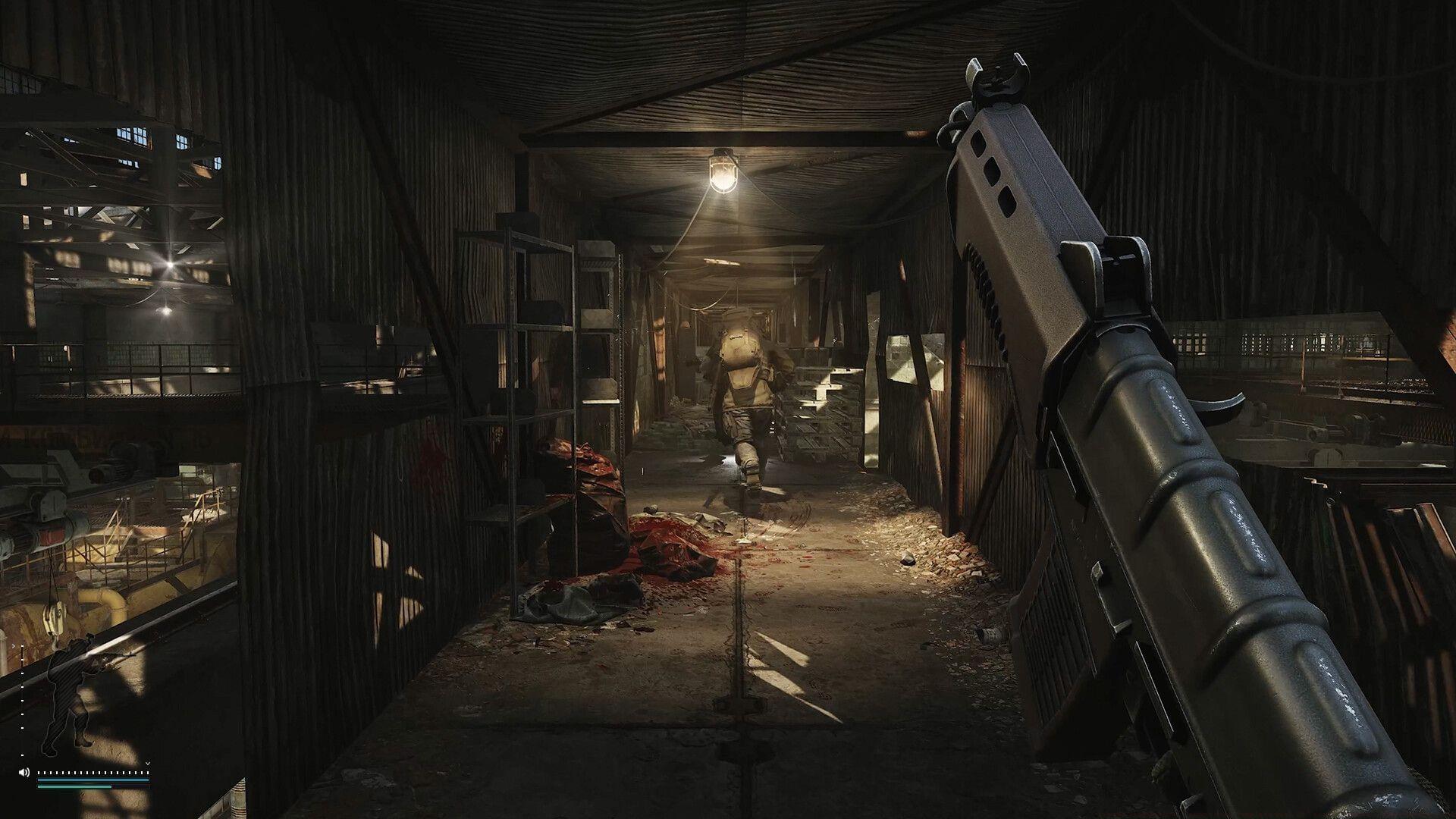
The Escape from Tarkov “Cannot find Template with ID” error represents a significant technical obstacle that emerged following recent game updates and platform transitions. This disruption typically manifests when the game client fails to locate essential configuration templates required for proper game initialization, preventing players from accessing their accounts or joining matches.
This technical complication appears to stem from corrupted local data synchronization between client installations and server-side template databases. The error frequently occurs after major updates when template version mismatches create compatibility conflicts. Players encountering this issue report complete game inaccessibility, making immediate resolution crucial for returning to normal gameplay.
Understanding the root causes helps in implementing effective solutions. Common triggers include incomplete update installations, corrupted cache files, network interruption during patch downloads, or conflicts with existing mod configurations. Each scenario requires specific remediation approaches for successful error resolution.
Primary Solutions: Cache and File Verification
Begin troubleshooting with fundamental system maintenance procedures that address the most common sources of Template ID conflicts. These methods resolve approximately 70% of reported cases without requiring advanced technical intervention.
Clearing Game Cache: Corrupted cache files represent the primary culprit behind template identification failures. Navigate to your game launcher settings and select the ‘Clear Cache’ option to purge outdated or damaged temporary files. This process forces the game to regenerate fresh template data upon next launch, often resolving immediate access issues. For Steam users, additional cache clearing through Steam’s download cache management provides complementary benefits.
Game File Verification: When cache clearing proves insufficient, comprehensive file verification identifies and replaces corrupted game components. Platform-specific procedures vary significantly:
- Launch Steam client and authenticate with your account credentials
- Access your Game Library and locate Escape from Tarkov in the installed titles list
- Right-click the game entry to open context options, then select Properties
- Navigate to the Local Files tab and initiate the “Verify Integrity of Game Files” process
- Allow complete verification and automatic replacement of damaged files
For standalone launcher users, the verification tool resides within the launcher’s settings or tools menu. This scan typically requires 5-15 minutes depending on system performance and may necessitate a game restart upon completion.
Advanced Troubleshooting Techniques
When standard solutions fail to resolve Template ID errors, advanced troubleshooting addresses deeper system-level conflicts. These methods require careful execution but effectively target persistent template recognition problems.
Network Configuration Adjustments: Template verification often involves real-time server communication that firewall or security software may inadvertently block. Temporarily disable third-party antivirus applications during game launches or create specific exceptions for Escape from Tarkov executable files. Additionally, flushing DNS cache (via command prompt: ipconfig /flushdns) and resetting network adapters can resolve connectivity-related template validation failures.
System Compatibility Measures: Update graphics drivers to their latest stable versions, as outdated drivers sometimes interfere with game initialization processes. Ensure DirectX components are current and consider running the game as administrator to bypass potential permission restrictions. For players using mods or custom configurations, temporarily removing these additions helps identify potential conflicts.
Registry and Deep Clean Procedures: As a last resort before complete reinstallation, employ specialized game cleanup utilities that remove residual registry entries and configuration files. These tools comprehensively eliminate all game traces, allowing a truly fresh installation if necessary. Always backup game settings before proceeding with deep system modifications.
Prevention and Maintenance
Proactive system maintenance significantly reduces Template ID error recurrence and ensures smoother gameplay experiences between updates. Implementing regular preventative measures minimizes disruption from future patches and platform changes.
Regular Maintenance Schedule: Establish a monthly routine of clearing game cache and verifying file integrity, particularly before major anticipated updates. Maintain updated system drivers and ensure adequate free space on installation drives to prevent corruption during update processes. These simple habits prevent many common technical issues before they impact gameplay.
Update Best Practices: Avoid interrupting game updates once initiated and ensure stable internet connectivity during patch installations. Consider pausing other network-intensive activities during update windows to prevent data corruption. Following official Battlestate Games social channels provides advance notice of impending updates, allowing preparation time.
Community Resources: Leverage the extensive Escape from Tarkov community knowledge base when encountering unusual errors. Official forums, Reddit communities, and dedicated Discord servers offer collective troubleshooting experience that often provides solutions for emerging technical issues. Documenting error specifics helps community members provide targeted assistance.
Related reading – Escape from Tarkov Error 213: Comprehensive analysis and resolution methods
Additional resource – EFT Error 418: Advanced troubleshooting beyond basic fixes
No reproduction without permission:Tsp Game Club » Escape from Tarkov “Cannot find Template with ID” error: Possible reasons and fixes Comprehensive guide to fix Escape from Tarkov Template ID errors with proven troubleshooting methods