
TL;DR
- Download Heroes of Mavia from iOS/Android stores starting January 31st – no beta code required
- Create account using Google or Apple credentials, never use guest login option
- Complete onboarding tutorial and synchronize mobile with web account via Mavia.com
- Verify account through anti-bot captcha and prepare ETH for gas fees before February 6th TGE
- Claim $MAVIA tokens on launch day by maintaining connected wallet and following verification steps
The Heroes of Mavia Play-to-Airdrop initiative represents a groundbreaking approach to token distribution, offering global accessibility through the revamped Pioneer Airdrop program. Unlike traditional crypto airdrops with geographic restrictions, this campaign welcomes participants worldwide starting January 31st, creating an inclusive ecosystem for both casual and dedicated gamers.
What sets this program apart is its elimination of beta code requirements, making entry barrier-free for all interested players. The developers have intentionally designed this approach to foster community growth while rewarding early adopters who contribute to the game’s ecosystem through active participation and engagement.
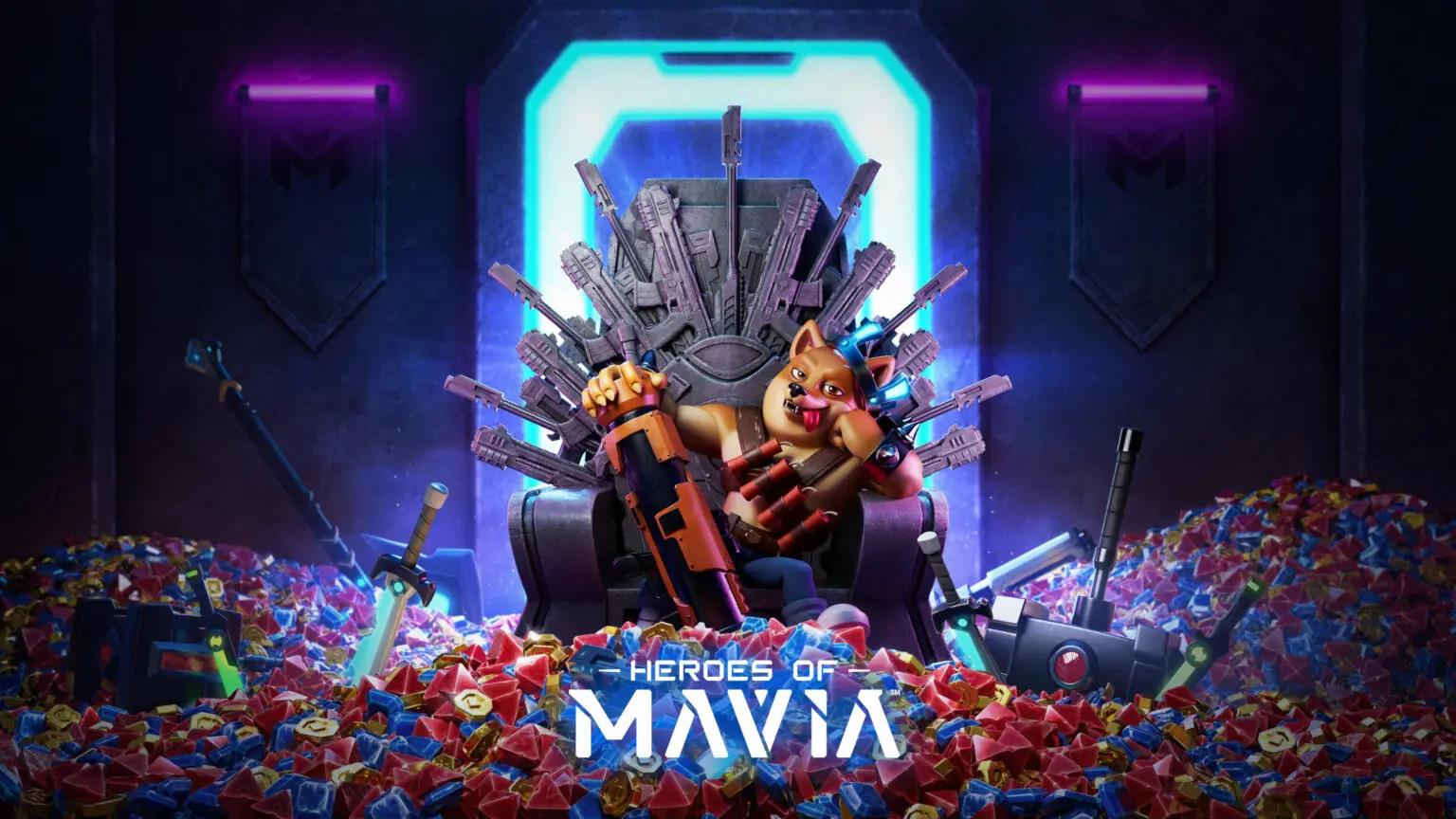
Initiating your Heroes of Mavia journey begins with downloading the official application from either the iOS App Store or Google Play Store. The global rollout commenced on January 31st, ensuring simultaneous access regardless of your geographic location. Installation typically requires 150-200MB of storage space, with additional assets downloaded during the initial setup phase.
During account creation, you must select either Google or Apple authentication methods, deliberately avoiding the “Continue as Guest” option which would invalidate your airdrop eligibility. This strategic requirement ensures proper account persistence and secure token claiming capabilities. Professional gamers recommend using your primary email-associated accounts for seamless cross-device synchronization.
The onboarding tutorial serves as an essential foundation, teaching base construction mechanics and navigation fundamentals. Completing this 15-20 minute tutorial not only educates you about game mechanics but also triggers the initial qualification metrics for airdrop participation. Many players underestimate this step’s importance, but it establishes your player profile within the game’s reward tracking system.
Establishing your web presence through Mavia.com constitutes a critical phase in the airdrop preparation process. You’ll need to connect a compatible Web3 wallet—such as MetaMask, Trust Wallet, or Coinbase Wallet—to create your web account. This wallet connection permanently links to your airdrop eligibility, so ensure you’re using a wallet you control and trust for long-term asset management.
Account synchronization requires linking your mobile gaming account by authenticating with the same Google or Apple credentials used during mobile setup. This bidirectional verification creates a secure bridge between your gameplay progress and blockchain identity. The synchronization process typically completes within 2-3 minutes when both mobile and web sessions are active simultaneously.
Verification represents the final synchronization step, accessed through the Mavia Airdrop screen. After completing an anti-bot captcha challenge, successful verification triggers an “Account Verified” confirmation popup. This confirmation solidifies your position in the airdrop queue and should be screenshot for your records. Technical issues during verification often stem from browser cache problems or VPN conflicts, which can be resolved by switching browsers or disabling VPN temporarily.

The Token Generation Event (TGE) scheduled for February 6th marks the official commencement of $MAVIA token claiming. Leading up to this date, ensure your connected wallet remains active and accessible. Many participants make the critical mistake of changing wallets between verification and claiming, which can disrupt the automated distribution process and require manual intervention.
Gas fee preparation is essential for successful claiming. You’ll need Ethereum (Layer 1) in your wallet to cover transaction costs, with estimates ranging from $10-30 depending on network congestion. Professional crypto participants recommend maintaining at least 0.05 ETH available specifically for airdrop claiming transactions to accommodate potential fee spikes during high-demand periods.
On claiming day, navigate to the Airdrop page on Mavia’s website with your wallet connected. The interface will guide you through the final verification and distribution steps. Historical data from similar gaming token launches suggests that claiming within the first 24-48 hours typically experiences smoother processing before network congestion peaks. Consider setting calendar reminders for the launch window to optimize your claiming experience.
Avoiding common mistakes significantly increases your success rate with the Heroes of Mavia airdrop. The most frequent error involves using guest accounts during mobile registration, which cannot be linked to Web3 wallets for token distribution. Similarly, mixing different authentication methods between mobile and web platforms creates synchronization failures that may require support ticket resolution.
Optimization strategies include completing the onboarding tutorial thoroughly rather than rushing through it, as gameplay metrics during this phase may influence reward calculations. Additionally, maintaining consistent play activity between verification and claiming demonstrates ongoing engagement, potentially qualifying you for bonus reward tiers based on participation metrics.
Security considerations cannot be overstated in Web3 gaming environments. Never share your wallet private keys or seed phrases, and verify you’re interacting with the official Mavia.com domain to avoid phishing attempts. Enable two-factor authentication on your associated email accounts and consider using a dedicated wallet specifically for gaming airdrops to isolate potential risks from your primary asset holdings.
For players interested in broader gaming strategies, our Complete Guide to modern warfare games provides additional context for understanding reward mechanics across different gaming platforms and genres.
Action Checklist
- Download game from official app stores (January 31st onwards)
- Create account using Google/Apple authentication (no guest login)
- Complete onboarding tutorial thoroughly
- Connect Web3 wallet on Mavia.com and synchronize accounts
- Verify account through anti-bot captcha system
- Prepare 0.05 ETH for gas fees before February 6th TGE
- Claim $MAVIA tokens on launch day with connected wallet
No reproduction without permission:Tsp Game Club » Heroes of Mavia Guide: How to Claim $MAVIA Airdrop Complete guide to earning $MAVIA tokens through Heroes of Mavia's Play-to-Airdrop campaign with step-by-step instructions