
Master the duplication glitch in Dying Light: The Beast with expert timing strategies and advanced coordination techniques
Understanding the Duplication Glitch Mechanics
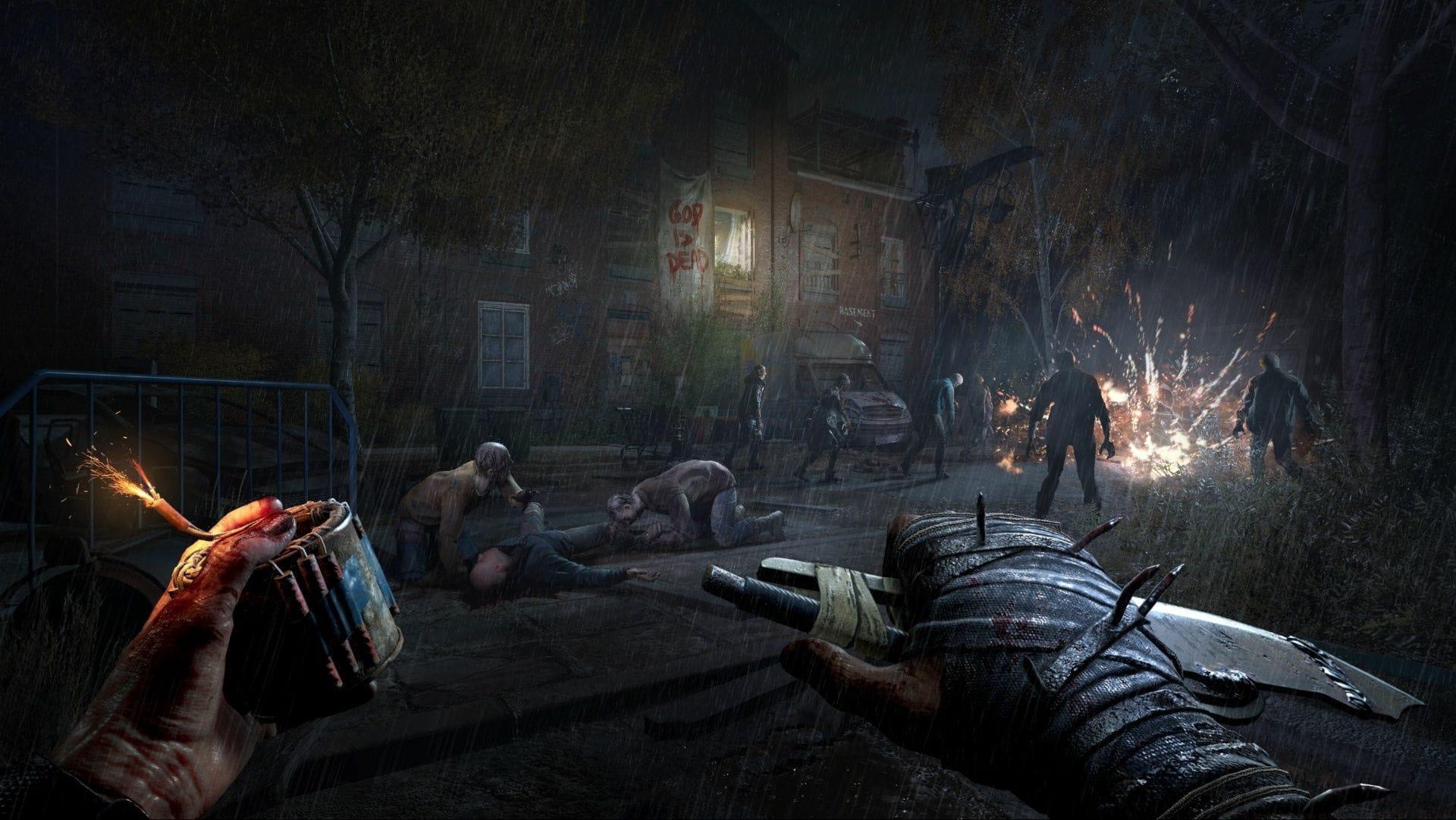
The duplication glitch discovered in Dying Light: The Beast represents a sophisticated exploit within the game’s multiplayer item management system. This mechanism allows strategic players to multiply essential resources like ammunition, medical supplies, and crafting components through precise technical execution. Unlike traditional cheats, this glitch leverages the game’s synchronization mechanics between multiple players during item interaction sequences.
This comprehensive guide details the systematic approach to successfully executing the duplication process while highlighting critical prerequisites and optimization strategies that experienced players have developed through extensive testing.
Before attempting any duplication procedures, players must understand that this exploit functions exclusively within cooperative multiplayer sessions. The technical foundation relies on network synchronization timing windows that occur when multiple players attempt simultaneous item interactions, creating temporary item state conflicts that the game resolves through duplication rather than deletion.
Step-by-Step Execution Process
Executing the duplication glitch successfully demands meticulous preparation and synchronized actions between team members. The process involves three distinct phases that must be followed in exact sequence to achieve consistent results.
Preparation Phase: Begin by ensuring both players are in the same game session with stable network connectivity. Position yourselves in a safe, enclosed area away from enemy threats to prevent interruptions. Designate one player as the ‘dropper’ and the other as the ‘receiver’ to establish clear roles. The dropper should have the target item in their inventory and prepare to initiate the sequence.
Timing Execution: The dropper carefully places the desired item on the ground while both players maintain visual contact with the item. Establish a clear countdown system – either through voice chat or visual cues. On the predetermined signal, both players must execute the pickup command with frame-perfect precision. Successful execution will result in the item appearing in both players’ inventories while the original item remains on the ground.
Verification Steps: Immediately check both inventories to confirm duplication occurred. The original player should still possess their item while the receiving player gains an identical copy. If unsuccessful, analyze timing discrepancies and adjust coordination methods before subsequent attempts.
Advanced Strategies and Optimization
Mastering the duplication glitch extends beyond basic execution into sophisticated optimization techniques that maximize efficiency and success rates. Experienced players have developed numerous advanced approaches that significantly improve performance.
Timing Optimization: Practice with common, low-value items to develop muscle memory for the precise timing window. The optimal moment occurs during the animation sequence when the item begins its descent to the ground. Advanced practitioners use audio cues – such as the specific sound effect when items make contact with surfaces – to synchronize actions with greater accuracy than visual cues alone provide.
Coordination Techniques: Voice communication is virtually mandatory for high-success-rate duplication. Establish clear, concise commands like “3-2-1-GO” with consistent pacing. Some elite players develop hand signals or use third-party communication tools with push-to-talk functionality for reduced latency. Consider practicing in a private session without distractions to perfect coordination.
Item Selection Strategy: While the glitch works with most inventory items, some provide better duplication candidates than others. Medical supplies, ammunition stacks, and crafting resources duplicate most reliably. High-value or rare items may require additional practice attempts due to player anxiety affecting timing precision. Begin with common Medkits before progressing to scarce resources like military-grade ammunition or rare crafting components.
Troubleshooting Common Issues
Even experienced players encounter challenges when executing the duplication glitch. Understanding common failure points and their solutions dramatically improves success rates and reduces frustration during duplication sessions.
Failure Analysis: The most frequent cause of failed duplication attempts is timing misalignment between players. If attempts consistently fail, implement a practice regimen using worthless items to synchronize timing without resource cost. Network latency represents another significant factor – players with inconsistent ping rates may need to adjust their timing to accommodate connection differences. Experiment with slight timing offsets (50-100 milliseconds) to compensate for latency variations.
Connection Problems: Unstable internet connections can disrupt the delicate synchronization required. Ensure both players have stable, low-latency connections before attempting the glitch. Wired internet connections typically provide more consistent performance than wireless alternatives. If using Wi-Fi, position routers for optimal signal strength and minimize network congestion during duplication attempts.
Alternative Methods: Some players report success with modified approaches, such as having both players spam the pickup button rapidly during the critical window. While less elegant than precise timing, this method can achieve success through probability when coordination proves challenging. However, the precise synchronized method remains significantly more reliable and resource-efficient for experienced practitioners.
Also read: Dying Light: The Beast Life after Life walkthrough
Before attempting any glitch execution, verify that cooperative multiplayer functionality has been properly unlocked. Completion of the Safe Haven mission during the early campaign progression activates the co-op features necessary for this exploit. Attempting duplication before this point will prove impossible regardless of coordination quality.
For the latest Dying Light: The Beast news and guides, be sure to check the links below:
- Best Dying Light The Beast graphics settings for mid-range GPUs
- All DL: The Beast graphics settings and controls
- How to claim the Hero of Harran pre-order bonus in DL: The Beast
- Is DL: The Beast Deluxe Edition worth buying?
No reproduction without permission:Tsp Game Club » How to do duplication glitch in Dying Light: The Beast Master the duplication glitch in Dying Light: The Beast with expert timing strategies and advanced coordination techniques