
TL;DR
- Battlefield Redsec is officially available for download across all platforms
- Existing BF6 owners can download Redsec as additional content through game settings
- Free-to-play users must download through official storefronts with larger file sizes
- PC requires 8GB additional space (59GB standalone), consoles need 3.5GB (27GB standalone)
- Strategic download timing and storage management can optimize installation experience
Battlefield Redsec represents the franchise’s strategic entry into the battle royale genre, offering a free-to-play experience that complements the core Battlefield 6 gameplay. This standalone companion title delivers the signature large-scale warfare mechanics that define the series, now adapted for the competitive last-player-standing format that has captivated modern gamers.
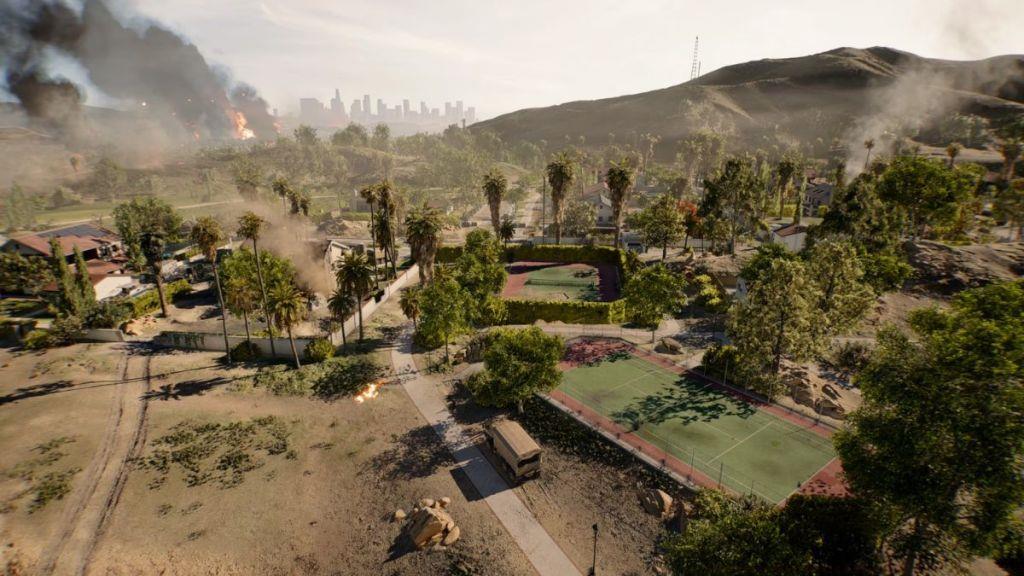
Battlefield Redsec has officially launched and is now accessible across all supported platforms. The deployment followed a carefully orchestrated shadowdrop strategy, catching many players by surprise with its immediate availability. For those who already possess Battlefield 6, the integration process is remarkably streamlined.
The installation approach varies significantly based on your current setup. If you’re an existing Battlefield 6 player, Redsec functions as supplementary content that integrates directly with your current installation. This modular approach to game components represents a significant evolution in how DICE structures their content delivery system.
To initiate the download process for existing Battlefield 6 owners, follow this precise sequence:
- Launch Battlefield 6 and navigate to the Settings interface
- Access the ‘System‘ configuration panel
- Choose the Install/Uninstall management option
- Within the subsequent menu, designate the Battlefield Redsec content package to commence downloading
For players approaching Battlefield Redsec as a standalone experience, the acquisition process differs substantially. The game’s official store presence has been activated across all digital distribution platforms, enabling free-to-play participants to engage immediately. You can obtain Battlefield 6 Redsec through the PlayStation Store, Xbox Marketplace, or Steam using their respective search functions.
A common installation mistake involves attempting to download Redsec through incorrect pathways. Ensure you’re using the proper method based on your ownership status to avoid unnecessary delays or failed installation attempts.
The storage architecture of Battlefield 6 demonstrates sophisticated component management, permitting independent downloads of distinct game modes including Multiplayer, Campaign, and now the Redsec battle royale experience. This segmented approach provides players with unprecedented control over their storage allocation and content selection.
Storage requirements exhibit considerable variation depending on your existing installation status. When BF6 is already present on your device, the battle royale component demands approximately 8 GB of supplementary space on personal computers, while PlayStation 5 and Xbox Series X/S consoles require slightly over 3.5 GB for the additional content.
Conversely, for players without the foundational game installed, Battlefield Redsec necessitates around 59 GB on PC platforms and approximately 27 GB on console systems. This substantial discrepancy arises from the necessity to include core game engines and shared assets that existing owners already possess.
Advanced players should consider strategic download timing to optimize their experience. Initiating downloads during off-peak hours can significantly reduce installation times, particularly for the larger standalone version. Additionally, ensuring adequate free space beyond the minimum requirements prevents installation corruption and facilitates smoother future updates.
For those managing limited storage capacity, the modular approach of Battlefield 6 offers practical solutions. You might explore removing unused game components or leveraging external storage solutions to accommodate the Redsec installation while maintaining other essential gaming content.
Understanding these storage dynamics is crucial for planning your Battlefield experience. For comprehensive strategies on maximizing your gameplay within the Battlefield 6 ecosystem, consult our Complete Guide that covers advanced tactics and system optimization.
Action Checklist
- Verify available storage space meets minimum requirements for your platform
- Determine installation method based on existing Battlefield 6 ownership
- Follow platform-specific download instructions precisely
- Monitor download progress and ensure stable connection throughout
- Validate installation integrity before first launch
No reproduction without permission:Tsp Game Club » How to Download Battlefield 6 Redsec on PS5, Xbox, and PC Complete guide to downloading Battlefield 6 Redsec with storage requirements and installation strategies