
TL;DR
- Battlefield REDSEC offers free 100-player battle royale with shared progression from Battlefield 6 Season 1
- Existing BF6 owners download 8GB content pack while new players need 35-60GB full installation
- Cross-platform play connects PC, PS5, and Xbox Series X|S with unified progression system
- Storage optimization crucial – skip high-res textures if space limited and plan for future updates
- EA Account required for all platforms with Twitch Drops available during launch week
Get Battlefield 6’s complimentary battle royale experience properly configured on every gaming platform with our comprehensive installation tutorial.
Accessing Battlefield REDSEC has now become achievable, and you’re likely excited to dive into this expansive 100-player combat arena. This no-cost independent game mode introduces the distinctive Battlefield intensity to the battle royale category, featuring military vehicles, environmental destruction, and that immediate-elimination fire perimeter that maintains constant tension. Regardless of whether you possess Battlefield 6 or you’re entirely unfamiliar with the series, we’ll guide you through each installation approach to get you battling quickly.
Battlefield REDSEC represents more than just another battle royale entry – it functions as a completely autonomous gaming experience that coincidentally synchronizes advancement with Battlefield 6 Season 1. You’ll engage in combat throughout the Fort Lyndon battlefield alongside 99 additional participants in duos or quads formats, plus there’s an exclusive Gauntlet alternative for gamers seeking variety.
These characteristics distinguish it from competing BR titles:
[IMAGE: battlefield redsec store page interface]
Important
REDSEC mandates an EA Account on all platforms, so prepare your login credentials before initiating your installation.
If you currently possess Battlefield 6, you’re facing a significantly reduced download size – approximately 8 GB for the essential content bundle plus discretionary high-definition textures.
Steam Users (Battlefield 6 Owners)
- Initiate your Steam Library interface
- Right-click Battlefield 6 and choose Properties
- Proceed to the Updates section
- Verify automatic updates are activated
- Inspect for Season 1 upgrades (update 1.1.1.0)
- Start Battlefield 6 following update completion
- Access Settings > System > Install/Uninstall Content
- Choose Battlefield REDSEC content package (~8.4 GB)
- Optional: Include High-Res Texture Pack (~28 GB)
Tip
Bypass the high-resolution textures when storage capacity is constrained – the standard version delivers impressive visual quality regardless.
Console Users (Battlefield 6 Owners)
For PS5 and Xbox Series X|S possessors:
- Launch Battlefield 6 from your game collection
- Permit any queued updates to complete installation
- Navigate to Settings > System > Install/Uninstall
- Select the REDSEC content package (~3-4 GB on consoles)
- Install and await finalization
- Enter REDSEC through the primary menu
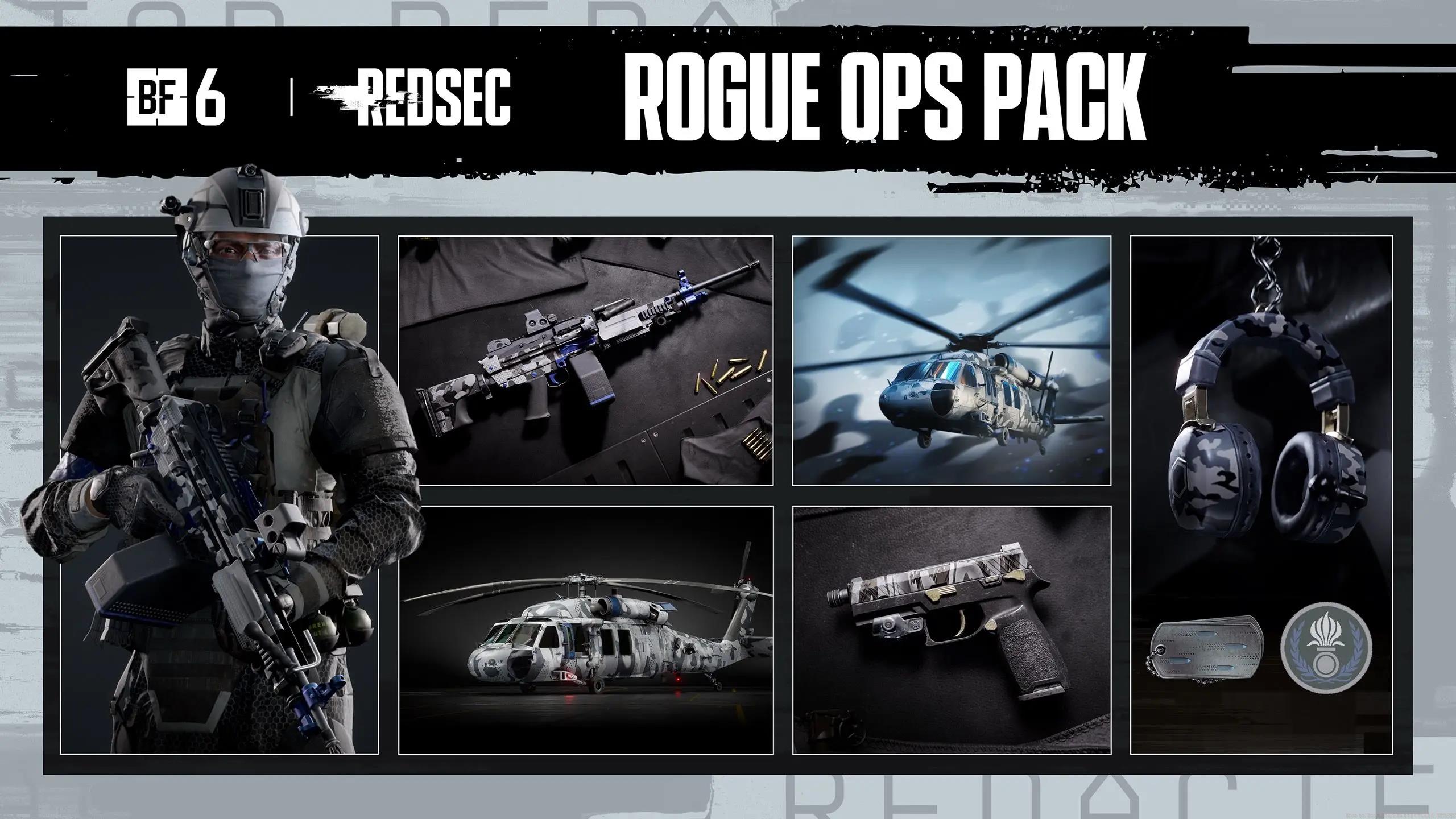
Rogue Ops Pack – Battlefield™ 6 and …
Never experienced Battlefield 6? Not an issue! REDSEC operates as a fully independent adventure, and it’s completely free of charge.
Steam Download Process
- Open the Steam application and authenticate
- Proceed to the Store section
- Look up “Battlefield REDSEC“
- Pick the initial listing identified as Free
- Select Play Game or Add to Library
- Commence the installation (~35-60 GB overall)
Throughout setup, EA App will auto-install if absent. You’ll require connection or creation of a complimentary EA Account for cross-progression functionality.
Warning
Preloading isn’t accessible for newcomers, so anticipate congested servers at release. Install during non-peak periods when feasible.
PlayStation 5 Download
- Start your PS5 system
- Access the PlayStation Store
- Look up “Redsec” utilizing R2
- Choose the Battlefield REDSEC game details page
- Press X to begin installation
The installation option appears conspicuously on the store homepage, eliminating extensive searching. PS5 Pro users receive improved graphics automatically.
Xbox Series X|S Download
- Access the Microsoft Store on your device
- Search for “Battlefield REDSEC“
- Pick the complimentary installation alternative
- Install and connect your EA Account
Before committing, verify your setup can manage the experience:
Storage Capacity Required:
- Current BF6 possessors: 8-36 GB (contingent on texture package selection)
- Newcomers: 35-60 GB total
- Console gamers: Moderately reduced thanks to compression
Minimum System Specifications: Since REDSEC employs identical technology to Battlefield 6, you’ll need equipment satisfying those benchmarks. An RTX 3060 or comparable is suggested for peak performance, although the game adapts effectively on previous hardware configurations.

Pro Tip: Free up extra space beyond the minimum requirements – future updates and seasonal content will need additional room.
For optimal performance, consider these additional strategies: Close background applications during installation to accelerate download speeds, particularly bandwidth-intensive programs like streaming services or cloud storage syncs. Monitor your internet data caps if applicable, as the full download for new players could represent a significant portion of monthly allowances. For console users, external SSD storage can dramatically improve load times compared to traditional hard drives.
REDSEC enables complete cross-platform interaction among PC, PS5, and Xbox Series X|S. Your advancement, unlocked content, and Season 1 materials transfer smoothly between the primary game and battle royale mode.
Info
Twitch Drops remain active throughout launch week, providing exclusive cosmetic items and experience boosts for viewing authorized streamers.
The advantage of REDSEC exists in its approachability – whether you’re a Battlefield expert or completely inexperienced with the franchise, this battle royale mode delivers that characteristic large-scale combat encounter without the obstacle of acquiring the complete game. With correct setup and comprehension of the varied access techniques, you’ll be deploying into Fort Lyndon and encountering some of the most demanding BR gameplay currently available.
Maximize your cross-platform experience by ensuring your EA Account is properly linked before your first session. Your weapon unlocks, character customization, and battle pass progression from Battlefield 6 will automatically synchronize, allowing you to continue your advancement regardless of which platform you choose to play on. This unified progression system means your time investment is preserved across all supported devices.
Action Checklist
- Verify sufficient storage space (8GB for BF6 owners, 35-60GB for new players)
- Prepare EA Account credentials for cross-progression setup
- Follow platform-specific installation steps based on your gaming setup
- Configure graphics settings appropriately for your hardware capabilities
- Link accounts for Twitch Drops and cross-platform progression verification
No reproduction without permission:Tsp Game Club » How to Download Battlefield REDSEC Master Battlefield REDSEC installation with platform-specific guides, storage optimization, and cross-progression tips